Product Commercial Photography (2026 Guide)

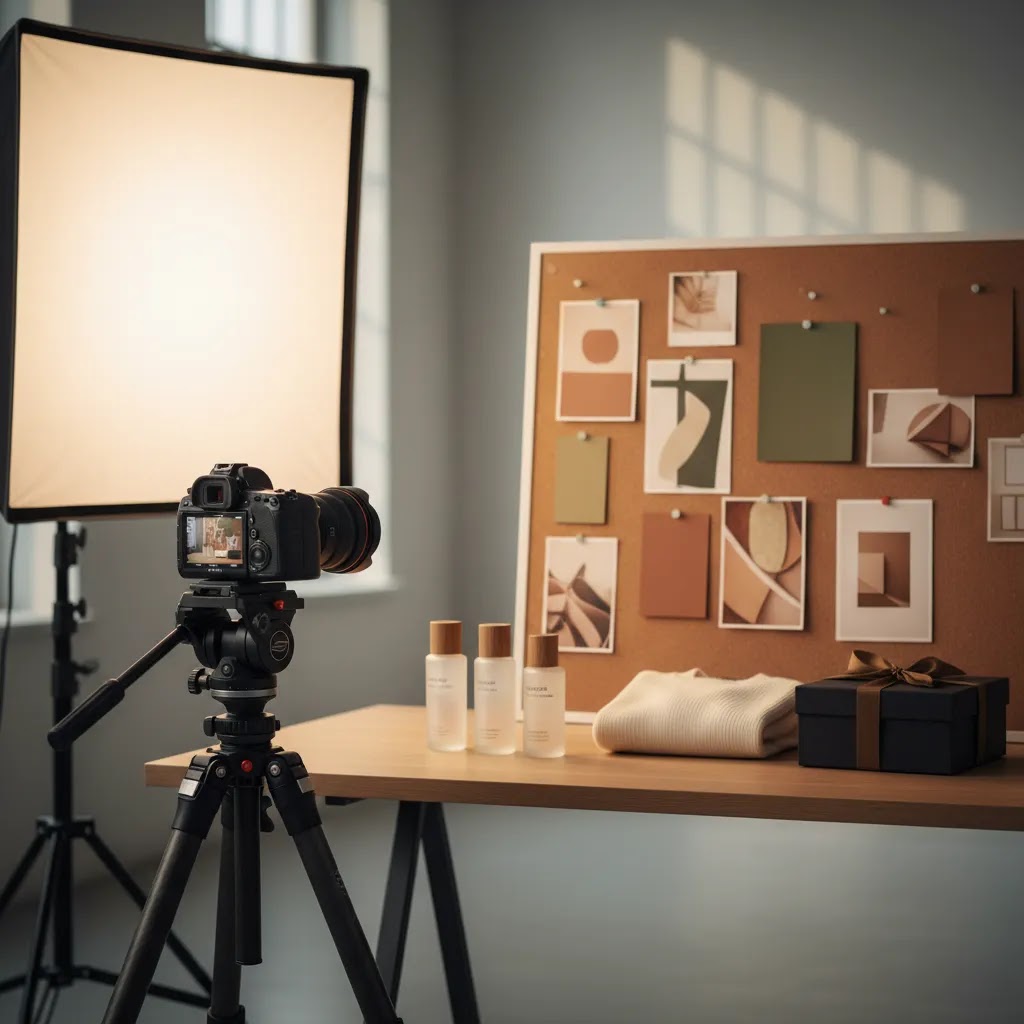
If you sell physical products online, your images often do the job that an in-store display, salesperson, and product demo would handle in a retail setting. That is why product commercial photography matters. It is not just about making items look attractive. It is about producing images that help shoppers understand value, compare options, and feel confident enough to buy. For ecommerce teams planning a shoot, the process usually starts with a clear brief and ends with a set of assets for product pages, ads, email campaigns, marketplaces, and social channels. If you are still weighing formats, staffing, or local studio options, it helps to compare the broader product photography services ecosystem before committing your budget and timeline.
Contents
- What product commercial photography actually means
- Product photoshoot vs commercial photoshoot: the difference (and which you need)
- From brief to final shot
- What assets ecommerce brands usually need
- Commercial product photography ideas and examples (by channel and goal)
- Pros and Cons
- Who it is for
- How AcquireConvert recommends approaching it
- How to choose the right commercial photography setup
- Commercial photography pricing and earning questions: what store owners should know
- Frequently Asked Questions
- Key Takeaways
- Conclusion
What product commercial photography actually means
Product commercial photography is photography created to illustrate and sell a product or service for money. In the multiple-choice phrasing sometimes used in coursework, that means option a is the correct one. For ecommerce, that definition is useful because it keeps the goal clear. You are not shooting for art alone. You are creating commercial assets that help drive understanding, clicks, and purchases.
This can include clean white-background packshots, detailed close-ups, styled lifestyle scenes, commercial beauty photography, apparel shots, product video commercial footage, and product catalog photography for wholesale or DTC use. The exact mix depends on where the images will be used and what the buyer needs to see before purchasing.
For Shopify merchants, the practical question is not “Do I need photography?” It is “What kind of photography helps customers convert with fewer objections?” In many cases, that means a combination of clarity and persuasion. A shopper needs straightforward product views on the PDP, but they may also need texture shots, scale cues, usage context, or short-form motion assets.
If you are planning a more controlled indoor setup, reviewing your options for a dedicated photo studio can help you decide whether studio commercial photography is the right fit for your brand, product size, and production volume.
Product photoshoot vs commercial photoshoot: the difference (and which you need)
Here is the thing, a lot of store owners book a “product shoot” when what they really need is a commercial shoot. The words sound similar, but the output and planning discipline are usually different.
A basic product photoshoot is often descriptive. It focuses on getting clean images of the item from a few angles, typically to populate a Shopify product page, a collection grid, or a simple catalog. That is valuable, especially if your current images are inconsistent or low quality, but it is not always built around persuasion or channel performance.
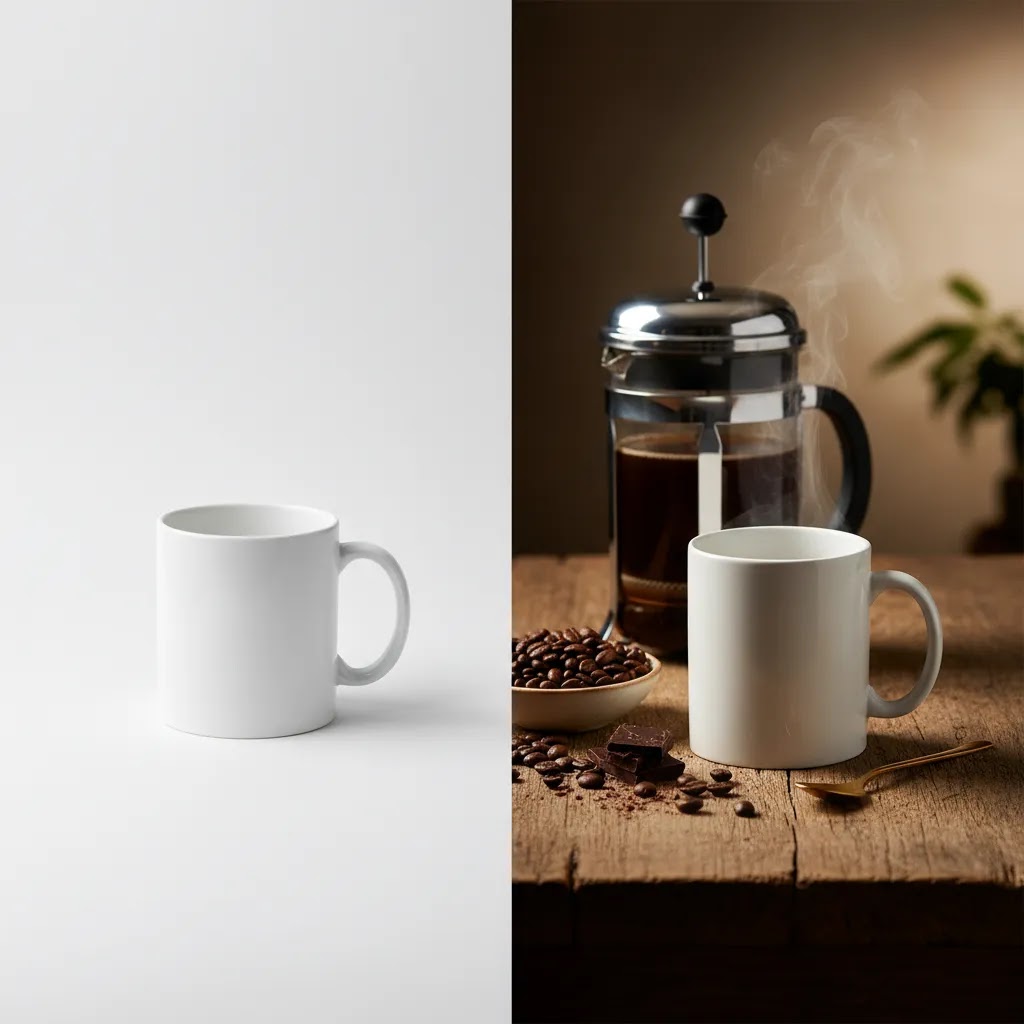
A commercial product shoot is planned around usage. The goal is not just “photos of the product.” The goal is a set of deliverables designed for specific marketing placements, with composition, cropping, styling, and retouching standards that match those placements.
The difference shows up fast once you start planning:
- Creative direction: A commercial shoot starts with what the customer needs to believe or understand, not just what the product looks like.
- Shot list discipline: A product shoot might be “front, back, side.” A commercial shoot maps shots to objections, features, and channel formats, so you do not waste time creating assets that never get used.
- Styling and prop rules: Commercial shoots tend to have clearer guardrails around props, surfaces, backgrounds, and brand consistency across SKUs.
- Retouching standards: Commercial packshot photography often needs tighter color accuracy, consistent shadows, dust cleanup, and more defined exports, because those images will be compared side-by-side across a catalog or ad feed.
- Usage-specific crops: A Shopify PDP may want a 1:1 or 4:5 crop, Meta ads may need 4:5 and 9:16, marketplaces may require specific padding and background rules, and B2B line sheets may need consistent aspect ratios and naming conventions.
Think of it this way, if you only need clean coverage to replace weak images, a simpler product shoot can be enough. If you are preparing for a launch, scaling paid media, trying to justify premium pricing, or building assets for wholesale and line sheets, a commercial approach is usually the safer bet.
For most Shopify store owners, the decision comes down to one question: do you need photos that “show the product,” or photos that “sell the product” across multiple placements? If it is the second one, plan commercially from day one, even if you keep the production modest.
From brief to final shot
The strongest commercial shoots usually succeed before the camera comes out. The brief shapes everything that follows: creative direction, shot list, production schedule, editing requirements, and final deliverables.
1. Start with the commercial objective
Be specific about where the images will appear. Product page galleries need a different treatment from Meta ads, Amazon listings, printed catalogs, or homepage banners. A cosmetics brand may prioritize texture and finish. A home goods brand may need scale and room context. A fashion label may need both on-model and flat-lay coverage.
2. Build a practical shot list
Your shot list should cover the non-negotiables first:
- Front, side, back, and angled packshots
- Close-ups of materials, labels, and details
- Scale or in-use images
- Variant coverage for color, size, or bundle differences
- Crops formatted for ads, marketplaces, and social
This is where many teams overspend. They brief for “more content” instead of “the content needed to sell.” A tighter brief usually leads to a better return on production time.
3. Define composition and styling rules
Good product photography composition supports the buyer decision. Keep angles consistent across a collection. Decide how much prop styling is appropriate. Make sure backgrounds, shadows, and color treatment align with your brand and do not distract from the product itself.
4. Plan retouching and delivery before the shoot
Commercial packshot photography often needs clipping paths, background cleanup, dust removal, color correction, and export formatting. If the team agrees on those standards in advance, you avoid revision loops later.
If your catalog is broad or technically varied, it can help to review examples of how teams approach different photography products rather than assuming one setup works equally well for beauty, apparel, electronics, and food.
What assets ecommerce brands usually need
Most stores do not need one hero image. They need an asset system. That is the difference between a one-off creative shoot and photography that supports ecommerce performance across channels.
A typical asset mix may include:
- White-background packshots for PDPs, feeds, and marketplaces
- Styled lifestyle imagery for homepage, collections, ads, and email
- Detail shots that reduce uncertainty around materials, finish, or features
- Short-form motion for paid social, reels, and product video commercial edits
- Catalog-ready crops for line sheets, B2B selling, or seasonal launches
For brands scaling SKU count, consistency matters as much as creativity. A polished hero image is helpful, but repeatable production standards are what make large catalogs manageable. That is especially true if you are building out wholesale decks or large collection pages. For that use case, a dedicated product photography studio workflow can be more valuable than occasional campaign shoots.
You should also think about post-production flexibility. Some teams now combine studio photography with AI-assisted editing tools for faster variations. Based on current tool data, ProductAI offers options like AI Background Generator, Free White Background Generator, and Increase Image Resolution. These can help with background variations, simple cleanup, or asset repurposing, but they are best treated as workflow support rather than a substitute for a well-planned commercial shoot.
Commercial product photography ideas and examples (by channel and goal)
What many store owners overlook is that “ideas” are only useful if they map to a job the image needs to do. If you want a shot list that supports conversion, start by thinking in four outcomes: clarity, trust, scale, and desire.
Clarity shots help shoppers identify what they are buying. Trust shots reduce the “Is this legit?” hesitation. Scale shots prevent returns and disappointment. Desire shots do the brand-building work that supports premium positioning and paid acquisition performance.
Ideas that support clarity (commercial packshot photography)
These are the workhorse images for Shopify PDPs, collection pages, and product feeds:
- Consistent front, 3/4 angle, side, back views with matching camera height across the set.
- Variant system shots, for example, “one angle that shows each colorway” so shoppers can compare without guessing.
- Packaging plus product, especially if unboxing or gifting is part of the value proposition.
- For bundles, a clean “everything included” layout that removes ambiguity.
From a practical standpoint, clarity images are where you want the strictest consistency. If your store has multiple SKUs, these are the shots customers compare directly.
Ideas that build trust (details, texture, proof)
Trust comes from detail. The way this works in practice is that you show the proof points shoppers would normally verify in person:
- Macro shots of texture, stitching, grain, finish, or printed labels.
- Feature close-ups, for example, cap mechanisms, closures, ports, or accessories.
- Material cues, such as the sheen of a bottle, the weave of fabric, or the thickness of a balm.
- Consistency shots across a range, so shoppers do not wonder why one item looks different from another.
For categories like beauty, jewelry, and premium packaging, these images often carry more weight than a styled lifestyle scene, because they answer quality doubts.
Ideas that show scale (reduce returns and uncertainty)
Scale is one of the most common missing pieces on Shopify product pages. Consider this:
- In-hand shots for anything handheld or portable.
- In-room or on-surface shots for home goods, decor, and larger items.
- On-body shots for apparel, jewelry, bags, or accessories, even if they are simple and consistent.
- Size comparison frames, like product next to a common object, as long as it is not distracting.
Scale shots are not about being artistic. They are about preventing the customer from imagining the wrong thing.
Ideas that create desire (lifestyle and campaign scenes)
These images help you sell the feeling, not just the object:
- Context scenes that show the product in the moment it is used, not just sitting next to props.
- Ingredient or material storytelling for beauty, food, or wellness, as long as it is honest and not misleading.
- Premium lighting and set design for high-margin collections where positioning matters.
- Seasonal or gifting scenes timed to launches, where you want higher click-through on ads and emails.
The reality is that desire images often perform best when they sit on top of a strong base of clarity and trust. If your PDP images are weak, a beautiful lifestyle shot rarely fixes conversion by itself.
Channel-specific examples you can translate into a shot list
If you want a more operational way to plan, build your shot list around the placements you rely on.
For Shopify PDP galleries, many ecommerce teams use a sequence like: hero packshot, alternate angle, key detail, scale or in-use, what is included, variant group shot, and then one lifestyle image that reinforces positioning. Your exact order depends on your product, but the goal is to answer questions in the order shoppers tend to ask them.
For paid social, you typically need crops that hold up in 4:5 and 9:16. That pushes you toward tighter compositions, cleaner negative space for overlays, and variations that still read clearly on a phone screen. Even if you do not add text overlays, leave room so the product does not feel cramped in the frame.
For marketplaces, main images often have strict background and cropping rules. If you sell across multiple channels, plan a compliant “marketplace version” during the same capture session so you are not trying to retrofit an artistic image into a rule-based format later.
For email, think in terms of banner and hero formats. A clean wide crop of a lifestyle scene can work, but so can a minimal packshot with negative space. The key is that the image supports the CTA and does not make the product hard to identify at smaller sizes.
Category-specific examples that competitors tend to get right
Some categories have predictable shot needs. If you translate these into your own products, you will usually end up with a more useful brief.
Food often benefits from: a clean packshot for the PDP and feeds, a texture shot (crumb, pour, interior), and an in-context serving image that communicates portion and use. Bottles and beverages often need: label legibility, cap and closure details, and reflection control, because shiny packaging can look cheap if lighting is off. Beauty typically needs: applicator or swatch detail, finish and texture accuracy, and careful retouching that does not misrepresent results. Small still-life objects, like accessories or gadgets, usually need: scale cues and functional detail shots, because customers want to understand how it works, not just how it looks.
If you treat “ideas” as a way to reduce customer uncertainty by channel, you end up with an asset library that supports both acquisition and conversion, not just a collection of pretty images.
Pros and Cons
Strengths
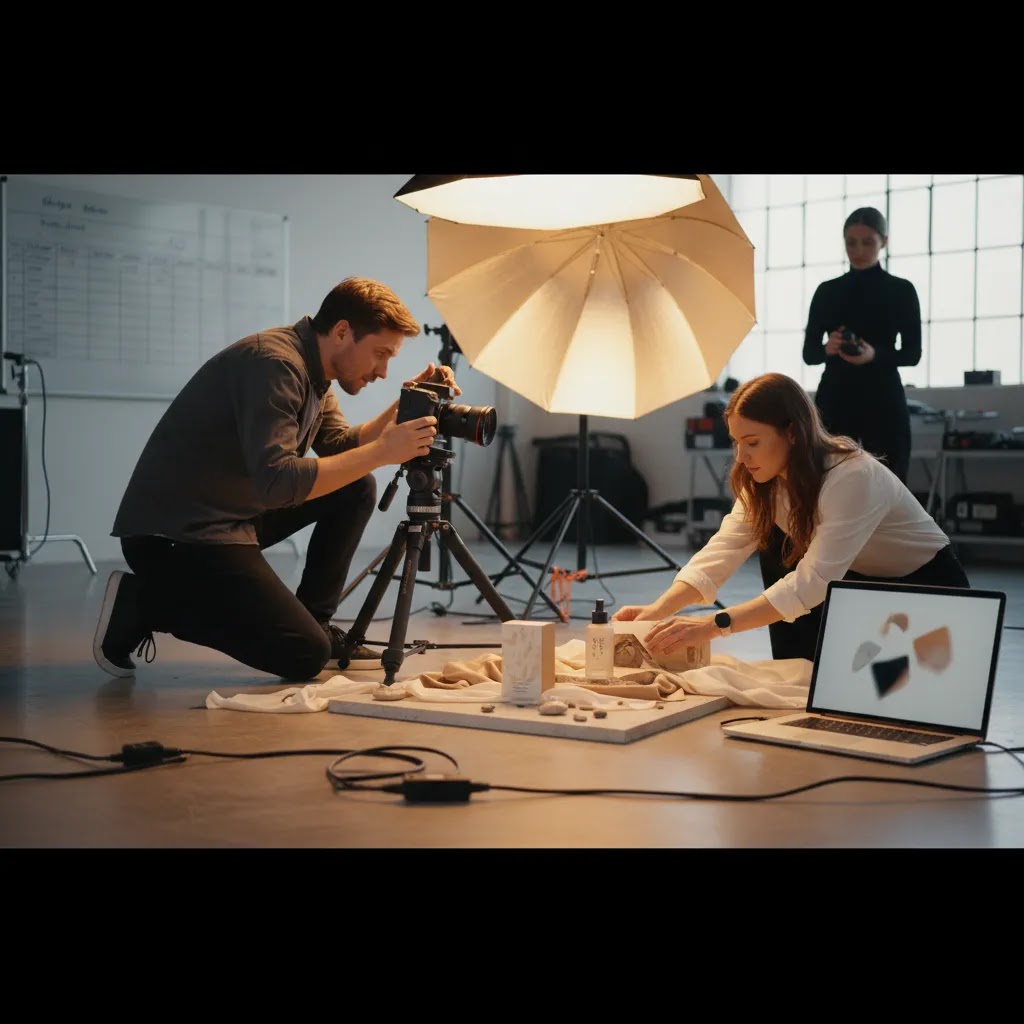
- Creates sales-focused visuals built for ecommerce, ads, marketplaces, and retention channels.
- Helps shoppers evaluate product quality, features, scale, and use cases more confidently.
- Supports consistent brand presentation across Shopify product pages, social, and catalogs.
- Can reduce friction in the buying journey when shot lists cover objections and detail needs.
- Gives you reusable assets that can often be repurposed across launches, email campaigns, and paid media.
- Works well alongside structured post-production workflows, including background editing and format adaptation.
Considerations
- Costs can rise quickly if the brief is vague, the shot list is bloated, or revisions are not defined upfront.
- Highly styled commercial beauty photography or apparel shoots may require extra spend on props, models, stylists, and retouching.
- One visual style does not fit every catalog, so multi-category stores often need different production approaches.
- Studio work can produce clean assets, but it may not always communicate real-life use as effectively as lifestyle photography.
- AI editing tools may speed up some tasks, but they still depend on strong source photography and careful quality control.
Who it is for
This approach is a strong fit for ecommerce brands that need photography to perform a job, not just look polished. If you run a Shopify store with growing traffic but inconsistent conversion from product pages, commercial photography can help clarify the offer. It is especially relevant for brands selling visually sensitive products such as beauty, apparel, jewelry, packaging-heavy goods, home decor, and premium accessories.
It also suits teams preparing for a relaunch, seasonal campaign, marketplace expansion, or catalog refresh. If your current assets are inconsistent across SKUs, too lifestyle-heavy to explain the product, or too plain to support paid acquisition, a more commercial framework may be the right next step.
How AcquireConvert recommends approaching it
At AcquireConvert, the practical recommendation is to treat product commercial photography as part of your conversion system, not a standalone creative project. Giles Thomas’s work as a Shopify Partner and Google Expert gives this a useful ecommerce lens. The question is not only whether an image looks good. The question is whether it supports discovery, product understanding, and purchase intent across the channels you actually use.
For most merchants, that means separating must-have conversion assets from nice-to-have campaign assets. Start with packshots, detail angles, and clear product page imagery. Then expand into styled content, short-form motion, or localized shoots if the economics make sense. If you are comparing local vendors or service models, our guide to product photography austin is a useful example of how to evaluate service fit by output type, production quality, and intended use.
If catalog scale is part of the challenge, you can also explore AcquireConvert resources on Catalog Photography to understand how larger SKU sets typically require more standardized planning and delivery.
How to choose the right commercial photography setup
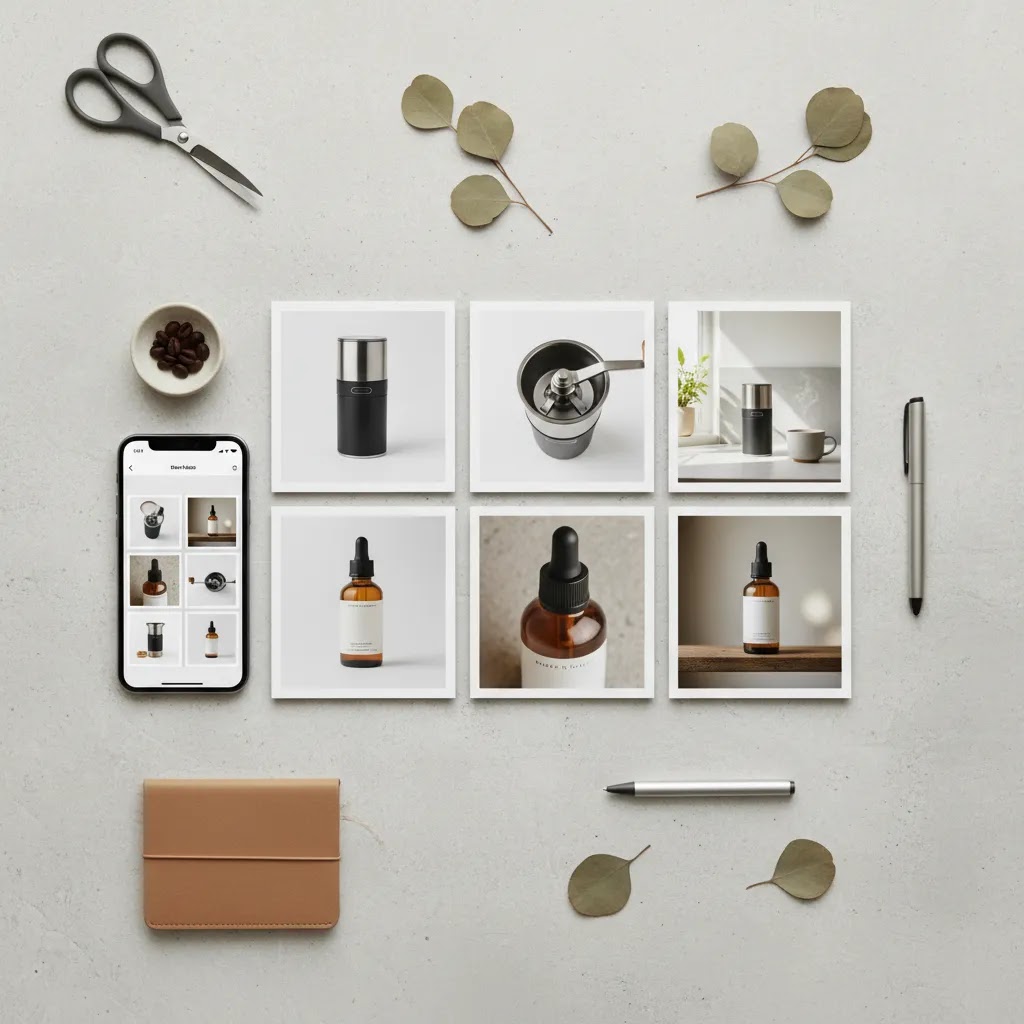
There is no single best setup for every store. The right choice depends on your catalog, margins, channel mix, and internal workflow. Here are the main criteria worth evaluating.
1. Match the shoot type to the selling environment
If your biggest need is product page clarity, prioritize studio commercial photography and commercial packshot photography. If your challenge is ad engagement or brand storytelling, invest more in styled or in-context imagery. If you sell on multiple channels, you may need both.
2. Prioritize repeatability over one-off creativity
Many merchants overvalue a beautiful hero image and undervalue consistency across 50 or 500 SKUs. Ask whether the photographer or agency can reproduce the same quality, angle discipline, lighting, and file standards at scale. That matters more for conversion and operational efficiency.
3. Review deliverables like an operator
Do not stop at “number of photos.” Ask about image dimensions, file naming, retouching scope, aspect ratios, background versions, clipping, and source ownership. If you need both PDP imagery and marketplace compliance, those details matter.
4. Consider post-production support
Some brands can save time by combining professional capture with editing tools for additional variants. Current ProductAI tools such as Background Swap Editor and Magic Photo Editor may help extend asset usage after the shoot. Still, they work best when your original photography is clean, well lit, and compositionally strong.
5. Choose for your current stage, not your ideal future brand deck
A growth-stage store often needs commercially useful images faster than it needs an elaborate brand campaign. If your existing images are limiting conversion, start with the deliverables that remove purchase hesitation. Build the more stylized library later.
For a second commercial reference point, especially if you are comparing providers near a buying decision, revisit this related resource on product photography austin. Seeing how service pages frame scope, logistics, and outputs can make it easier to write your own brief and compare quotes more intelligently.
Commercial photography pricing and earning questions: what store owners should know
Pricing is where most ecommerce teams feel unsure, because quotes can vary a lot. Then the natural next question becomes: “What does a product photographer make?” or “How much do top photographers earn?” Those are interesting questions, but they are usually a proxy for what you really need to know as a buyer: what does professional commercial production include, and how do I compare options fairly?
From a practical standpoint, pricing typically moves up or down based on scope and complexity, not just “how many photos.”
What usually drives cost up or down
If you want to predict where a quote will land, look at the variables that create real work:
- SKU count and variation complexity: A single hero product is simpler than a range with multiple sizes, finishes, or bundles that each need accurate coverage.
- Styling needs: Prop sourcing, set building, and food or beauty styling can add time and specialist labor.
- Models and talent: On-model apparel, in-hand lifestyle, or UGC-style production often adds scheduling and coordination. Usage rights can also vary.
- Retouching depth: Basic cleanup and color correction is different from high-end beauty retouching, advanced compositing, or strict catalog consistency work.
- Usage rights and licensing: Some shoots price based on where and how long images will be used. If you plan to scale paid media or use imagery in broader campaigns, clarify this upfront so there are no surprises.
- Turnaround and production speed: Faster delivery can require extra resourcing. If you have a launch date, tell the photographer early so expectations match reality.
The reality is that a “lower” quote is not always cheaper if it creates rework later, for example, inconsistent angles that break your Shopify collection pages, or exports that do not match the crops you need for ads and marketplaces.
What photographer earnings questions mean for you as the buyer
Questions about how much product photographers make often come from trying to judge whether a quote is “reasonable.” A better approach is to assess whether the operation looks professional enough for the output you need.
Signals you are dealing with a professional commercial setup often include: a clear brief intake process, a written shot list and deliverables agreement, defined retouching standards, consistent lighting and angle systems across SKUs, and predictable file delivery (dimensions, naming, background versions). In many cases, the team will also help you think through usage, for example, which shots should be captured with extra negative space because they will become ad creatives later.
On the other hand, a low-detail quote that only promises “X images” without specifying retouching scope, exports, or usage can be risky for ecommerce. You may still get decent photos, but you are more likely to end up with assets that do not fit your channel requirements, which creates hidden costs.
A simple way to compare quotes fairly
Before you judge price, align the quotes on the same definitions. Ask each provider to confirm:
- The exact deliverables by SKU, including angles and any lifestyle setups.
- Retouching included per image, and what counts as a revision.
- Usage rights assumptions, especially for paid advertising and marketplace use.
- File standards: dimensions, formats, color profile, background versions, and naming conventions.
- Timeline and what happens if products arrive late or there are change requests.
Once those inputs are comparable, you can make a real decision based on fit. For most Shopify store owners, that is the goal: a quote that produces assets you can use across PDPs, ads, email, and marketplaces without constant patchwork edits.
Frequently Asked Questions
What is commercial product photography?
Commercial product photography is photography created to help sell a product or service. In ecommerce, that includes packshots, detail images, styled scenes, and video clips used on product pages, ads, marketplaces, and email. The defining feature is commercial purpose, not a specific visual style.
What is the difference between product photography and commercial product photography?
Product photography is a broad term that covers almost any photography of a product. Commercial product photography is narrower and more sales-oriented. It is planned around marketing and merchandising goals, so the brief, composition, editing, and deliverables are shaped by where the images will be used to drive buyer action.
Do ecommerce brands need both packshots and lifestyle images?
In many cases, yes. Packshots help with clarity, consistency, and channel compliance. Lifestyle images help communicate use, scale, and brand fit. The right balance depends on the product and sales channel. A technical product may need more detail shots, while a beauty or fashion brand may need stronger contextual imagery.
How should I brief commercial product photographers?
Start with the sales objective, usage channels, shot list, styling rules, and technical deliverables. Include examples of composition, background preferences, aspect ratios, and retouching expectations. A strong brief reduces revisions and helps photographers recommend the right studio, lighting, props, and production workflow.
Is studio commercial photography better than location photography?
Not always. Studio work is usually better for consistency, repeatability, and clean ecommerce outputs. Location or lifestyle photography can be stronger for storytelling and product context. Many stores benefit from a mix, using studio images for product pages and styled imagery for ads and brand content.
Can AI tools replace a commercial product shoot?
No, not completely. AI tools can help with background swaps, white background versions, cleanup, or asset variations. They are most useful after you already have good source images. If lighting, angle, or product detail is weak at capture stage, AI editing usually will not solve the underlying quality problem.
What should ecommerce teams ask before hiring a commercial product photography agency?
Ask about experience with your product type, repeatability across SKUs, retouching scope, file delivery standards, turnaround times, and rights to final assets. You should also review whether the agency understands ecommerce needs such as Shopify galleries, marketplace formatting, and ad creative requirements.
How many final images does one product usually need?
That varies by category, but many ecommerce products need at least a core set of front, angle, side or back, detail shots, and one or two in-context visuals. More complex products may need feature callouts, scale demonstrations, or short-form video. Start from customer objections rather than an arbitrary image count.
Does commercial beauty photography require a different approach?
Yes. Beauty products often need careful control over reflections, texture, packaging finish, shade accuracy, and ingredient or applicator detail. The standard for retouching is also higher. If you sell cosmetics or skincare, make sure the photographer can handle close-up accuracy without making the product look unrealistic.
What is the 20 60 20 rule in photography?
The 20 60 20 rule is a simple way some photographers describe where results come from: roughly 20% from gear, 60% from lighting and technique, and 20% from editing. The exact percentages are not a strict standard, but the takeaway for ecommerce is real. You usually get more improvement from consistent lighting, clean styling, and repeatable angles than from chasing a new camera body. Editing matters, but it cannot rescue weak capture fundamentals.
How much money does a product photographer make?
It varies widely based on location, client type, specialization, and whether they run a solo operation or a studio. For a Shopify store owner, the more useful lens is not the photographer’s income, it is whether their process produces consistent, usable deliverables. A professional operation typically has defined workflow steps for intake, shot lists, lighting setups, retouching, and file delivery, which is often what you are paying for.
How many photographers are making over $300,000 a year?
There is no single public number that applies across the industry, and high earnings usually reflect more than “taking photos.” It often includes running a production business: repeat clients, larger commercial licensing, higher-volume catalog work, and a system for managing teams and post-production. As a buyer, you do not need a photographer at that scale to get strong ecommerce results. You do need clear deliverables, predictable quality, and usage rights that match your marketing plans.
Key Takeaways
- Product commercial photography is photography made to help sell a product or service, not just to look creative.
- Start with a brief tied to ecommerce use cases such as PDPs, ads, catalogs, and marketplaces.
- Prioritize a repeatable asset system that combines packshots, detail images, and selective lifestyle content.
- Choose photographers, studios, or agencies based on deliverables and consistency, not only visual flair.
- Use AI editing tools as support for post-production efficiency, not as a replacement for strong original photography.
Conclusion
Product commercial photography works best when you treat it as part of the buying journey. The goal is not simply to create attractive images. It is to remove doubt, communicate value, and give shoppers the visual information they need to act. For most ecommerce brands, that means starting with a clear brief, a disciplined shot list, and deliverables shaped by real channel requirements. If you want a practical next step, explore AcquireConvert’s service-focused resources, compare related production models, and review how other stores structure photo workflows before you hire. AcquireConvert brings a Shopify-focused, operator-minded perspective to these decisions, informed by Giles Thomas’s experience as a Shopify Partner and Google Expert.
This article is editorial content for informational purposes only and is not a paid endorsement unless explicitly stated otherwise. Pricing, service scope, and tool availability are subject to change, so verify current details directly with each provider. Any performance outcomes from photography, creative changes, or workflow tools will vary by product, market, traffic quality, and store execution, and are not guaranteed.

Hi, I'm Giles Thomas.
Founder of AcquireConvert, the place where ecommerce entrepreneurs & marketers go to learn growth. I'm also the founder of Shopify agency Whole Design Studios.