Product Photography With Models (2026 Guide)

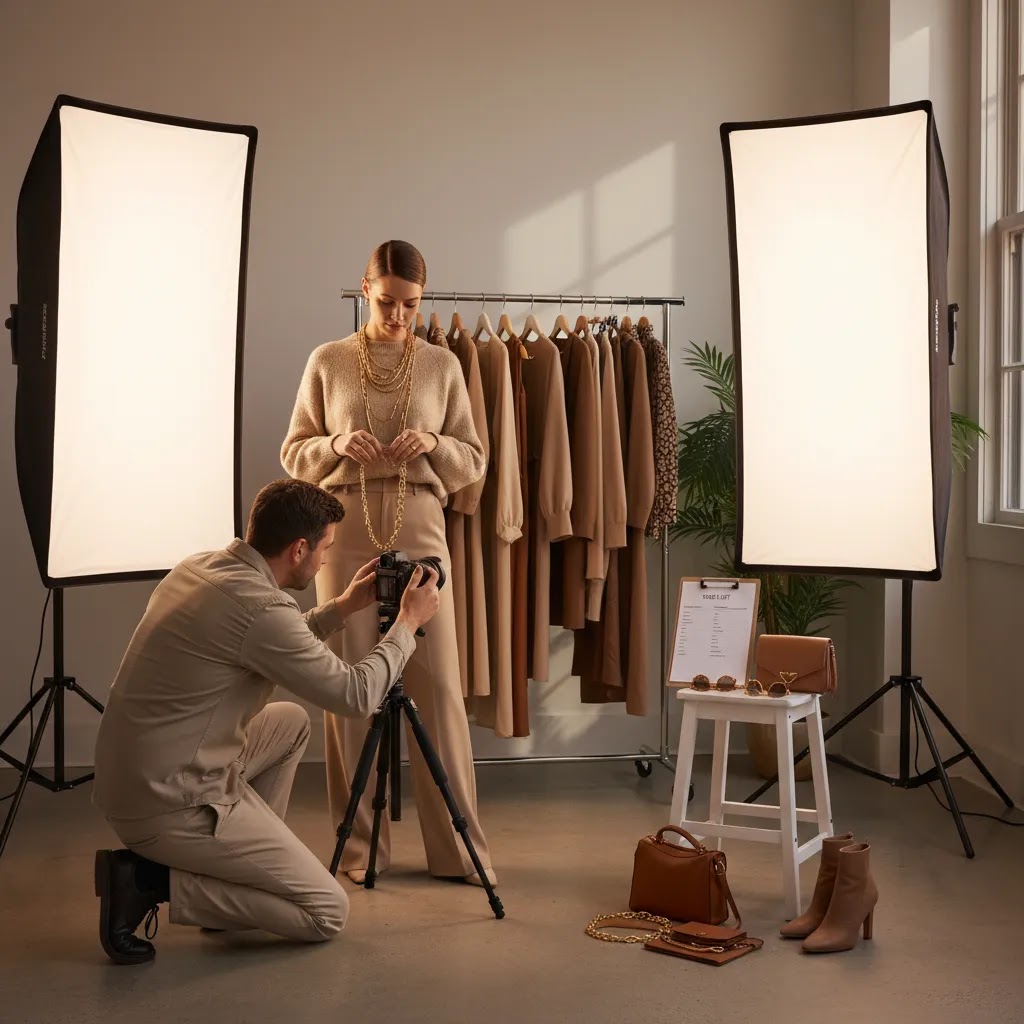
If you sell apparel, beauty, accessories, or any product that looks better in real-life use, product photography with models can help shoppers understand fit, scale, and styling faster than packshots alone. For ecommerce brands, that matters because customers often decide in seconds whether a product feels relevant to them. The challenge is planning a shoot that matches your brand, stays within budget, and produces assets you can use across Shopify product pages, social ads, email, and marketplaces. This guide walks you through how to plan the shoot, what it may cost, when to use AI support, and where live models still make the most sense. If you are also comparing local service options, this product photography austin guide is a useful next stop.
Contents
- What product photography with models is really for
- Creative direction that converts (shot types and poses that answer buyer questions)
- What to plan before the shoot
- Product photography with models cost breakdown (talent, crew, usage rights, and deliverables)
- Pros and Cons
- Casting and model releases for ecommerce (rights, agreements, and what to ask for)
- Who should use model-based product photography
- AcquireConvert recommendation
- How to choose the right shoot setup
- Frequently Asked Questions
- Key Takeaways
- Conclusion
What Product Photography With Models Is Really For
Model-based product photography helps customers picture your product in context. For a Shopify store owner, that usually means answering the questions that flat lays and isolated product shots cannot fully cover: how the item fits, how it moves, who it suits, and what it looks like in everyday use.
This is especially valuable for fashion, jewelry, beauty, accessories, and lifestyle-led brands. A shopper may understand the product details from standard images, but model shots often do more of the persuasion work. They can make sizing feel clearer, create emotional relevance, and give your brand a stronger visual identity.
That said, not every store needs a large editorial shoot. Some brands only need a handful of conversion-focused images for hero sections and product pages. Others need a fuller asset library for ads, landing pages, and seasonal campaigns. If you are balancing ecommerce conversion needs with creative direction, it helps to separate the must-have images from the nice-to-have ones before booking a photo studio.
For most merchants, the goal is not just better-looking content. It is better-performing content that supports higher confidence at the product page level.
Creative Direction That Converts (Shot Types and Poses That Answer Buyer Questions)
Here is the thing, most Shopify stores do not fail because their photos are unattractive. They fail because the photos do not answer the shopper’s questions fast enough. Model photography works best when it is treated like a conversion tool, not just a branding exercise.
From a practical standpoint, your job is to capture a repeatable set of “proof” shots that reduce doubt. Then you can add a smaller layer of lifestyle and mood for identity and acquisition.
A conversion-focused shot menu (by category)
If you are building a shot list, these are the types of model images that usually do the most work on a product detail page.
For apparel, prioritize a clear hero, front and back fit, and a few “movement” frames that show drape and stretch. A walking turn, sitting, arms raised, or a simple twist can reveal how fabric behaves far better than a stiff pose. Add close-ups for material texture, seams, and key design features, and include at least one scale reference shot if sizing is confusing (for example, showing where a hem hits).
For beauty and skincare, think of it this way, shoppers want to see texture, finish, and application. “How to use” sequences tend to help: product in hand, dispensing, on-skin application, and a final look under consistent lighting. If you sell shade-based products, you will typically need a controlled approach to skin tone and color accuracy, and you should expect to review images carefully before publishing.
For jewelry and accessories, focus on scale and detail. Use close-ups that show clasp quality, stone setting, and surface finish, plus simple lifestyle frames that communicate occasion without hiding the product. Hands, neck, and ear shots matter because they show proportion, but they also need consistent angles so customers can compare variants.
Consistency for Shopify PDP galleries
What many store owners overlook is that your Shopify product gallery is a system. If every model shot has a different crop, background, and color grade, the page can feel chaotic and less trustworthy, even if each image is strong on its own.
Try to keep framing, background, and lighting continuity consistent across your core PDP images. If you want to mix lifestyle with clean catalog-style shots, do it deliberately. A common pattern is clean, consistent images first (the ones used for evaluation), then lifestyle images later (the ones used for desire and identity). That way the shopper can assess the product quickly, then enjoy the brand world after they understand what they are buying.
Plan variants for ads versus product pages
Platform norms matter. A photo that performs on Instagram might not work as a primary PDP image. On social, dramatic crops and expressive poses can stop the scroll. On a product page, your primary image needs clarity and product-forward framing.
When you build the shot list, specify which frames are for PDP, which are for paid social, and which are for email or homepage. The way this works in practice is simple, you capture “clean” and “scroll-stopping” versions during the same set. You just need to plan it before shoot day so you are not trying to recreate missed angles later.
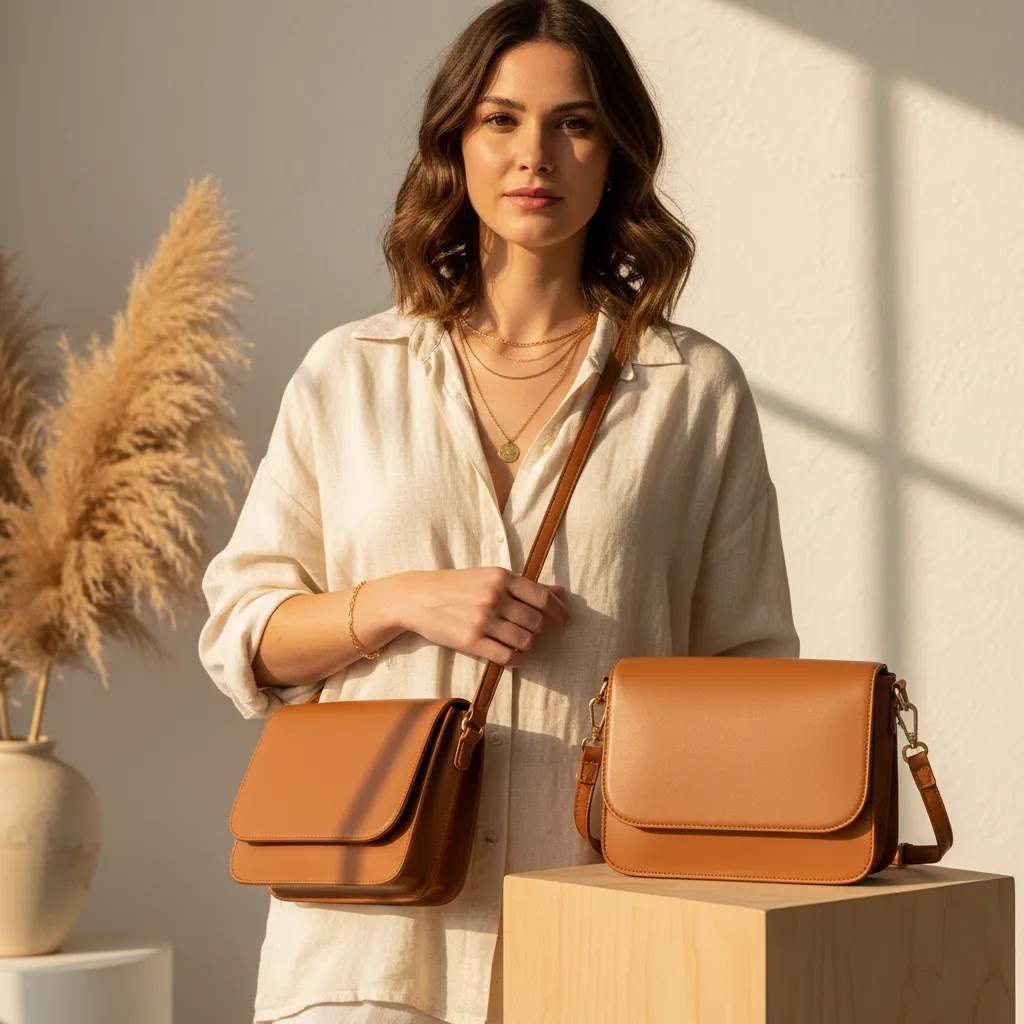
What to Plan Before the Shoot
A successful product photography with model project starts long before shoot day. The strongest ecommerce teams usually work through five decisions first.
1. Decide what each image needs to do
Some images are meant to sell the product page. Others are meant for paid social, email headers, or marketplace listings. If you do not define this upfront, you can end up with attractive images that are hard to reuse. Build a shot list around specific placements such as Shopify gallery images, collection banners, Meta ads, and marketplace secondary photos.
2. Match the model to the buyer, not just the mood board
The right model should make the product easier to evaluate. Think about age range, body type, styling, skin tone, and how closely the casting reflects your actual customer base. For conversion-focused shoots, relatability often matters more than high-fashion styling.
3. Plan for both catalog and lifestyle assets
Many brands need a mix of clean ecommerce imagery and aspirational content. Your standard PDP images may need simple framing and consistent lighting, while social or homepage content can be more expressive. This is where aligning your model shoot with broader photography products requirements pays off.
4. Decide where AI can support the workflow
AI can help with background cleanup, scene variation, image upscaling, and concept testing. AcquireConvert’s product data shows several relevant tools, including AI Background Generator, Free White Background Generator, and Increase Image Resolution. These can be useful after a live shoot if you want alternate backgrounds, cleaner marketplace-ready images, or sharper assets for cropping. They may also help with test concepts before you commit to a full production.
5. Keep channel requirements in mind
Amazon, Shopify, social platforms, and email templates all use imagery differently. Amazon product photography with models may be more restricted than your own site creative. Shopify gives you more flexibility, especially if you want storytelling-led visuals. If you expect to reuse the assets across channels, specify framing, orientation, and background needs in advance. This becomes even more important if your team also needs a product photography studio setup for consistent catalog output.
Product Photography With Models Cost Breakdown (Talent, Crew, Usage Rights, and Deliverables)
Product photography with models cost usually looks “high” when you compare it to product-only packshots, but the real issue is that many costs are hidden until you ask the right questions. If you want accurate quotes, you need to understand what typically drives the budget, and what “usage” actually means.
What actually makes up the cost
Most model shoots are a combination of talent, capture, production support, and post-production. In many cases, the largest line items are the model day rate (or hourly rate), photographer rate, and the studio or location. Then you add the pieces that make the photos look consistent and on-brand: hair and makeup, wardrobe styling, and sometimes a producer who keeps the day on schedule.
Retouching is another common surprise. You might get a quote that includes “light edits” but not full skin cleanup, color matching across looks, or product-specific retouching (like smoothing fabric wrinkles or removing lint). If you sell apparel or beauty, retouching time can add up, especially if you need a consistent look across a full SKU range.
Other costs are smaller individually but real in practice: wardrobe pulls or purchases, props, shipping product to set, steamer fees for garments, and basic catering or kit fees. None of these are “bad,” but they should be visible in your plan so you are not negotiating mid-shoot.
Usage rights in plain English (and why it is often the surprise cost)
Usage rights are the permission you are buying to use the images. That permission often changes based on where you want to run the photos (your Shopify product pages versus paid ads), how long you want to use them, and whether you need exclusivity.
For ecommerce, the most common friction point is paid advertising. A model (or photographer) agreement might allow organic use on your website and social, but require additional fees for paid Meta ads, Google Ads, or large-scale campaigns. Term length also matters. A short license might be fine for a seasonal drop, but painful if the product becomes a core bestseller and you want to run the same creative for years.
Geography and exclusivity can affect pricing too. If you sell internationally, you may need rights that cover more than one country. If you do not want the same model appearing in competitor ads, you may need category exclusivity, which can raise the cost and can be harder to secure.
How to request quotes the right way (and avoid scope creep)
If you ask for “a quote for a model shoot,” you will usually get vague pricing because the deliverables are unclear. Instead, ask suppliers to price against your shot list and specify how they quote: per look, per hour, per day, or per final image.
Also define deliverables clearly. “10 final images” can mean 10 retouched selects total, or it can mean 10 images plus crops for Shopify thumbnails, square versions for paid social, and wide banners for email. Consider this before you agree to anything, because adding formats later can turn into expensive post-production scope creep.
A practical deliverables request usually includes the number of final selects, the number of variations or crops you need (for example, 1:1, 4:5, 16:9), whether background options are needed, and what level of retouching is included. If you want the shoot to support PDPs and acquisition at the same time, build those outputs into the quote from day one.
Pros and Cons
Strengths
- Shows fit, scale, and real-world use more clearly than product-only images.
- Can improve the perceived quality of your brand and make products feel more desirable.
- Creates versatile assets for Shopify product pages, paid social, email, and landing pages.
- Helps customers imagine themselves using or wearing the product.
- Works particularly well for apparel, beauty, accessories, and lifestyle categories.
- Can be combined with AI editing tools to expand asset variations after the shoot.
Considerations
- Costs are usually higher than standard packshot photography because you may need talent, styling, makeup, location, and production time.
- Poor casting or styling can make a product feel less relevant to your target customer.
- Model-led imagery can date faster than clean catalog photography, especially for trend-sensitive brands.
- Not every marketplace or channel gives you the same freedom to use editorial-style images.
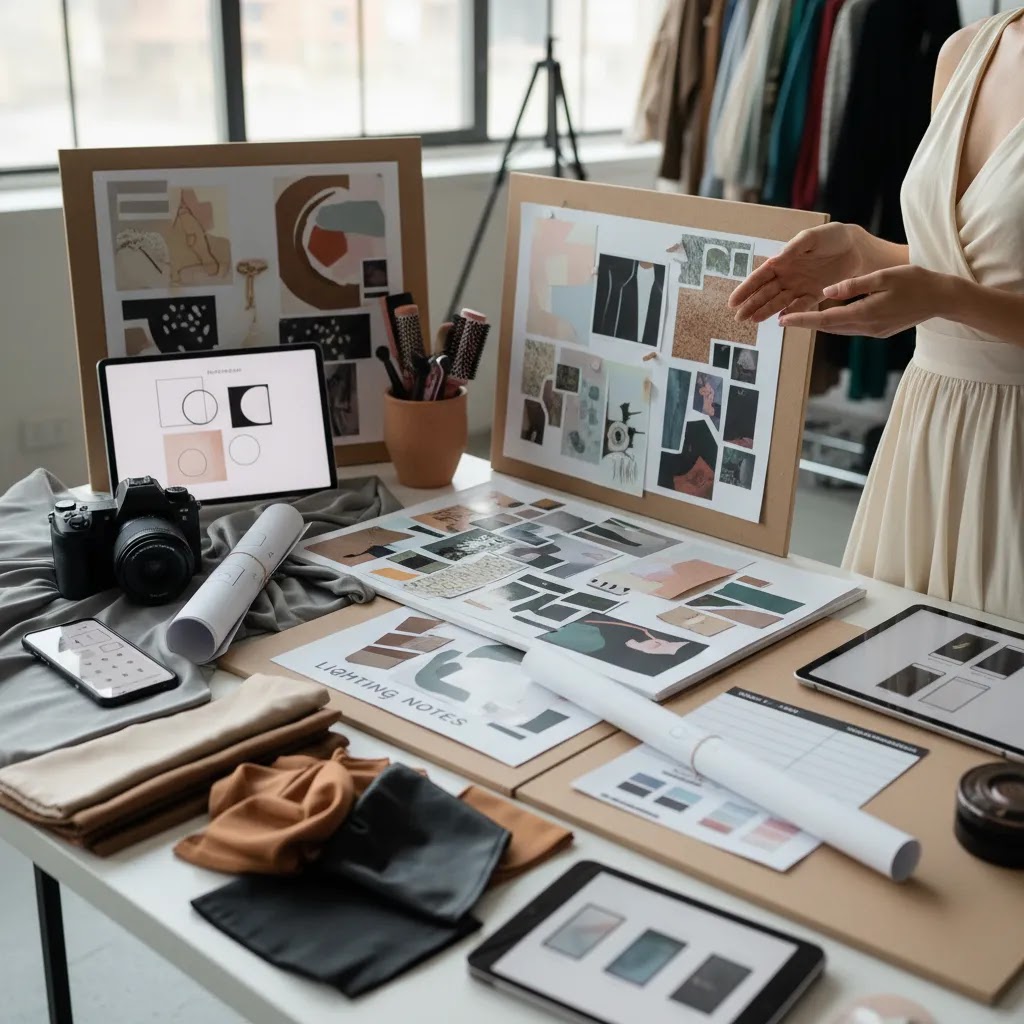
Casting and Model Releases for Ecommerce (Rights, Agreements, and What to Ask For)
What many store owners overlook is that “booking a model” is not the same as having the right to use the photos everywhere your brand sells. If you want to reuse images across Shopify, paid ads, email, and marketplaces without legal headaches, you need to treat releases and usage as part of production, not paperwork you handle later.
What to confirm before shoot day
At minimum, you want a signed model release that matches how you plan to use the content. If you are shooting in a private space, you may also need a property or location release. If there is recognizable art, signage, or branding in the background, that can create extra clearance issues, so it is worth keeping backgrounds clean unless your team is managing releases properly.
You also need to confirm who owns what. Many photographers license you the right to use images, rather than selling full ownership. That is not automatically a problem, but you need clarity on what is permitted, for how long, and for which channels.
A simple rights checklist for Shopify brands
Before you shoot, confirm the permitted channels you care about. For most Shopify store owners, that includes your Shopify storefront, email marketing, organic social, and paid ads. If you sell through marketplaces, confirm marketplace use explicitly, because some agreements treat that differently than “website use.”
Then confirm geographic scope and term length. If you ship internationally, make sure your rights are not limited to a single country. If you plan to reuse top-performing assets for more than one season, do not assume you have unlimited time. Get it in writing.
Finally, ask about exclusivity. If you are in a competitive niche, you may want to limit the model from appearing in direct competitor campaigns during your usage term. Exclusivity can raise rates, so only pay for what you actually need.
Why this matters for reuse across PDPs, ads, and seasonal campaigns
The reality is that good ecommerce assets get reused. A strong hero photo might run on the PDP, in a Google Shopping image test, in Meta ads, and in an email campaign. If your rights do not cover that, you can end up either pulling ads mid-flight or reshooting just to stay compliant.
Keeping it practical, tie rights decisions back to your content plan. If you know you will run the images across acquisition and retention, negotiate for that up front. You will typically get a cleaner agreement and avoid paying rush fees later when a campaign is already scheduled.
Who Should Use Model-Based Product Photography
This approach is best for brands where seeing the product on a person helps reduce uncertainty. Apparel is the obvious example, but it also applies to cosmetics, jewelry, handbags, footwear, and wellness products that benefit from visible context.
If you run a Shopify store and your product pages rely heavily on visual persuasion, model photography is often worth testing. It can be especially useful once you are past the earliest validation stage and need stronger creative assets for conversion and acquisition. By contrast, if your products are highly functional, standardized, or sold mainly through strict marketplace formats, you may need fewer model images and more consistent catalog photography assets instead.
AcquireConvert Recommendation
For most ecommerce brands, the best setup is a hybrid one. Start with a lean live shoot to capture the images that matter most for trust and product understanding. Then use AI editing carefully to create more usable variations without reshooting everything. That could mean cleaning backgrounds, extending scenes, improving image resolution, or preparing white-background versions for marketplaces.
This practical middle ground fits how many growing Shopify merchants actually work. You protect authenticity where it matters most, while keeping production more efficient. AcquireConvert’s editorial approach reflects that same balance. Giles Thomas brings Shopify Partner and Google Expert experience to the evaluation process, which is useful if you are thinking about how imagery affects product page conversion, paid traffic efficiency, and cross-channel consistency. For broader inspiration, review the site’s guidance on lifestyle product photography and compare service-oriented options through the product photography austin resource if you are closer to a buying decision.
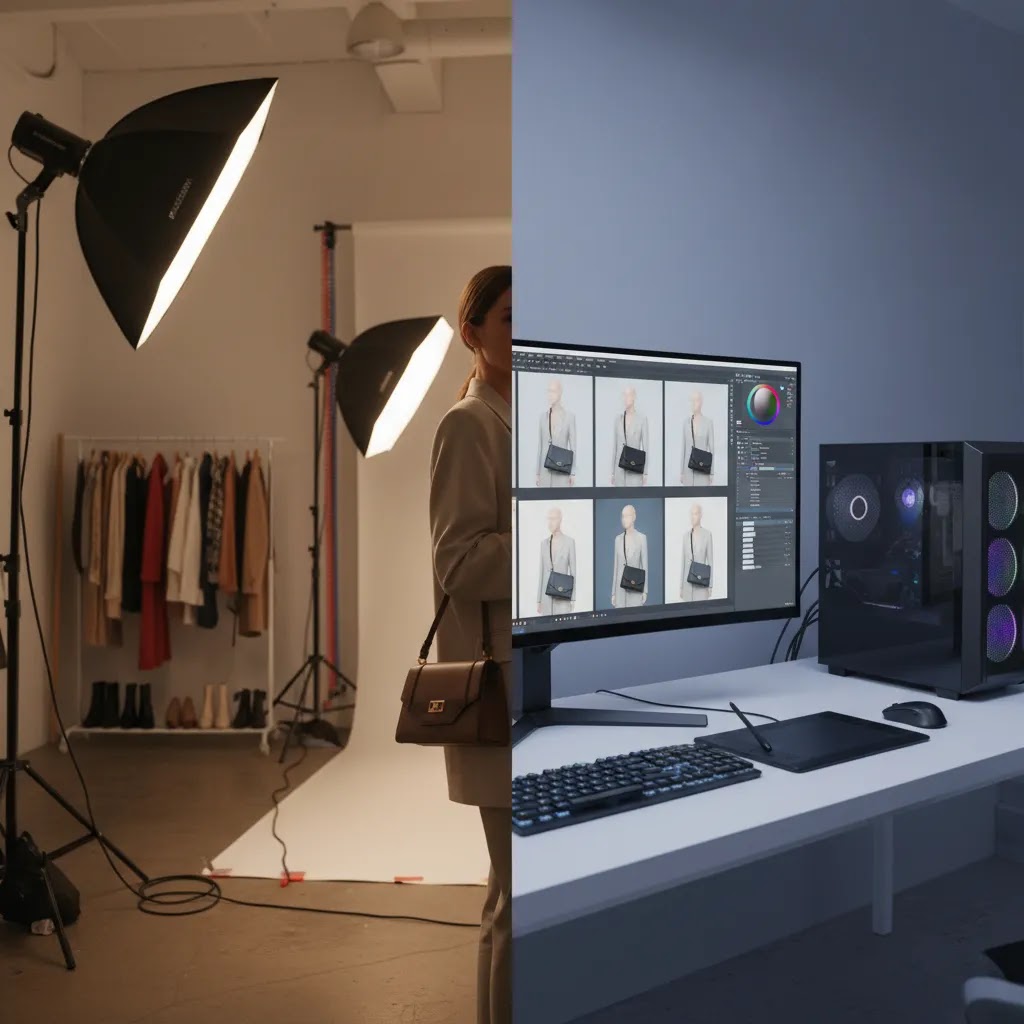
How to Choose the Right Shoot Setup
If you are deciding between smartphone photography, a studio shoot, and AI-assisted production, use these criteria.
1. Start with your product page conversion needs
Ask what the customer cannot tell from your current images. If fit, drape, hand placement, skin contact, or scale is unclear, model photography is more likely to help. If customers already understand the product but your pages feel visually weak, a smaller styled shoot may be enough.
2. Be realistic about production complexity
Product photography with iPhone or product photography with phone setups can work for test shoots, founder-led brands, or social-first content. They are often useful for fast iterations. But once you need consistent lighting, multiple looks, casting, and post-production across a full SKU range, professional production usually becomes more efficient.
3. Separate cost from value
Product photography with models cost can vary widely based on location, usage rights, team size, and deliverables. A simple studio session with one model is very different from a multi-look campaign with hair, makeup, and location fees. Instead of asking only what the shoot costs, ask what assets you will get and how many channels they will support. A shoot that feeds your PDPs, homepage, ads, and email calendar may offer stronger value than a cheaper session with limited reuse.
4. Use AI where it saves time, not where it introduces risk
AI product photography with models is improving, and there are cases where it can help with concepting or derivative assets. Tools in AcquireConvert’s product data such as Background Swap Editor, Place in Hands, and Creator Studio may be useful for experimentation and editing workflows. Still, if the product fit or human realism needs to be precise, live photography tends to be the safer choice. AI works best as support, not blind replacement.
5. Think about your content system, not one shoot
The strongest brands plan a repeatable visual process. That includes model guidelines, lighting consistency, file naming, cropping standards, and post-production rules. If your current setup feels fragmented, first define the workflow you want. Then decide whether you need a local team, a dedicated studio, or AI-assisted production to support it. If your priority is consistency across SKUs, a structured photo studio workflow may be more important than a one-off creative campaign.
Frequently Asked Questions
How much does product photography with models usually cost?
Costs vary based on model rates, studio time, styling, hair and makeup, retouching, and usage rights. A simple ecommerce session may be far less expensive than a campaign shoot with multiple looks and locations. The best way to estimate fairly is to define your shot list first, then request quotes against those exact deliverables.
Can I do product photography with models using an iPhone?
Yes, especially for test shoots, social content, or early-stage brands validating creative direction. Good natural light, stable framing, and a clear shot list matter more than expensive gear at the start. But for consistency across a larger catalog, professional lighting and post-production usually produce a more reliable ecommerce result.
Is product photography with smartphone good enough for Shopify product pages?
It can be, depending on your category and brand positioning. For handmade, founder-led, or social-native brands, smartphone imagery may feel authentic and effective. For premium fashion, beauty, or high-AOV products, shoppers often expect more polished visuals. Test it against your current images before making a full switch.
Should I use models for Amazon product photography?
Sometimes, but you need to check Amazon’s image requirements carefully. Marketplace rules can be stricter than your own Shopify store standards, especially for primary images. Secondary images may allow more lifestyle context. Plan separate asset outputs if you sell across both channels so one shoot can support each format appropriately.
What is the difference between product photography with model and lifestyle photography?
They often overlap, but they are not identical. Product photography with a model can still be very clean and conversion-focused, showing fit and use against a simple setup. Lifestyle photography usually adds more environment, storytelling, and brand mood. Many ecommerce brands need both, especially for acquisition and retention channels.
Can AI product photography with models replace a real shoot?
It depends on what accuracy you need. AI can help create concepts, alternate scenes, and edited variations, but realism, product fit, and fine details may still be inconsistent. If your customers need to judge texture, drape, wear, or skin-contact results, live photography is usually the stronger foundation, with AI used after the fact.
Are there useful AI tools for post-production after a live model shoot?
Yes. Based on AcquireConvert’s current product data, tools such as AI Background Generator, Free White Background Generator, Increase Image Resolution, and Creator Studio can support editing tasks after capture. These are most useful for creating alternate versions, preparing marketplace-friendly assets, or extending the usefulness of a smaller shoot.
How many model photos should I add to a product page?
There is no single right number, but most stores benefit from a mix of angles and contexts. A common setup is one clear hero image, several fit or use-case images, and a few detail shots. The goal is to answer the shopper’s main visual questions without making the gallery feel repetitive or slow to navigate.
How do I find the right models for product photography?
Start with your customer profile, not just aesthetics. Consider body type, age range, styling relevance, and how your audience expects the product to be represented. For many brands, relatable casting performs better than overly stylized creative. Ask to see recent ecommerce work, not just editorial portfolios, before booking talent.
What is the 80/20 rule in photography?
In many photo workflows, the “80/20 rule” refers to getting 80% of your results from 20% of your shots. For ecommerce, that usually means a small set of images does most of the conversion work: a clear hero, a fit or scale reference, key detail close-ups, and one or two context shots. If you are budgeting carefully, focus on capturing and retouching those high-impact frames first, then expand into extra lifestyle variations if time allows.
Do models get paid for shoots?
Yes, in most professional shoots models are paid, either as an hourly rate or a day rate, and payment is separate from usage rights. You might also pay more depending on where the images will be used, such as paid ads, marketplaces, or long-term campaigns, and whether you need exclusivity. Always confirm the rate structure and usage terms in writing before shoot day.
What is the 50/50 rule in photography?
The “50/50 rule” is used in different ways, but a practical ecommerce interpretation is that strong results often come from balancing capture and post-production. Getting good lighting, framing, and styling in-camera reduces how much retouching you need later, and it usually keeps the final images more believable. If you rely on editing to “fix everything,” costs and timelines can rise quickly, and the product may look less accurate than shoppers expect.
Key Takeaways
- Use product photography with models when fit, scale, or real-world use affects buying confidence.
- Build your shot list around specific ecommerce placements such as PDPs, ads, email, and marketplaces.
- A hybrid workflow often works best: live photography for accuracy, AI editing for efficient variations.
- Model selection should reflect your buyer, not just your creative references.
- Measure value by asset reuse across channels, not by shoot cost alone.
Conclusion
Product photography with models can be a smart investment if your products need human context to sell well online. The real win comes from planning the shoot around buyer questions, channel requirements, and reusable assets rather than treating it as a purely creative exercise. For many Shopify merchants, a focused live shoot supported by selective AI editing is the most practical path. It gives you believable imagery without overcommitting to a large production too early. If you want to compare service options and production formats more carefully, explore AcquireConvert’s specialist resources, including guides on photography products and white background photography. That will help you plan your next shoot with clearer commercial goals and fewer expensive mistakes.
This article is editorial content created for educational purposes and is not a paid endorsement unless explicitly stated otherwise. Pricing, tool availability, and service terms are subject to change, so verify current details directly with each provider. Any references to AI tools describe potential use cases only and do not guarantee creative quality, conversion improvements, or business results.

Hi, I'm Giles Thomas.
Founder of AcquireConvert, the place where ecommerce entrepreneurs & marketers go to learn growth. I'm also the founder of Shopify agency Whole Design Studios.