Retail Photography for Ecommerce (2026 Guide)

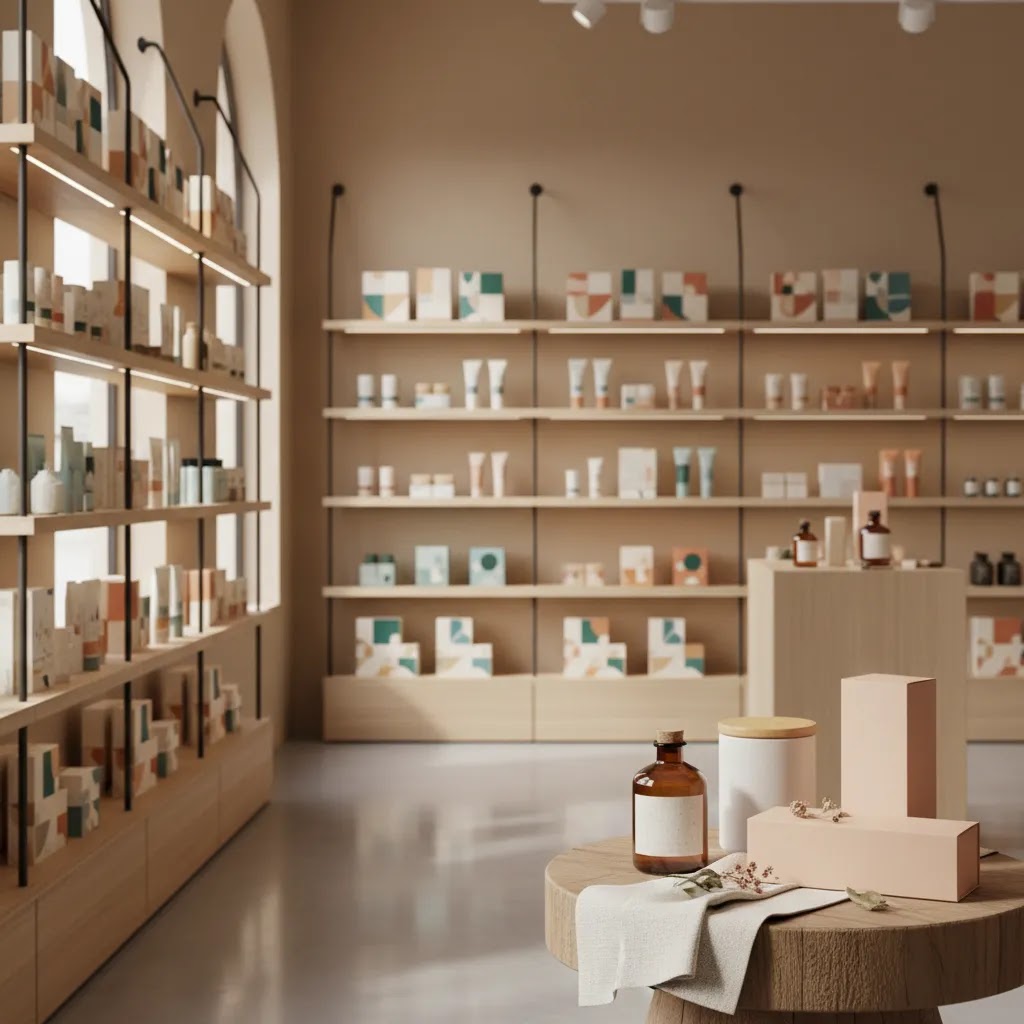
Retail photography can be a smart option if you sell products that need real context, shelf presence, or an in-store buying feel to convert online shoppers. For Shopify brands, that usually means balancing polish with realism. You want images that show packaging, scale, merchandising, and brand atmosphere without making the products look inconsistent across collection pages and marketplaces. If you are comparing product photography austin style service options or local studio support, it helps to know where retail photography fits and where it can create extra work. This guide breaks down what in-store product shoots do well, where they fall short, and how to evaluate a provider if you need photography for ecommerce, Amazon listings, social content, or retail shop 360 photography.
Contents
- What retail photography actually means for ecommerce
- Key features to evaluate in an in-store shoot
- Retail photography ideas and in-store shot list examples
- Pros and Cons
- Product photography setup for retail locations (lighting, permissions, and workflow)
- Who retail photography is best for
- AcquireConvert recommendation
- How to choose a retail photography service
- How to take retail-style product photos with a phone
- Frequently Asked Questions
- Key Takeaways
What retail photography actually means for ecommerce
Retail photography usually refers to product images captured in a real store environment rather than a pure white backdrop studio setup. That may include shelves, end caps, lifestyle merchandising, hands interacting with products, aisle context, point-of-sale displays, and sometimes store walkthrough or 360 imagery.
For ecommerce brands, the main appeal is authenticity. A shopper can see how the product appears in a retail setting, how packaging reads from a distance, and how the brand shows up among competing items. This can be useful for wholesale brands, CPG companies, beauty, packaged foods, home goods, and any merchant selling through both retail stores and direct-to-consumer channels.
The trade-off is control. In-store lighting, reflective packaging, crowded backgrounds, and changing store layouts can make consistency harder than in a dedicated photo studio. If your Shopify theme relies on clean product grids, you may still need standard PDP images alongside retail lifestyle shots.
In practice, retail photography works best as one part of a broader visual system. Many merchants pair it with clean catalog images, marketplace-compliant assets, and detail shots for product pages. If you need a broader view of service options, AcquireConvert’s Product Photography Services category is a useful place to compare related approaches.
Key features to evaluate in an in-store shoot
If you are hiring for retail photography, do not just ask whether the provider can “shoot in store.” Ask what the deliverables are and how those files will support your actual sales channels.
Shot planning matters first. A good provider should define which SKUs will be photographed, what retail locations are suitable, whether shelves need styling, and what image list is required for Shopify, Amazon, social, and wholesale decks. Without this, you often end up with attractive images that are hard to use operationally.
Lighting and color control matter more than most merchants expect. Store lighting can shift product color, create glare on packaging, and flatten textures. Ask whether the service includes color correction and retouching so your ecommerce pages stay visually consistent.
Multiple output formats are important if you sell across channels. Your Shopify product page may need cropped portrait and landscape variants, while marketplaces may need clean isolated images. Some merchants solve this by capturing retail shots, then using editing tools like AI Background Generator or Free White Background Generator to create supporting assets from the same base file.
Environment variety can also raise the value of a shoot. One retail location may give you shelf shots, checkout-area images, lifestyle interactions, and broader brand context. If you need more controlled merchandising images, review examples of photography products work to see whether the provider can also produce cleaner ecommerce assets.
Post-production flexibility is the final piece. If a product image is useful but the background is distracting, tools such as Background Swap Editor or Magic Photo Editor may help you repurpose in-store shots for ads, email, or landing pages. That does not replace strong original photography, but it can increase the value of each shoot.
Retail photography ideas and in-store shot list examples
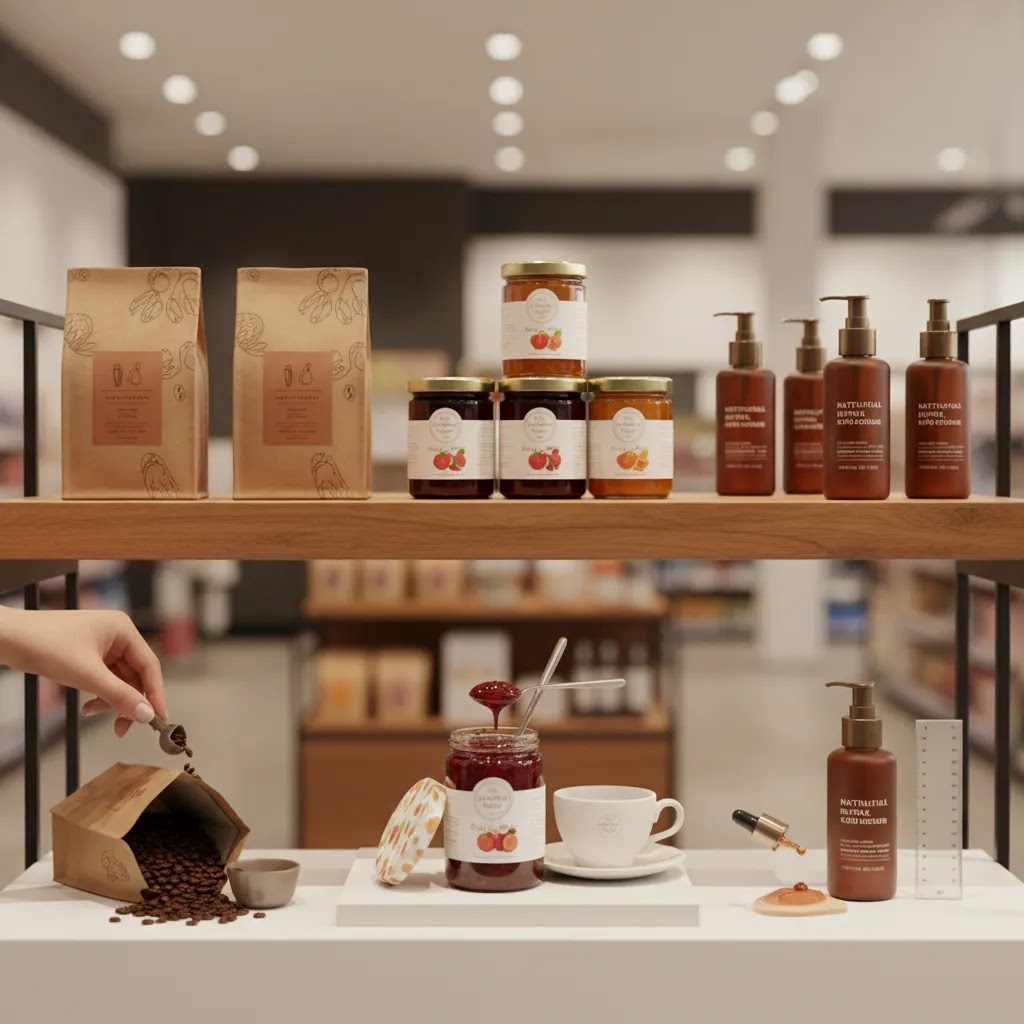
Here is the thing: “get lifestyle shots” is not a shot list. If you want in-store photos to earn their keep on Shopify, you need a plan for the specific moments shoppers care about, plus enough framing flexibility to reuse images across PDPs, collection pages, and ads.
Example shot list templates by ecommerce use case
Shopify PDP support images typically work best when they answer common objections fast, especially on mobile. In practice, that usually means capturing: a shelf-level hero that shows how packaging reads from a few feet away, a hand-for-scale frame, one angle that makes the key label claims readable, and one context image that shows where it lives in-store (shelf, refrigerated case, peg hook, countertop display). If your product has multiple variants, capture a group shot that clearly differentiates colors, scents, or flavors without relying on tiny text.
Collection page promos are about visual consistency and quick category cues. Aim for 2 to 4 “category anchor” images that are simple and crop-friendly: a clean shelf run with negative space for text overlays, a tight end-cap frame, and a top-down countertop layout if your products are small enough. You can use these as collection banners, featured-collection tiles, and seasonal promos.
Wholesale decks and retailer outreach often need proof of retail readiness. Capture a straight-on shelf placement image, an end-cap or secondary placement if available, a close-up of pricing and shelf talkers (with crop-safe variants that do not reveal store-specific details if that matters), and a wider aisle or display shot that shows the brand block. These images are less about “beautiful” and more about being credible and easy to understand in a PDF.
Social ads and paid creative testing typically benefit from variety. For packaged goods, plan for short creative loops: a wide shot for a headline overlay, a medium shot for the product and context, and a tight shot for the label and key benefit. Make sure you have both portrait-friendly and landscape-friendly framings so you are not forced into awkward crops later.
Retail photography ideas that commonly perform well for packaged goods
For most Shopify brands selling packaged products, a few specific “retail ideas” keep showing up because they communicate shelf presence quickly. A shelf-at-eye-level hero gives the most honest view of how the product competes visually. A hand-for-scale shot reduces size confusion. A checkout or impulse context frame can help if the product is typically an add-on purchase. If your product is often compared by size, quantity, or format, capture a comparison-style image that shows your product beside a neutral object or a generic reference, without showing competitor branding or logos.
Signage and price tag images can be useful too, but only if you shoot them in a way you can actually reuse. Get one frame that includes the sign for authenticity, then get a second “crop-safe” version where the product is the focus and the signage is either out of frame or softly blurred. That way you can use the photo on a Shopify PDP without accidentally anchoring the shopper to a specific store or price point.
How to plan for cropping and reuse across Shopify
Most store owners overlook this: the same image may be used as a square thumbnail, a portrait PDP image, and a landscape banner. You solve this at capture time. Shoot wider than you think you need so you have room to crop for different placements. Capture a couple of clean “plate” frames of the shelf or scene without hands or shoppers, so you have options for background cleanup if you later need it.
It also helps to name files in a way your team can operationalize. A simple system that maps images to SKU and variant, plus the intended use, saves a lot of time. For example, keep a consistent pattern that includes SKU, variant, location type (shelf, endcap, checkout), and orientation. That makes it much easier to upload into Shopify, keep variant galleries straight, and avoid mismatched images across collection grids.
Pros and Cons
Strengths
- Shows products in a real buying environment, which can help shoppers understand shelf presence, packaging visibility, and scale.
- Works well for omnichannel brands that sell both in retail stores and on Shopify, Amazon, or wholesale portals.
- Creates more believable merchandising imagery than a plain backdrop alone, especially for packaged goods and lifestyle-driven categories.
- Can produce versatile assets for social ads, retailer presentations, investor decks, and brand storytelling.
- May support store locator pages, about pages, and wholesale sales materials in addition to standard ecommerce use.
- Pairs well with 360 store imagery or broader product photography studio content if you need both immersive and controlled visuals.
Considerations
- Less consistent than studio photography, especially for Shopify collection grids or marketplace image requirements.
- Store lighting, reflections, and foot traffic can increase editing time and production complexity.
- Not every product benefits from in-store context. Technical, luxury, or detail-heavy products may still need more controlled close-ups.
- Scheduling can be harder if you need retailer permission, off-hours access, or merchandising support before the shoot.
Product photography setup for retail locations (lighting, permissions, and workflow)
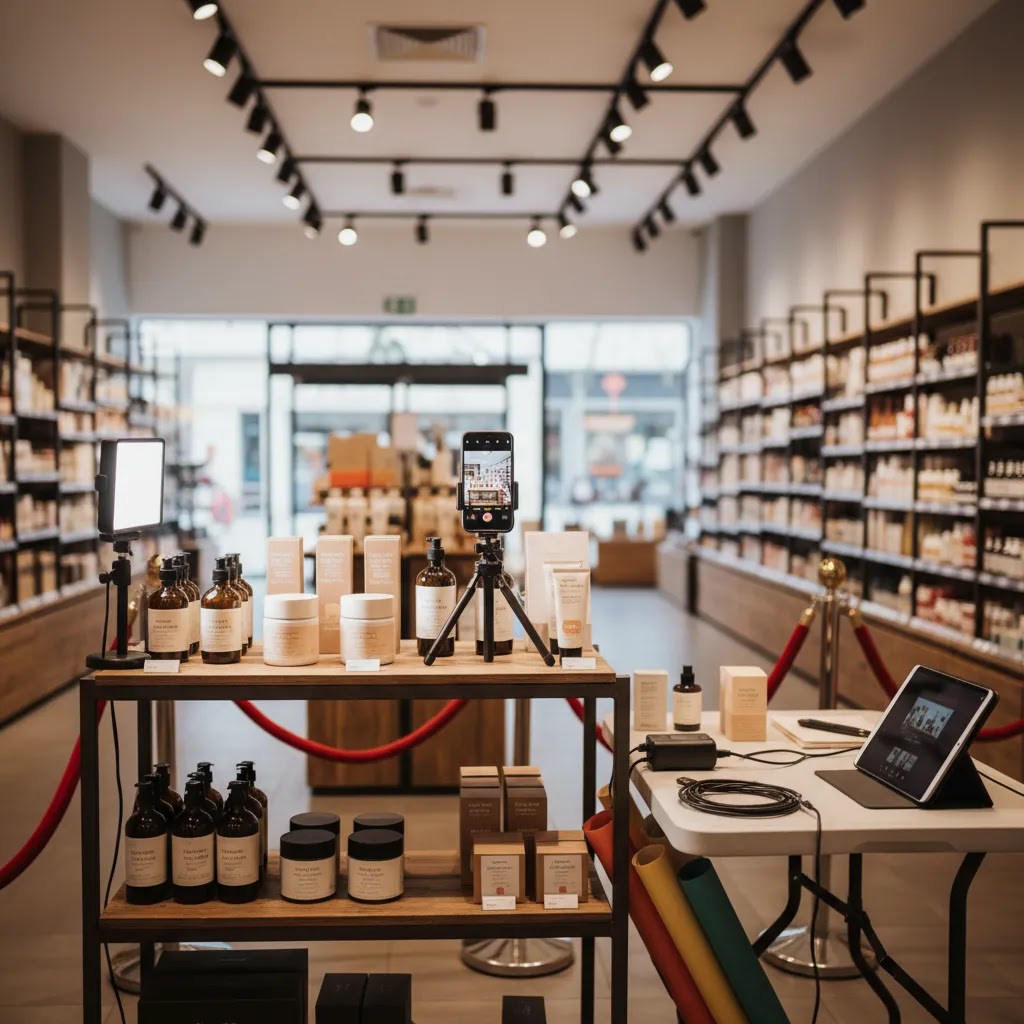
Retail shoots go wrong for predictable reasons, and it is usually not the camera. It is access, lighting, and workflow. If you are hiring a service, these are the practical questions to ask. If you are running a small shoot yourself, this is the checklist that keeps you out of trouble.
Access and permissions come first
Before you plan angles, confirm you are allowed to shoot in the store and what the rules are. Some locations allow photography during quiet hours only, some require a manager on-site, and some have restrictions around other brands, shoppers, or staff appearing in the frame. If you are capturing shelf shots, you also want clarity on whether you can face products forward, adjust spacing, or place temporary shelf talkers. Those details affect what is possible on the day.
Best times to shoot and how to handle aisle traffic
Off-hours or low-traffic windows typically make the shoot smoother. You get cleaner backgrounds, fewer interruptions, and more consistent framing. If the location can only be shot during open hours, plan tighter compositions that keep the background brand-safe, and capture more alternates than you think you need. One shopper walking through a key frame can wipe out an otherwise perfect shelf image.
Mixed lighting, glare, and color consistency
Most retail environments have mixed color temperatures, and glossy packaging can pick up reflections from overhead lights. That is where a consistent approach matters. A simple color reference step, such as capturing a neutral reference in the same lighting, can make color correction more predictable later. If glare is a recurring problem, small angle changes often solve more than aggressive editing does.
Now, when it comes to Shopify presentation, consistency is the real goal. If your store already has clean studio product images, your in-store set should be graded to match closely enough that the collection grid does not feel like a patchwork of different brands. Otherwise you end up with what many teams call “Frankenstein visuals,” where every product tile feels like it came from a different company.
A simple on-location checklist for ecommerce deliverables
From a practical standpoint, the simplest setup choices tend to have the biggest impact on usable output. Stabilization helps keep label text sharp, so a tripod or monopod is often worth it. Keep a consistent camera height for shelf shots so your images look like a set. Capture alternate angles and distances so you can choose the best crop for mobile-first viewing, not just desktop. And if the product has critical label claims, always take at least one frame where the text is clearly readable after compression.
Post-production workflow expectations
Ask how the provider handles color correction, glare reduction, and retouching standards. If your Shopify site uses a specific white point, contrast style, or background brightness, share that reference up front. For omnichannel brands, it can also help to align in-store shots with your existing studio set so you can mix images on PDPs without the page feeling disjointed.
If you plan to repurpose images into isolated assets or alternate formats, make sure the capture quality supports that. Editing tools can help, but the reality is that strong base photography reduces your time cost later and lowers the chance of assets looking artificial.
Who retail photography is best for
Retail photography is usually the strongest fit for ecommerce brands that already have shelf presence or want to look retail-ready. That includes CPG brands, beauty lines, supplements, food and beverage, home organization products, gift items, and some fashion accessories sold in boutiques.
It is especially useful for Shopify merchants trying to bridge direct-to-consumer selling with wholesale growth. If you need images that show “where this lives” in the real world, retail photography can do that well. If your priority is highly uniform PDP imagery, variant swatches, or Amazon compliance, it should probably support, not replace, your standard ecommerce photo set.
AcquireConvert recommendation
For most store owners, the right decision is not retail photography versus studio photography. It is how to combine them without creating visual inconsistency across channels. That is where AcquireConvert’s specialist ecommerce focus is helpful. Giles Thomas brings a practitioner’s view as a Shopify Partner and Google Expert, which matters if your photos need to work not only on branded pages but also in search, shopping feeds, and conversion-focused landing pages.
If you are still comparing formats, start with the pillar-style guidance in product photography austin and then explore service-specific articles based on whether you need studio control, catalog consistency, or more contextual visuals. You can also review AcquireConvert’s E Commerce Product Photography category for practical advice on choosing photography that fits how your Shopify store actually sells.
How to choose a retail photography service
If you are evaluating product photography services for ecommerce, use a shortlist based on operational fit rather than location alone. A provider being “near me” is useful, but it is rarely the deciding factor if the files do not support your sales channels.
1. Decide what the images need to do
Start with usage. Are these images for Shopify product pages, homepage banners, Amazon secondary images, retailer pitch decks, paid social, or retail shop 360 photography? Each use case needs a different framing style and crop strategy. A provider should be able to translate business goals into a shot list.
2. Check whether they can maintain brand consistency
Ask to see examples across multiple products, not just one standout image. You want to know whether packaging colors stay accurate, whether reflective surfaces are handled well, and whether the overall image style matches your store. This is especially important if your existing site uses clean white-background assets.
3. Ask about deliverables and editing
Clarify how many final images you will receive per SKU, what level of retouching is included, and whether alternate crops are available. For Shopify merchants, small production details matter. A strong hero image, a merchandising image, and one or two contextual close-ups are often more useful than a large batch of similar shots.
4. Evaluate channel compatibility
Some service providers create beautiful brand imagery but do not think about ecommerce implementation. Ask whether the final files are suitable for storefront use, marketplace uploads, mobile-first layouts, and paid creative testing. If not, you may need a second workflow to create channel-ready assets after the shoot.
5. Balance cost with reuse potential
Low cost product photography services can be attractive, but the cheapest option may create extra editing, reshooting, or inconsistency later. A better way to evaluate value is to ask how many usable assets you can get from one session. If one in-store shoot can supply PDP support images, social posts, ad creatives, and wholesale collateral, the effective cost per asset may be much better.
For some brands, a hybrid workflow is best. Capture original retail scenes professionally, then repurpose selected shots with editing support, background cleanup, or resolution upgrades. Tools such as Increase Image Resolution may help extend the usefulness of selected files, though they should not be treated as a substitute for good capture quality at the source.
How to take retail-style product photos with a phone
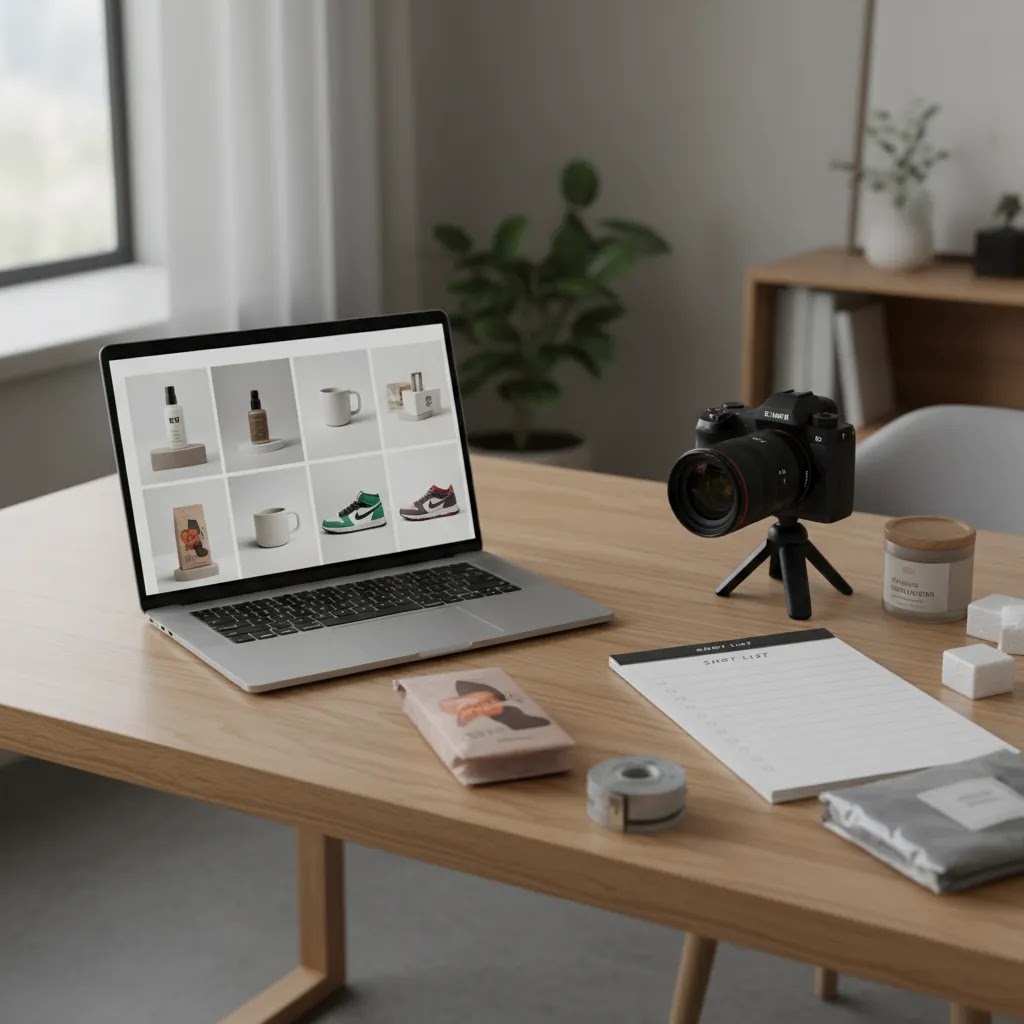
If you are early-stage, you may not need a full service right away. DIY phone photography can be “good enough” when you are testing an MVP launch, iterating paid creative, working with a small SKU count, or doing early wholesale outreach where speed matters more than perfection. The key is to capture images that still look consistent on Shopify and do not create extra cleanup work later.
A practical phone workflow for in-store product shots
Start with light. If you can, shoot near the front windows or any area with cleaner natural light, and avoid relying on harsh overhead store lighting as your only source. Overhead lights tend to create glare on glossy labels and uneven shadows under shelves. Small changes in angle can reduce reflections fast, so take a few steps left or right and re-check the label.
Use a longer focal option if your phone supports it. A 2x lens view often creates less distortion than the widest lens, which helps packaging look more realistic. Lock exposure and white balance so a sequence of images does not shift color frame to frame. Always shoot in the highest resolution format available on your device so you have room to crop for Shopify without losing clarity.
How to keep phone images usable on Shopify
Think about aspect ratios before you shoot. If your theme uses square product tiles, capture with extra space around the product so you can crop consistently later. Keep backgrounds as clean as possible, even in a retail environment. That usually means choosing a section of shelf with fewer distractions and avoiding frames where other brands dominate the shot.
Capture alternates for mobile. A tight label close-up may be the difference between an image that works on a phone and one that looks great only on desktop. If you are shooting multiple variants, keep distance, height, and framing as consistent as possible so the gallery looks intentional.
When it is time to upgrade to a professional service
Phone photos usually start to break down when you need high consistency across many SKUs, when color accuracy is critical, or when you are building a long-term asset library for ads, marketplace listings, and wholesale. If you notice your collection pages look visually uneven, or you are spending a lot of time re-shooting and re-editing, that is often the signal that a professional workflow will be more efficient.
Even then, your DIY effort is not wasted. The shots you take now can help you learn what angles sell, what packaging details shoppers ask about, and what contexts make your product feel credible. That makes your eventual brief to a retail photography provider much clearer.
Frequently Asked Questions
Is retail photography good for Shopify product pages?
Yes, but usually as a supporting image type rather than the only format. Retail photography adds context and credibility, while clean product shots help keep collection pages and product templates visually consistent. For many Shopify stores, the strongest setup is a mix of white-background hero shots, detail images, and a few in-store contextual photos.
What products benefit most from in-store photography?
Products that rely on packaging, shelf presence, lifestyle context, or merchandising often benefit most. That includes beauty, food, beverage, supplements, candles, home goods, and boutique gift items. If the buying decision depends on texture, technical details, or material finish, you may also need studio macro and close-up photography alongside retail shots.
Can retail photography replace studio photography?
No, not for most ecommerce brands. Retail photography is excellent for context, but studio photography is still better for consistency, isolated product views, and marketplace compliance. In most cases, store owners get better results by treating retail photography as one asset type within a broader visual content system.
How should I brief a retail photography provider?
Give them your SKU list, intended channels, required image dimensions, brand references, and examples of pages where the images will appear. Also specify whether you need shelf shots, customer interaction shots, wider store scenes, or 360 location imagery. The more precisely you brief usage, the more likely the final images will be commercially useful.
What is the difference between retail photography and catalog photography?
Retail photography focuses on real-world context and merchandising environment. Catalog photography prioritizes consistency, clean framing, and product comparability across a set. If your site needs highly uniform category pages, catalog work is often the foundation, while retail photography adds storytelling and merchandising support.
Does retail shop 360 photography help ecommerce conversions?
It can help in some cases, especially for brands with strong physical retail identity, showroom experiences, or wholesale credibility goals. It may improve trust and help shoppers understand the brand environment. Still, it should support core conversion assets like clear product imagery, strong product copy, and friction-free navigation rather than replace them.
Are low cost product photography services worth considering?
They can be, especially for early-stage brands testing concepts or needing a small batch of assets. The key is to judge output quality and usability, not price alone. If a low-cost provider delivers files that need heavy rework or do not fit your Shopify theme, the total cost may end up higher than expected.
Can AI tools help after a retail photography shoot?
Yes, for selective post-production tasks. AI tools may help with background cleanup, alternate scene creation, or resolution improvement for some assets. They are most useful when the original photography is already strong. They should not be treated as a full substitute for professional planning, lighting, or commercial photography judgment.
Should Amazon sellers use retail photography on listings?
Usually as secondary images, not main images. Amazon often requires the primary image to meet specific background and framing standards, so retail photography works better for context shots later in the image sequence. If you sell on both Shopify and Amazon, plan your shoot with both channel requirements in mind from the start.
What is retail photography?
Retail photography is product photography captured in a real store environment, such as on shelves, end caps, or point-of-sale displays. For ecommerce, the goal is usually to show shelf presence, scale, and buying context so online shoppers can better picture the product in the real world.
How many photographers are making over $300,000 a year?
There is no single public number that applies across the whole industry, and income varies widely by niche, geography, and business model. In many cases, photographers earning over $300,000 are running established commercial studios with recurring clients, production teams, and strong licensing or retainer agreements, rather than working as solo shooters.
What is the 80 20 rule in photography?
The 80/20 rule is a way of saying a small number of actions often produce most of the results. In ecommerce photography, that usually means your hero image quality, lighting consistency, and accurate color may drive most of the perceived professionalism on Shopify. If you get those right, the rest of the image set is easier to produce and more commercially useful.
What is the 400 rule in photography?
The “400 rule” is commonly used as a quick guide for night sky photography: to reduce visible star trails, you divide 400 by your lens focal length (full-frame equivalent) to estimate a maximum shutter speed in seconds. It is not a retail photography rule, but it comes up in photography discussions often.
Key Takeaways
- Retail photography works best when you need context, shelf presence, and real-world merchandising, not just clean isolation.
- For most Shopify stores, in-store imagery should support studio or catalog photography rather than replace it.
- Choose providers based on deliverables, editing capability, and channel compatibility, not location alone.
- A hybrid workflow can increase value by combining professional retail capture with selective post-production and asset repurposing.
- Always brief your shoot around business use cases such as PDPs, Amazon secondary images, wholesale decks, and paid creative.
Conclusion
Retail photography can be a strong commercial choice if your products benefit from real-world context and your brand sells across both physical and digital channels. The main question is not whether in-store imagery looks good. It is whether the final assets fit your Shopify storefront, marketplaces, ad channels, and merchandising needs without creating extra friction. That is why selection criteria matter more than trend-driven visuals. If you want a practical next step, explore more service-focused guidance across AcquireConvert’s product photography content. Giles Thomas’s perspective as a Shopify Partner and Google Expert helps keep the advice grounded in how ecommerce brands actually acquire clicks, build trust, and convert traffic with better visual assets.
This article is editorial content for educational purposes and is not a paid endorsement unless explicitly stated. Pricing and service availability are subject to change and should be verified directly with the provider. Any performance outcomes from photography changes will vary by store, product category, traffic quality, and implementation, so results are not guaranteed.

Hi, I'm Giles Thomas.
Founder of AcquireConvert, the place where ecommerce entrepreneurs & marketers go to learn growth. I'm also the founder of Shopify agency Whole Design Studios.