How to Make Photo Animation Online Free (2026 Guide)

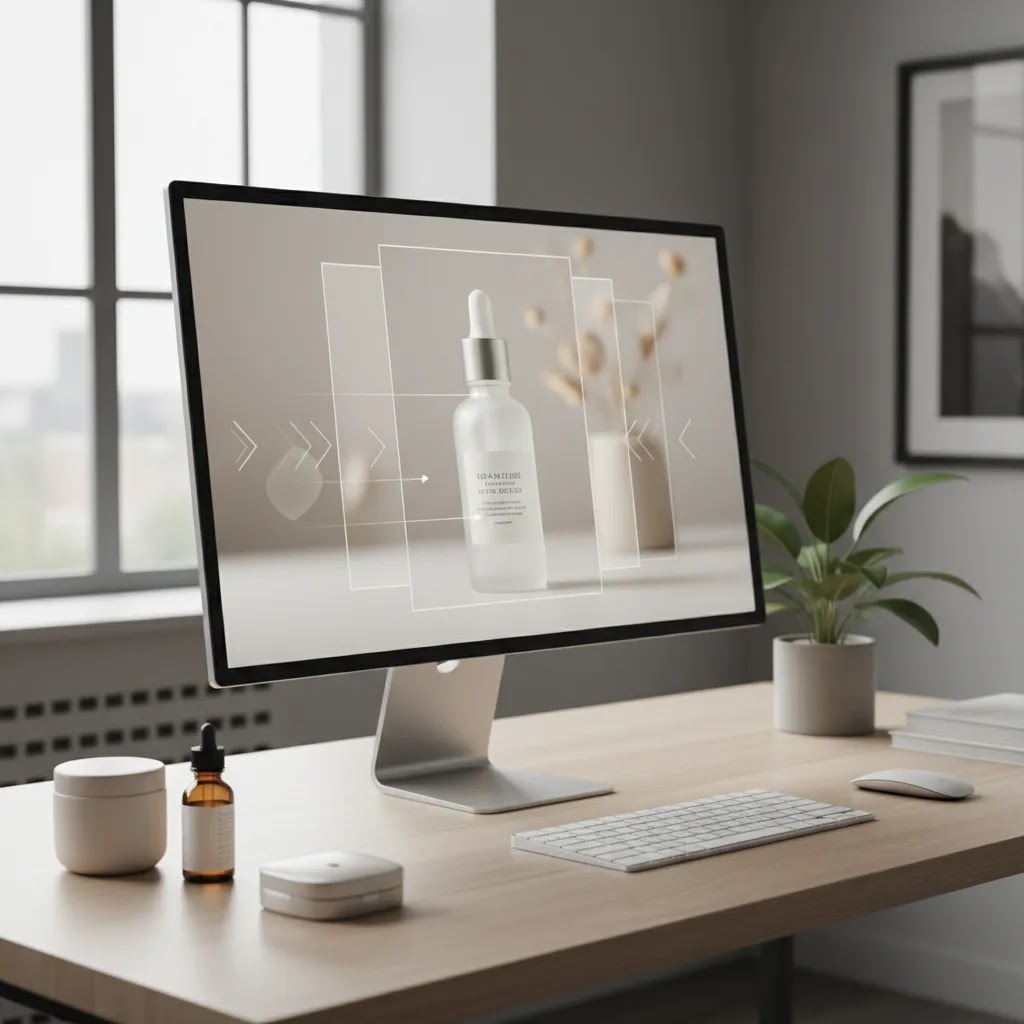
You have solid product photos, your Shopify product page is live, and traffic is coming in, but the images still feel flat. That is a common problem for ecommerce store owners. Static images can show a product clearly, but they do not always communicate texture, movement, or context well enough to push a visitor toward add to cart. This is where simple animation can help. If you want to make photo animation online free, you do not need a production team or expensive video software to get started. In many cases, a short animated product visual, subtle zoom effect, rotating background, or motion-based lifestyle scene can make your store feel more polished and your creative more scroll-stopping.
This article walks you through what free online photo animation can realistically do for product photos, which tools are useful, what quality limits to expect, and how to turn one good product image into usable content for product pages, ads, and social posts. If you also want the wider context on video advertising, that companion resource helps connect animation work to a broader ecommerce acquisition strategy.
Contents
- What photo animation means for ecommerce product photos
- Where animation actually helps your store
- How to create product photo animation online for free
- Free photo animation tool types and what “no sign up” really means
- Prepare your product photos before animating them
- 3D and parallax photo animation, how to keep your product accurate
- Best free workflows for common product types
- Mistakes that make animated product visuals look weak
- Using animated photos across Shopify, ads, and social
- Channel specs and export settings for Shopify, Meta, TikTok, and email
- Frequently Asked Questions
What photo animation means for ecommerce product photos
For most store owners, photo animation means adding motion to a still image so it behaves more like a short video. That could be a gentle zoom, a pan across the product, a moving shadow, a layered depth effect, or an AI-generated scene where the product appears to move through a styled environment.
Think of it this way, you are not always trying to make a cinematic ad. Often, you just need a visual that catches attention faster than a flat product shot. That is especially useful for mobile shoppers who scroll quickly and make snap decisions about whether a product feels premium, trustworthy, or worth a closer look.
Some tools focus on simple motion effects. Others use AI to generate movement, scene transitions, or talking-avatar style content. If you are comparing that broader tool category, AcquireConvert also has related resources on ai ad generator workflows and ad creative ai use cases for ecommerce teams building visual assets at scale.
The key distinction is this: animation should support product understanding, not distract from it. If motion makes your product harder to see, it is working against conversion.
Where animation actually helps your store
Animated product photos are most useful when shoppers need a little more visual context before buying. Apparel, cosmetics, home goods, tech accessories, and gift products often benefit because buyers care about finish, texture, scale, and how the item fits into real life.
Product pages that need more visual energy
If your product page has clean photography but a low add-to-cart rate, movement can help highlight a hero image, show alternate angles, or create a short visual loop near the top of the page. For many Shopify stores, this works best as a supporting asset, not the only image.
In practice, this means your first image still needs to be clear and conversion-focused. Animation is there to reinforce attention and product understanding, not replace your product gallery.
Paid social and display creative
Static creatives can still work, but lightly animated assets often stand out better in crowded feeds. A simple three-second loop built from a strong product photo may give you more testing options without the cost of a full video shoot.
Performance will always depend on audience, offer, competition, and creative quality. Still, many stores find that animated variants help them test hooks faster before investing in larger campaigns. If you need inspiration, browsing ai generated video examples can help you see which formats feel useful versus gimmicky.
Email and post-purchase content
Animation is not only for acquisition. A subtle moving product visual in an abandoned cart email, back-in-stock alert, or post-purchase cross-sell can make the message feel more alive. The same product photo can often be reused across channels if you export in the right dimensions.
How to create product photo animation online for free
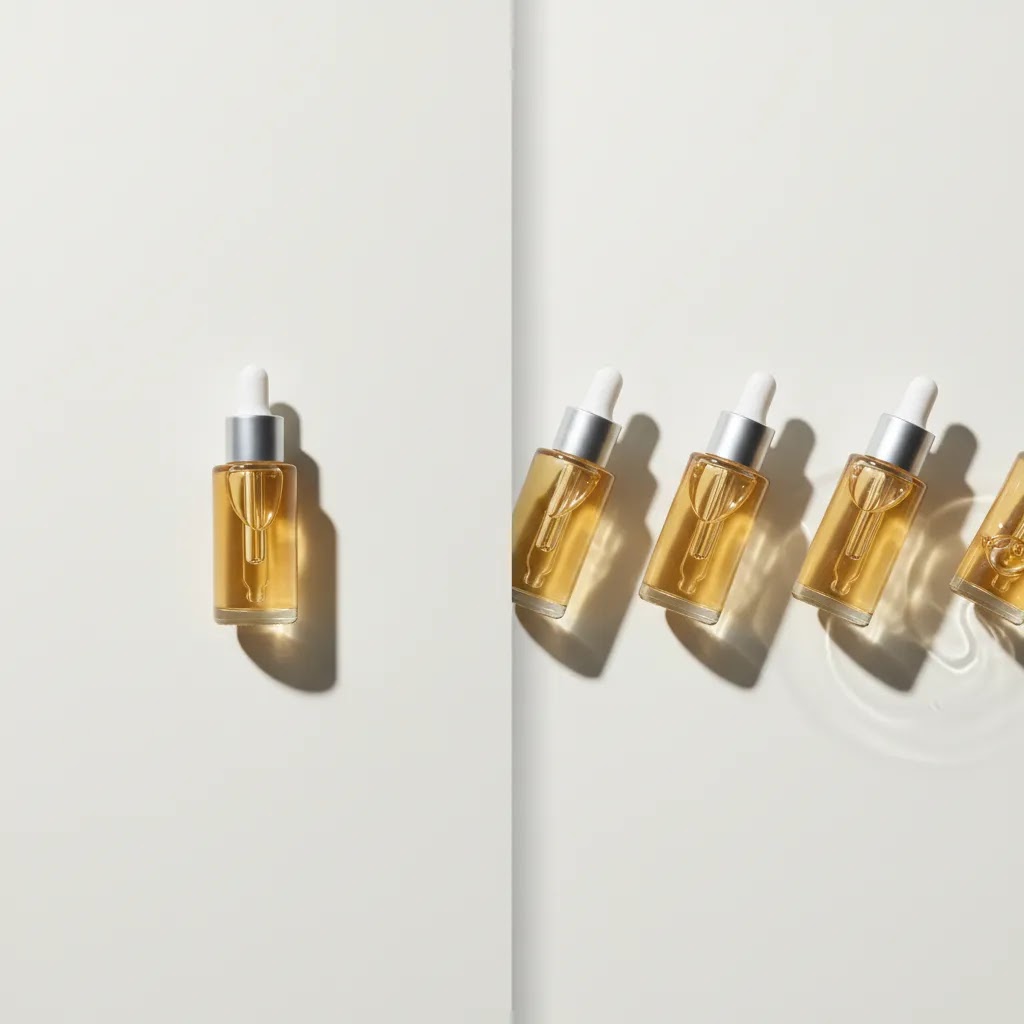
The reality is that free tools are good for testing concepts, basic ads, and simple store content. They are less reliable for high-volume brand production or highly controlled premium campaigns. That said, they are absolutely useful if you want to validate whether animation improves engagement before paying for software.
A simple five-step process
- Start with one strong product photo, ideally clean, high resolution, and evenly lit.
- Remove or simplify the background if the subject does not stand out enough.
- Choose the animation style, such as zoom, parallax, floating motion, or AI scene animation.
- Export a short loop first, usually 3 to 8 seconds.
- Test it on the actual placement, such as Shopify product media, Meta ads, or email.
From a practical standpoint, short loops usually perform better than long animated clips for ecommerce. They load faster, communicate quickly, and are easier to repurpose.
What free tools can realistically do
Free online tools generally offer one or more of these capabilities: auto background removal, image enhancement, template-based motion, slideshow animation, AI-generated movement, or export to GIF or MP4. Some will watermark exports or restrict quality. Others reserve commercial licensing or larger exports for paid plans.
That does not make them unusable. It just means your workflow should start with testing, not final brand production. Always check current tool terms, usage rights, and export limits directly with the provider before publishing assets in ads or storefronts.
Free photo animation tool types and what “no sign up” really means
If you search for ways to make photo animation online free, you will see a lot of tools that sound similar but behave very differently once you upload a real product image. Picking the right category matters because ecommerce has a strict requirement: your animated output still needs to look like the product you actually ship.
The three main types of free online photo animation tools
Template-based animators are the most predictable for product work. You upload a photo, choose a preset like zoom, pan, floating motion, or animated background, then export. The motion is usually basic, but it tends to preserve accuracy because the tool is not inventing new pixels.
AI image-to-video animators attempt to generate motion, camera moves, and scene changes from a single image. These can create more dramatic results, but they are also the most likely to change packaging text, alter logos, shift colors, or distort shapes. For Shopify stores, this category can be useful for ad testing concepts, but it needs a tighter QA process before it goes anywhere near a product page.
Photo editors with animation effects sit in the middle. They often include background removal, retouching, and simple motion features like animated overlays, sparkles, or light sweeps. These can work well for beauty, jewelry, and gift products, as long as you keep the effects subtle and product-first.
What “free” typically includes, and the limits you will run into
Consider this, most “free” tools fall into one of these models: truly free exports with limitations, free trial credits, or free preview with paid download. In practice, you may see watermarks, lower export resolution, limited animation duration, or a cap on how many exports you can do per day.
The “no sign up” promise is another common friction point. Some tools let you build a preview without an account, then require sign up to export. Others allow one export, then gate future downloads behind an account. None of this is inherently bad, but you want to know it before you build a workflow around it.
A practical selection checklist for Shopify use
For most Shopify store owners, the right tool is the one that produces a clean, accurate loop you can reuse across placements without fighting file formats.
- Export format: prioritize MP4 when possible, use GIF when you specifically need it for email or a lightweight loop.
- Resolution: check the maximum export size on the free tier. If it exports a tiny file, it may look soft on modern phones.
- Duration and looping: make sure you can export short loops cleanly, not just a one-off clip with an awkward end frame.
- Background handling: if your product needs a clean cutout, confirm the tool can keep edges clean when motion is applied.
- Commercial usage: verify licensing terms if you plan to use the asset in ads or on product pages. Terms vary, and you want to avoid surprises later.
Prepare your product photos before animating them
What many store owners overlook is that animation rarely fixes a weak source image. If your original photo is dim, cluttered, low resolution, or poorly cropped, motion may exaggerate those flaws.
Clean up the background
Before adding movement, isolate the product if needed. This is especially helpful for marketplaces, collection banners, and ad creative where you want the product to pop. AcquireConvert covers adjacent workflows in its E Commerce Product Photography and Product Video & Animation topic hubs, which are useful if you are building a repeatable visual content process.
If you need an image editing shortcut, tools from the current AcquireConvert resource set such as AI Background Generator, Free White Background Generator, and Increase Image Resolution can help you prepare source images before animation. Features and availability may change, so verify current details directly on the provider site.
Improve clarity before adding motion
If your goal is to make photo high resolution free online or make photo better quality online free, start there. Sharper edges, better contrast, and cleaner cutouts often matter more than the animation effect itself.
This is also where ecommerce-specific photography standards still matter. A polished product image usually comes from good lighting, consistent framing, and accurate color. If your source material is inconsistent, reviewing how a product photography studio approach works can help you understand the production principles worth copying, even if you still create assets in-house.
3D and parallax photo animation, how to keep your product accurate
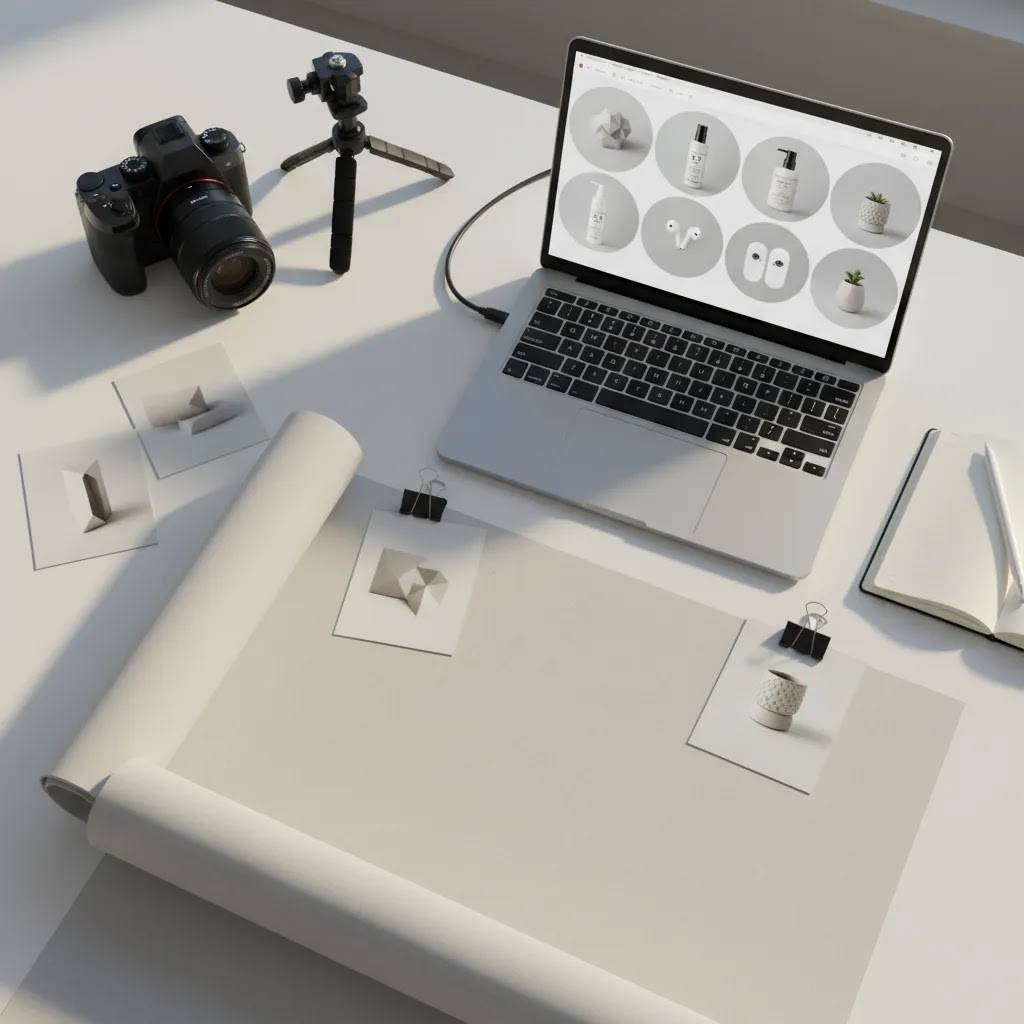
One of the most popular looks in online photo animation is the “3D” or parallax effect. It is the style where the subject appears closer to the camera, the background moves at a different speed, and the whole image feels like it has depth. When it is done well, it can make a simple packshot feel more premium without turning it into a full video shoot.
What the parallax effect actually needs to look believable
The way this works in practice is that the tool needs a clear separation between your product and the background. Some tools do this with a depth map, others do it by cutting the subject out and animating layers. Either way, the cleaner the separation, the more realistic the motion.
Parallax tends to break down when the product has difficult edges or transparency, like glass bottles, reflective packaging, fine jewelry, or hair. If the tool “guesses” the edge and gets it wrong, the motion makes the mistake obvious.
Guardrails for ecommerce accuracy (especially with AI motion)
If you are animating for a Shopify store, accuracy matters more than fancy motion. The risk with AI-driven movement is not just that it looks odd, it is that it can change what the shopper thinks they are buying.
Before you publish any animated asset, do a quick QA pass:
- Pause on the first, middle, and last frames and compare them to your original photo.
- Zoom in on labels, logos, and small text. Watch for letter changes, spacing shifts, or made-up characters.
- Check color consistency. Some effects can subtly shift hues, especially on skincare packaging, cosmetics, and apparel.
- Look at edges and proportions. If the bottle neck thickens, the cap changes shape, or the product looks stretched, do not use it on a product page.
If anything is off, keep that animation for concept testing only, or switch to a simpler zoom and pan where the tool is less likely to invent detail.
Where 3D and parallax fit best, and where to be careful
For most Shopify store owners, parallax is strongest in top-of-funnel placements where you need a thumb-stopper, like ad creative, homepage hero sections, and collection banners. It is weaker when the buyer is trying to inspect details, like close-up ingredient lists, compliance labels, or texture-heavy products where the exact look matters.
If you sell in regulated categories or your product has fine-print information customers rely on, treat AI motion and aggressive depth effects cautiously. Keep your standard product photos as the primary source of truth in the gallery.
Best free workflows for common product types
For beauty and skincare products
Use clean packshot photography first. Then add a subtle floating motion, shimmer effect, or slow zoom. These products usually benefit from polish and clarity more than heavy movement. If reflections or label details get distorted, pull back.
For apparel and accessories
Lifestyle-based animation often works better than plain cutout motion. A handbag, watch, or sneaker can feel more premium when placed into a moving scene or layered with slight depth. If you want to make avatar from photo online free for UGC-style creative, keep it secondary to your actual product visuals. Shoppers still need to see the item clearly.
For home and decor items
Show scale and environment. A lamp, mug, or framed print often performs better when the animation gives viewers a sense of room placement. Even a simple pan across a styled room scene can do more than a static image on white.
For small accessories and technical products
Keep the motion functional. Rotate focus points, zoom into ports or materials, and avoid flashy transitions. Buyers of tech accessories often want detail and confidence, not visual spectacle.
Mistakes that make animated product visuals look weak
Here is the thing, many free animations look amateurish for the same handful of reasons. The good news is that they are fixable.
Too much motion
If the product spins, pulses, zooms, and glows all at once, shoppers stop focusing on the product itself. Use one effect with intent.
Low-quality source images
If you are trying to make professional photo online free from a blurry phone image, the tool can only do so much. Some enhancement is possible, but there is a limit. Start with the best image you can capture.
Wrong aspect ratio for the channel
A square product loop may work on a product page but get cropped awkwardly in Stories or Reels. Build exports around placement, not just convenience.
Ignoring file size
Heavy animations can slow product pages. For most Shopify stores, speed still matters. If your animated hero asset hurts load time, it may reduce the impact you hoped to create.
Using AI motion that changes the product
This is a big one. Some AI tools alter packaging shape, color, labels, or texture. For ecommerce, that can create mismatch problems and customer confusion. Always compare the animated output against the real item before publishing.

Using animated photos across Shopify, ads, and social
The difference between stores that get value from this content and stores that waste time on it is usually distribution. One animated asset should serve more than one purpose.
On your Shopify storefront
Use animated product media where it adds clarity or polish. A short loop can work well above the fold, in a gallery, or in a collection page promo block. Test carefully on mobile, since that is where load speed and layout issues show up first.
In paid creative testing
Create two or three variants from one product image. One could be a plain zoom. One could use AI scene movement. One could add text overlay. Then compare click-through and on-site behavior. If you are moving from static image testing into generated ad variations, AcquireConvert regularly covers adjacent topics that help connect visual asset production to broader campaign strategy.
In email and retention flows
A short animated product image can refresh abandoned cart emails or win-back campaigns without requiring a new shoot every time. Just make sure the email client supports the format you use and that the first frame communicates the product clearly.
AcquireConvert, led by Giles Thomas, brings a useful practitioner perspective here because the site sits at the intersection of Shopify growth, creative testing, and AI-enabled visual workflows. That matters when you are trying to decide whether a tactic is simply interesting or actually practical for a live store.
Channel specs and export settings for Shopify, Meta, TikTok, and email
What many store owners overlook is that “wrong ratio” is not just a design issue, it is a performance issue. If your product gets cropped weirdly, the viewer spends their attention figuring out what they are looking at instead of understanding the offer.
The exact requirements change over time, so always verify current ad platform specs before you publish. Still, there are practical defaults that work well for most ecommerce teams.
Practical aspect ratios to export first
If you want one animation that can be reused everywhere, start with a master version and then export a few placement-friendly variants.
- 1:1 square is a safe all-around format for product-focused creative, collection grids, and many ad placements.
- 4:5 vertical is often a strong option for feed-based placements where you want more screen real estate without going full Stories.
- 9:16 full vertical is best for Stories, Reels, TikTok-style placements, and any creative that needs to feel native on mobile.
- 16:9 horizontal is useful for some website banners and video placements, but it is usually not the first format to prioritize for Shopify product visuals.
MP4 vs GIF, and when each one is the right choice
For Shopify storefront use, MP4 is typically the better default because you usually get better quality at a smaller file size. GIF can still be useful for email and certain lightweight loops, but it can look grainy fast and file sizes can balloon.
If you are using animation in email, remember that many email clients will display only the first frame if the animation does not play. That first frame needs to sell the product on its own.
Duration and file size basics (so you do not hurt performance)
For most ecommerce placements, a short loop is your friend. Three to eight seconds is already the sweet spot in this article for a reason. It keeps the message tight and helps keep file sizes reasonable.
If your export settings give you control over bitrate or quality, do a couple of test exports and check them on a phone over cellular. A crisp export that is slightly smaller often beats a perfect export that takes too long to load.
A simple “master export plus variants” workflow
From a practical standpoint, this is the workflow that keeps you from rebuilding the same animation four times:
- Create one master animation where the product is centered with extra space around it. This protects you from aggressive crops later.
- Export a high-quality master file, then create cropped versions for square, 4:5, and 9:16.
- Before you publish, preview each variant in its real placement. Check cropping, text safety margins, and whether the product stays readable through the full loop.
This is also where templates can save time. They effectively bake in safe zones and placement-first framing, which is why template-based tools are often more reliable for store owners who need channel-ready creative quickly.
The strategies and tools discussed in this article are based on current ecommerce best practices and publicly available information. Results will vary depending on your store, niche, and implementation. Always verify tool pricing, features, and platform compatibility directly with the relevant provider before making purchasing decisions.
Frequently Asked Questions
Can I really make photo animation online free for ecommerce use?
Yes, you can usually create basic animated product visuals with free online tools, especially for testing on product pages, social posts, or early ad concepts. The main tradeoff is control. Free versions may limit export quality, duration, commercial use, or branding removal. For many small stores, that is still enough to test whether motion improves engagement. If the concept works, you can then decide whether a paid tool or more advanced workflow is worth it. Start with one high-quality product image and one use case, rather than trying to animate your whole catalog at once.
What kind of photo works best for animation?
A clean, sharp product photo with clear separation from the background usually works best. White or simple backgrounds are especially useful because the product edges are easier for tools to interpret. Good lighting matters more than most store owners think. If the image is dark or noisy, motion effects can make the flaws more obvious. Front-facing packshots, angled hero shots, and lightly styled lifestyle images are usually the safest starting points. Before animating, crop the image well and check that the product details, labels, and color are accurate.
Is AI photo animation good enough for Shopify product pages?
Sometimes, yes. It depends on the tool, the product category, and how accurately the output represents the actual item. AI animation can work well for attention-grabbing hero media, promotional blocks, and ad creative tests. It is less reliable when precision matters, such as close-up packaging details, exact fabric texture, or regulated product labeling. For Shopify product pages, use AI animation as a supporting asset, not your only proof of what the customer will receive. Keep your standard product photos in the gallery so shoppers can still inspect the item clearly.
Should I use GIFs or MP4s for animated product photos?
MP4 is often the better option for ecommerce because file sizes are usually smaller for the visual quality you get. That can help with page speed and mobile performance. GIFs are simple and widely supported, but they can become heavy and grainy fast. If you are placing animation on your Shopify storefront, short MP4 loops are often more efficient. For email, GIF may still be useful depending on the platform and client support. Always test the final asset in the actual placement before rolling it out sitewide.
Can free tools help me make photo transparent online free before animation?
Yes, many free tools can remove or simplify backgrounds before you animate the image, and that step often improves the final result. A transparent or clean background gives you more flexibility for layering motion, creating scene swaps, or placing the product into a branded layout. Just watch the edges closely. Hairline details, reflective packaging, and transparent materials can still look rough if the cutout is poor. If the background removal looks sloppy, fix that first. Animation will not hide it.
How long should an animated product visual be?
For most ecommerce use cases, 3 to 8 seconds is enough. You want the customer to understand the product quickly, not wait for a story arc to finish. Short loops are also easier to reuse across product pages, ads, and email. If you are testing multiple concepts, keep the animation simple and focused on one message, such as texture, angle, or context. Longer assets may make sense for landing pages or paid video placements, but most store owners get more practical value from compact visuals that load fast and communicate clearly.
Will animation improve conversions?
It might, but it is not automatic. Animation can improve attention, communicate product value more clearly, and make a storefront feel more modern. Still, conversion outcomes depend on your offer, pricing, product-market fit, traffic quality, and the rest of the page experience. A weak product page will not be fixed by motion alone. In many cases, animation works best as part of a broader optimization effort that includes better copy, stronger trust signals, and clearer product photography. Treat it as one testing variable, not a guaranteed win.
Can I use the same animated photo in ads and on my product page?
Usually, yes, but you should adapt format and framing for each channel. What works on a product page may need a different crop, caption treatment, or length for Meta ads, TikTok, or email. The strongest workflow is to create one master animation and export multiple channel-specific versions. That saves time and gives you more consistency across touchpoints. If you are thinking more broadly about how motion fits into acquisition, the wider AcquireConvert library around product visuals and ad creative can help you build a more connected system.
What if I want a polished look without hiring a full production team?
You can get surprisingly far with a small process: one decent light setup, a few consistent product angles, background cleanup, basic image enhancement, and short animation loops for selected hero products. Not every item in your catalog needs motion. Focus on best-sellers, high-margin products, or new launches first. That gives you a manageable test set. Over time, you will see which categories benefit most. If your brand grows and your creative needs become more advanced, you can then decide where professional production adds the most value.
How does this fit with a broader ecommerce content strategy?
Animated photos work best when they sit inside a wider visual system, not as random one-off assets. Your store still needs solid packshots, lifestyle images, clear product copy, and a coherent ad testing process. Motion can amplify that system by making key products stand out and giving you more creative formats to test. That broader, practical approach is where AcquireConvert is useful as an educational resource. The site connects image preparation, animation, and ecommerce performance so you can make smarter decisions rather than chasing visual trends for their own sake.
Can I animate a photo online for free without signing up?
Sometimes, but it depends on the tool category and how the provider defines “free.” Some tools let you upload and preview an animation with no account, then require sign up to export. Others allow limited exports without an account, but restrict resolution, add a watermark, or cap how many downloads you can do in a day.
If you are trying to keep things frictionless, check the export step early. Upload one product image, build a basic loop, and confirm you can actually download an MP4 or GIF in a usable size before you spend time perfecting the effect.
What is 3D photo animation, and how is it different from a normal zoom effect?
A normal zoom effect is basically a camera move across a flat image. It can look clean and product-accurate, but it still feels like a photo moving.
3D photo animation, often called parallax, tries to create depth by separating the subject from the background, then moving those layers at different speeds. When it works, the product feels closer and more dimensional. When it fails, it usually fails at the edges, transparency, or small details, so it needs a bit more care and QA than a simple zoom.
What is the best free AI tool to animate an image into a short video (image-to-video)?
There is no single “best” option for every Shopify store because free AI image-to-video tools vary a lot in how they handle product accuracy, export limits, and watermarks. The one worth using is the one that keeps your packaging, logos, colors, and proportions stable across frames, and exports in a format you can actually deploy.
In many cases, template-based motion will be more reliable for product accuracy, while AI image-to-video can be better for concept testing ad hooks. Either way, review the output carefully before you publish it in paid ads or on product pages.
Why does my animated photo look blurry or low quality after exporting?
This usually comes down to export settings or free-tier limits. Some tools cap resolution on the free plan, compress the file aggressively, or export at a low bitrate. Blurriness can also happen when you start with a small image and then apply zoom or pan, because the tool is effectively enlarging pixels.
Try exporting as MP4 instead of GIF, export at the highest resolution allowed, and keep zoom effects subtle. If your tool offers multiple quality levels, test one step down from maximum and compare on a phone. Sometimes the best-looking version is the one that balances compression and sharpness without creating artifacts.
Key Takeaways
- Start with a strong source image, because animation usually amplifies quality problems instead of fixing them.
- Use short loops, usually 3 to 8 seconds, for product pages, ads, and email where attention is limited.
- Free tools are best for testing animation concepts, not always for final large-scale brand production.
- Choose motion that helps shoppers understand the product better, not effects that distract from it.
- Repurpose one animated product visual across Shopify, paid creative, and retention channels to get more value from the work.
Conclusion
If you want to make photo animation online free, the smartest approach is to stay practical. Start with one product, one clean image, and one channel where motion could make a measurable difference. That might be your Shopify hero gallery, a paid social test, or an abandoned cart email. Keep the animation short, make sure the product still looks accurate, and compare the result against your static version rather than assuming motion is always better.
For most store owners, this is not about replacing product photography with AI or turning every listing into a video project. It is about adding one more useful visual format to your ecommerce toolkit. If you want to keep building from here, explore AcquireConvert’s related guides on product visuals, animation strategy, and AI creative workflows, then apply the ideas to a small test in your own store this week.
Results from ecommerce strategies vary depending on store type, niche, audience, budget, and execution. Nothing in this article constitutes a guarantee of specific outcomes. Third-party tool features and pricing are subject to change: verify current details directly with each provider.

Hi, I'm Giles Thomas.
Founder of AcquireConvert, the place where ecommerce entrepreneurs & marketers go to learn growth. I'm also the founder of Shopify agency Whole Design Studios.