Best Photo Animation Apps for Product Images (2026)

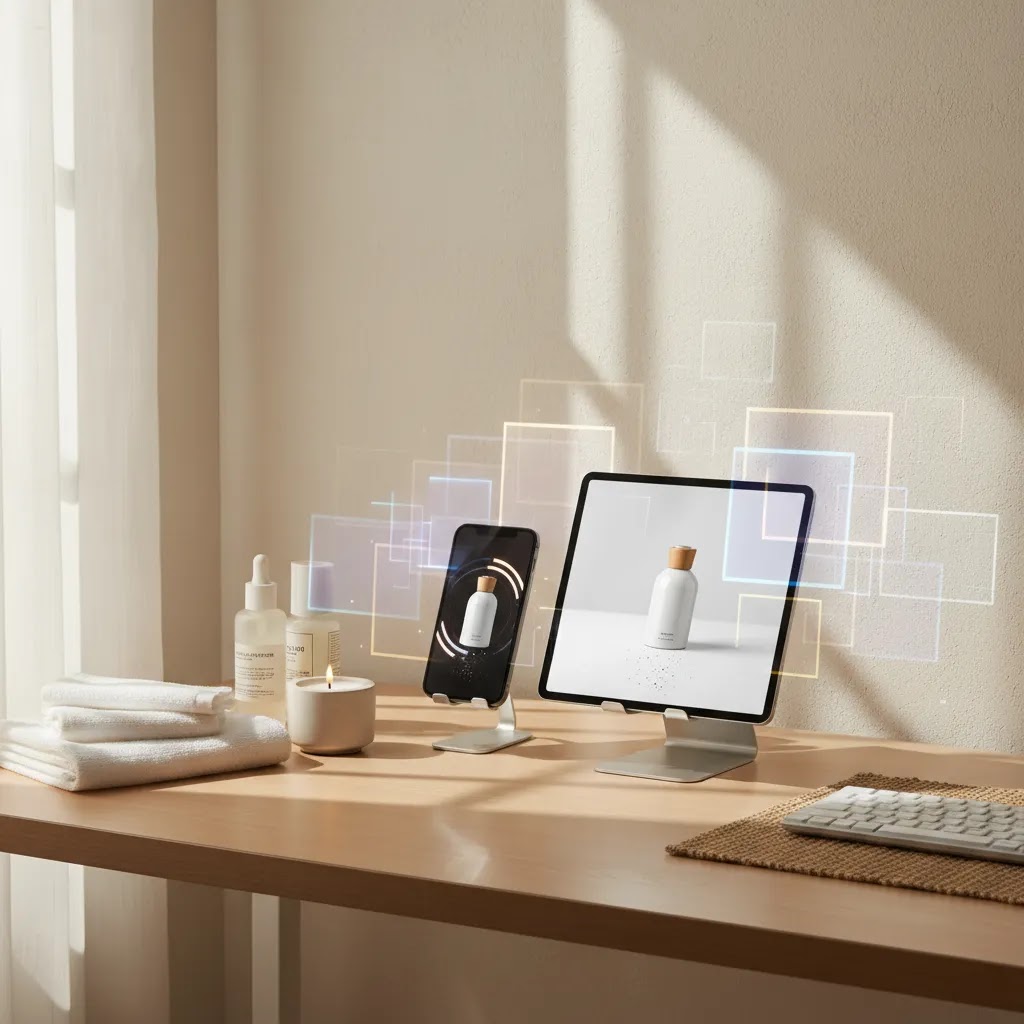
If you sell online, static product images are not always enough to stop the scroll. A good photo animation app can help you turn standard packshots or lifestyle shots into short motion assets for product pages, paid social, email campaigns, and marketplace creatives. The key is choosing a tool that matches how your store actually works, not just one with flashy effects. In this guide, I focus on practical options for ecommerce brands that want better creative output without building a full studio workflow. If you are also comparing broader motion formats for ecommerce campaigns, start with this guide to video advertising so you can judge where animated product images fit in your funnel.
Contents
- What counts as a photo animation app for ecommerce
- Key features to look for
- Best photo animation apps (and when to use each type)
- Pros and Cons
- Free vs paid photo animation apps (what “free” really includes)
- Who these apps are best for
- AcquireConvert recommendation
- How to choose the right app
- How to animate a still product photo (workflows for Shopify assets)
- Frequently Asked Questions
- Key Takeaways
- Conclusion
What counts as a photo animation app for ecommerce
A photo animation app takes a still product image and adds movement, transitions, background motion, scene changes, or layered effects so the image feels more like a short video asset. For ecommerce, that usually means turning a hero image into a product ad variation, adding subtle movement to lifestyle scenes, or building simple attention-grabbing creatives for paid social.
Not every store needs a complex video production workflow. Many Shopify merchants just need a faster way to refresh creative, test more ad angles, and repurpose existing product photography. In that case, tools tied to AI editing, background generation, and scene composition can be surprisingly useful, especially if your goal is making more assets from the images you already have.
Based on the current product data available, ProductAI's ecosystem is most relevant here because it gives you building blocks that support animated creative production, even where the “animation” output starts with image transformation. Tools like Creator Studio, Magic Photo Editor, and Background Swap Editor are especially useful if your team wants to create more motion-ready visuals from existing product shots.
Key features to look for
If you are evaluating a photo animation app for product images, focus less on novelty and more on output quality, workflow speed, and channel fit.
1. Clean source image editingIf your product photo needs prep work before animation, editing tools matter. ProductAI offers options such as AI Background Generator, Free White Background Generator, and Increase Image Resolution. These are helpful when your original image is not strong enough for ad use or needs cleaner composition before motion is added elsewhere.
2. Scene variation for creative testingOne of the biggest reasons store owners use AI-assisted image tools is to create more variants from one product shot. That is valuable if you are testing hooks in Meta ads, refreshing PDP media, or preparing creatives for an ai ad generator. Background swaps, hand-placement mockups, and alternate settings can give you more ad concepts without another shoot.
3. Ecommerce-friendly outputsYour app should support practical outputs for storefronts and ad channels. Subtle animated loops, short portrait assets, and layered creatives are usually more useful than dramatic cinematic effects. Store owners typically need motion creatives that load fast, fit mobile placements, and still keep the product clear.
4. Fast editing for non-designersIf you do not have a designer on staff, a usable editor matters more than an advanced timeline. Tools like Magic Photo Editor and Creator Studio are worth considering because they appear aimed at faster asset creation rather than traditional studio production. That can be a better fit for a lean ecommerce team.
5. Compatibility with your wider creative workflowAnimated images rarely live alone. They connect to product pages, retargeting ads, email, and broader campaign production. If your goal is scaling more performance-focused assets, it helps to review adjacent workflows like ad creative ai and benchmark styles against real ai generated video examples.

Best photo animation apps (and when to use each type)
Here is the thing, “photo animation app” can mean a few different categories of tools, and competitors tend to mix them together. For ecommerce, picking the right category matters more than chasing the longest effects list.
1. Mobile-first face and meme animatorsThese are the apps built around templates, music, filters, and AI video effects, often designed to make a selfie sing, dance, or “come alive.” They can be useful if your brand tone is playful and you are making organic social content. For most Shopify stores, they are usually a poor fit for core product clarity. On a PDP or marketplace image, that kind of motion can reduce trust because it makes the product feel less real.
Where they fit: creator-style TikTok or Instagram content, founder-led posts, quick UGC-style variations for top-of-funnel testing.Where they typically do not: product detail pages, hero images where color and material accuracy matter, premium brand campaigns.
2. 3D and parallax photo animatorsThis category creates depth from a single photo, then adds subtle camera movement, background drift, or a gentle zoom. For ecommerce, this is often the most useful style of “photo animation,” because you can keep the product realistic while adding enough motion to improve thumb-stopping potential in paid social.
Where they fit: Meta feed ads, Stories and Reels placements, email GIF-style loops, homepage banners if file size is kept under control.Where they typically do not: small-product packshots with lots of fine text, regulatory packaging where distortion risk is high.
3. Web-based design tools with animationThese tools are usually template-driven design platforms that let you animate text, shapes, stickers, and transitions around a product cutout. They are less about “bringing a photo to life” and more about creating an ad unit fast.
Where they fit: sale creative, product drops, bundles, and seasonal promos where you need repeatable layouts and quick variations across multiple aspect ratios.Where they typically do not: core PDP photography, where overlays can distract from product inspection and increase visual clutter.
From a practical standpoint, the selection criteria should map to the output you actually need. Templates can help you scale creative faster, effects and music can matter for Reels, filters can fit certain brand styles, and AI video effects can speed up iteration. But for most Shopify store owners, product clarity wins. If your animated asset makes the product harder to understand, it may look “cool” but still underperform where it counts.
Pros and Cons
Strengths
- Photo animation apps can help you repurpose existing product photos into motion-style assets without scheduling a new shoot.
- They are often useful for testing more paid social creatives, especially when your team needs new variations quickly.
- AI-assisted image tools can improve the quality of source images before animation, which may lead to better-looking final assets.
- They can reduce dependency on full editing suites for simple product promos, launches, or seasonal campaigns.
- For Shopify merchants, they may be a practical middle ground between static product photography and full custom video production.
Considerations
- Many “photo animation app” tools are stronger at image enhancement than true timeline-based animation, so feature depth varies.
- AI outputs can still need manual review to make sure branding, shadows, product proportions, and packaging details stay accurate.
- Some stores will still need a real product photography studio workflow for premium launches or regulated product categories.
- Creative variety does not automatically translate into better conversion or ROAS. Testing and channel fit still matter.
Free vs paid photo animation apps (what “free” really includes)
A lot of store owners search for a free photo animation app because they want to test the concept before paying for yet another subscription. That is reasonable, but you want to go in with realistic expectations.
Free plans often come with tradeoffs that matter for ecommerce workflows: watermarks on exports, lower resolution caps, limited templates or effects, fewer brand controls, and restrictions on file formats or how many exports you can do per day. For a one-off social post, those limits may be fine. For ad testing and repeatable campaign production, they can become the bottleneck.
If you want to test “free” properly without overcommitting, run a small trial that mirrors how you actually work:
- Pick one SKU that already sells, not a brand new product.
- Create three variations from one hero image, for example a subtle parallax version, a promo-text version, and a cleaner loop.
- Export for two channels you actually use, such as a portrait version for Stories and a square version for feed.
- Judge the results on usability, not hype: does it look on-brand, does the product stay accurate, and can you ship assets fast enough to keep up with your ad cadence.
Paid is usually justified when the tool saves team time, produces repeatable branded output, and gives you the export control you need for your placements. For some stores, that could mean removing watermarks and unlocking higher resolution. For others, it is about batch workflows and being able to produce consistent creatives across a catalog. The reality is you will still need to review outputs before they go live, especially if AI is involved, but paid tools can reduce the amount of rework if they fit your catalog and your brand standards.
Who these apps are best for
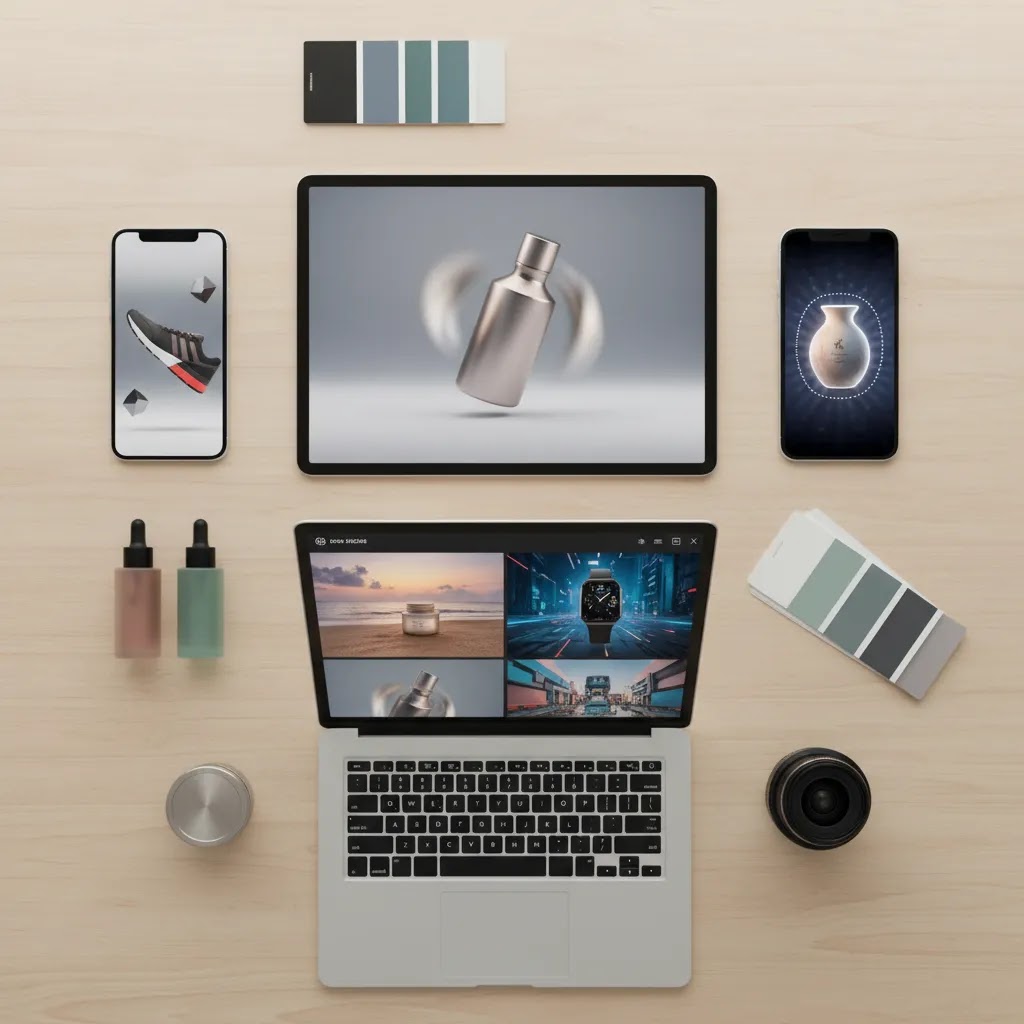
Photo animation and AI image-to-motion workflows are best for ecommerce teams that already have decent product photos and want to get more value from them. That includes Shopify brands testing short-form ad creative, solo founders building product page media in-house, and lean marketing teams that need more campaign variants without increasing production costs every month.
They are particularly useful for brands in cosmetics, accessories, home goods, and packaged products where visual presentation does a lot of the selling. If your store relies on visual storytelling but does not yet have a full content team, these tools can help fill the gap. If your products require highly technical demonstrations, apparel movement, or luxury-grade brand visuals, you may still need a more specialized production setup.
AcquireConvert recommendation
If you are choosing a photo animation app specifically for ecommerce use, start by separating two needs: source-image improvement and motion output. Many merchants confuse the two and end up with flashy visuals that are weak at the product-detail level. In practice, stronger results often come from cleaning the image first, creating scene variants second, and then turning the best concepts into ad-ready motion creatives.
That is the lens we use at AcquireConvert. Giles Thomas brings the perspective of a Shopify Partner and Google Expert, so the focus is not just on what looks impressive, but on what is practical for product pages, paid social, and acquisition campaigns. If you are comparing creative workflows, explore our Product Video & Animation resources and our E Commerce Product Photography guidance to map where static, animated, and AI-assisted visuals each make sense. For stores that want speed, ProductAI's Creator Studio and Magic Photo Editor look like the most relevant places to start from the current tool set.
How to choose the right app
Choose based on your primary use caseIf your main goal is ad testing, prioritize tools that help you create multiple visual concepts quickly. If your goal is product page merchandising, look for cleaner, more realistic outputs with less visual clutter. If you are preparing for marketplace listings, animation may matter less than white background consistency and image sharpness.
Audit your existing photo library firstMost stores do not need more raw content right away. They need better use of what they already have. Review your current hero shots, angled packshots, and lifestyle photos. If they are usable but inconsistent, a prep stack using white background cleanup, resolution enhancement, and scene swapping may deliver more value than buying a dedicated animation-first tool.
Consider brand sensitivitySome brands can use bold motion and stylized AI scenes without issue. Others cannot. Beauty, wellness, food, and premium gifting brands often need careful treatment so colors, textures, and packaging remain trustworthy. If you sell products where close visual accuracy affects customer confidence, test any AI-assisted asset against the original image before publishing.
Think channel by channelThe best photo animation app for Meta ads may not be the best one for your PDP gallery. For ads, movement and speed matter. For onsite conversion, clarity and product trust matter more. For email, file size and mobile rendering matter. Build your shortlist around the channels that drive the most revenue potential for your store.
Do a small test before committingCreate three to five assets from one product line. Use one clean studio shot, one lifestyle image, and one promotional angle. Judge the app on realism, speed, editing control, and how well the output fits your store's existing visual language. That kind of small workflow test usually tells you more than a feature list.

How to animate a still product photo (workflows for Shopify assets)
What many store owners overlook is that the best results usually come from a repeatable workflow, not from searching for a single effect. You want a process you can run every week for new ads, new offers, and new launches.
Step 1: Choose the right hero imageStart with your cleanest product photo, ideally a front-facing shot with clear edges and enough resolution for cropping. If the product is tiny in the frame, animation tends to emphasize the background instead of the item you are trying to sell.
Step 2: Prep the image before you add motionFix the basics first: background cleanup, exposure, and sharpness. If you are cutting the product out, make sure edges are clean around hairline details like pump tops, thin straps, or reflective packaging. This is where image prep tools can save you time, because motion makes rough cutouts and messy shadows more obvious.
Step 3: Add a motion layer that supports the productFor ecommerce, subtle motion usually wins. A slight parallax depth effect, a gentle zoom-in, or slow background movement can add life without distorting the product. If you are using template-driven tools, treat text, stickers, and transitions as supporting elements. If the animation is the main event, the product often gets lost.
Step 4: Export for the channel you are publishing toDo not export one file and force it everywhere. In practice, most Shopify teams need at least a few versions:
- Portrait for Stories and Reels style placements.
- Square for feed placements and many remarketing uses.
- Landscape for banners and some onsite placements.
If the tool supports looping exports, keep loops short and smooth so they do not feel jumpy. For email, smaller files are often worth more than perfect quality, because deliverability and load speed matter.
Step 5: QA like an ecommerce marketer, not like a video editorBefore you upload into Shopify, an ad manager, or an email platform, do a quick quality check on your phone. Look for the problems that can hurt trust:
- Packaging text warping or “wobbling” during motion.
- Incorrect colors compared to your original product photo.
- Unnatural shadows that slide around or detach from the product.
- Odd “breathing” artifacts where the product subtly changes shape frame to frame.
- Any overlay text that becomes hard to read on mobile.
If any of those show up, reduce the motion intensity, simplify the background, or switch to a more stable effect. The way this works in practice is simple: the closer the asset is to purchase intent, the more you should bias toward realism and clarity.
Frequently Asked Questions
What is the best photo animation app for product images?
The best option depends on what you need. If you want to build more ecommerce creatives from existing images, tools that improve, restage, and edit product photos can be more useful than flashy animation apps. Based on the currently available tool data, Creator Studio and Magic Photo Editor are strong starting points for merchants who want flexible visual asset creation.
Can a photo animation app help increase product page conversions?
It may help in some cases, especially if motion makes the product clearer or more engaging above the fold. But it is not automatic. For many stores, better image quality, clearer merchandising, and more relevant creative testing matter more than animation itself. You still need to validate performance through real user behavior and conversion tracking.
Are photo animation apps useful for Shopify stores?
Yes, especially for Shopify stores that rely on visual storytelling and need more creative assets for PDPs, ads, and email. They can be particularly helpful for merchants managing content in-house. The real value usually comes from faster asset production and more testing opportunities, not from motion effects alone.
Do I need a separate photo editor app before using animation tools?
Often, yes. A clean source image improves the final result. That is why image prep tools like AI Background Generator, Free White Background Generator, and Increase Image Resolution can be useful early in the workflow. If the product cutout, lighting, or detail clarity is weak, animation tends to make those weaknesses more obvious.
Is there a good free photo animation app for ecommerce?
Some tools offer free entry points or lighter utilities, but the right choice depends on what you need to produce. Free tools can be fine for testing ideas, cleaning backgrounds, or creating simple variants. For consistent branded output across campaigns, many growing stores eventually need a more controlled workflow or paid tool set.
Can I animate a photo for free?
Yes, you can often animate a photo for free using free plans or trial modes. The tradeoff is that free tiers commonly include watermarks, limit export quality, restrict templates and effects, or cap how many files you can export. If you are testing for ecommerce, try one SKU and export versions for the placements you actually run, then decide if the limitations block you from publishing.
What is the app that makes photos look animated?
Most apps that make photos look animated fall into three buckets: template-driven mobile apps, parallax or 3D depth tools, and web design tools that animate text and transitions around a photo. For product images, parallax-style motion is often the safest starting point because it can add movement without changing the product itself too much.
How do you animate a still photo?
A practical workflow is: pick a strong hero image, clean the background and edges, apply a subtle motion effect like a gentle zoom or parallax depth, export in the aspect ratios you need for ads or email, then QA on mobile for warping, color shifts, and shadow artifacts. If the product is no longer clear at a glance, dial the effect back.
Can I cartoonize a photo for free?
Some apps can cartoonize a photo for free, usually with limits like lower resolution exports or fewer styles. For ecommerce, cartoonization can work for top-of-funnel social content or playful brand campaigns, but it is usually not ideal for PDP imagery where customers need to judge real materials, colors, and details. If you test it, keep the product name and offer clear so the creative still sells the item.
Can AI photo animation replace a product photographer?
No, not fully. AI-assisted tools can extend your content library and help you produce more variations quickly, but they are not a full substitute for original photography in every scenario. Premium launches, complex materials, apparel fit, and highly regulated categories often still benefit from professionally planned photography and art direction.
What should I check before publishing animated product images?
Review product accuracy, colors, labels, shadows, proportions, and any claims shown on packaging. Make sure the output still matches the real item a customer will receive. You should also test load speed, mobile display, and placement context so the asset supports the buying journey instead of distracting from it.
Are these apps better for ads or for onsite content?
For many brands, they are more immediately useful for ads because they help produce more creative variations quickly. Onsite use can still work well, especially for hero banners or gallery enhancements, but product pages need to preserve clarity and trust. The best workflow often uses animated assets in acquisition and cleaner stills onsite.
How do I know if an AI photo app is worth paying for?
Run a small content sprint and compare output quality, production speed, and how many usable assets you actually publish. If the app consistently helps you create on-brand media faster, it may be worth the spend. If you keep reworking outputs or rejecting them, the tool probably does not fit your current catalog or creative standards.
Key Takeaways
- Start with your ecommerce use case, not the effect list. Ads, PDPs, and email need different kinds of motion assets.
- Clean source images usually matter more than advanced animation features for product-focused creative.
- Creator Studio, Magic Photo Editor, and related ProductAI tools are most useful for merchants who want faster image-based creative production.
- Use AI-assisted visuals to expand testing capacity, but always review product accuracy before publishing.
- Pair animated asset creation with a broader content strategy across photography, ad creative, and channel-specific merchandising.
Conclusion
The best photo animation app for product images is the one that helps you create usable ecommerce assets faster while keeping your product presentation accurate and on-brand. For most store owners, that means prioritizing strong image editing, scene flexibility, and practical output options over flashy motion effects. If you are serious about improving creative performance, treat photo animation as one part of a wider content system that includes product photography, ad testing, and storefront optimization. AcquireConvert is built for exactly that decision process. Explore our Shopify-focused guides, compare visual content approaches side by side, and use Giles Thomas's practitioner-led insights to choose tools that fit your real growth stage, not just the trend cycle.
This article is editorial content created for ecommerce store owners. It is not a paid endorsement unless explicitly stated otherwise. Product features and availability are based on current tool data and may change over time. Pricing details were not available from the current product data set, so verify current rates directly with each provider before making a purchase decision. Any performance outcomes from creative tools will vary by store, product, channel, and execution, and are not guaranteed.

Hi, I'm Giles Thomas.
Founder of AcquireConvert, the place where ecommerce entrepreneurs & marketers go to learn growth. I'm also the founder of Shopify agency Whole Design Studios.