Animated Product Images: Conversion Benefits (2026)

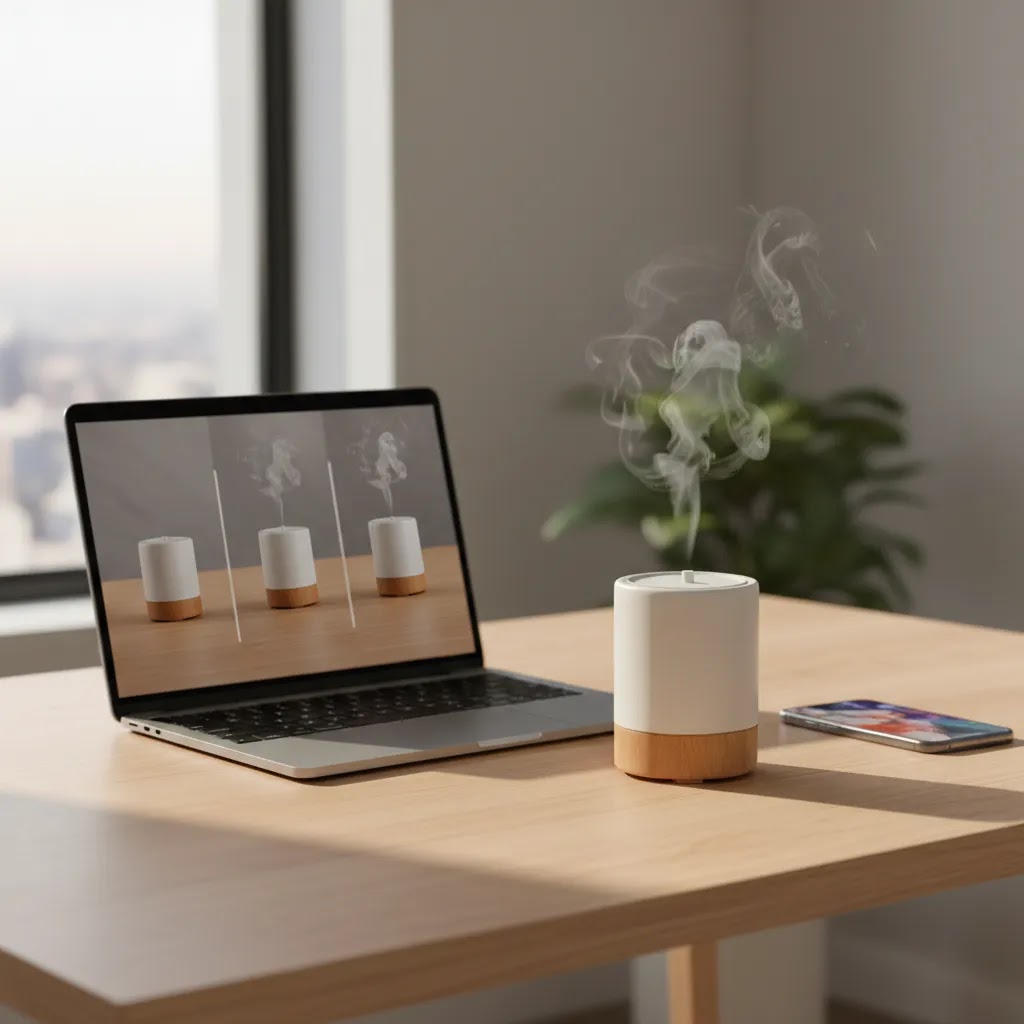
Animated product images can help you show more than a static frame ever could. For ecommerce store owners, that usually means clearer product understanding, better on-page engagement, and fewer moments of hesitation before add to cart. If you sell products where texture, movement, scale, transformation, or setup matter, animation often gives shoppers the missing context they need. That does not mean every store needs complex motion assets on every page. It means using movement where it supports the buying decision. If you are already exploring video advertising, animated product visuals are a logical next step because they help bridge the gap between product photography and full video production.
Contents
- Why animated product images matter
- How they can improve conversions
- Common formats for ecommerce teams
- Product animation ideas (with examples by product type)
- Useful tools and workflow options
- Download, licensing, and usage rights (especially for “free downloads”)
- Pros and Cons
- From a practical standpoint: Shopify implementation and performance (file types, size, and placement)
- Who should use them
- How to choose the right approach
- Frequently Asked Questions
- Key Takeaways
- Conclusion
Why animated product images matter
Static product images still do most of the heavy lifting in ecommerce. They load fast, fit every theme, and work well across collection pages, product pages, paid ads, and marketplaces. But static visuals also have limits. They can struggle to communicate how a product opens, folds, rotates, dispenses, fits in the hand, changes color, or works in real use.
Animated product images help solve that problem by adding controlled motion without requiring a full-length product video. Depending on the format, they can show a product from multiple angles, demonstrate a feature, simulate interaction, or create a more polished visual presentation for hero sections and ad creatives.
For Shopify merchants in particular, these assets can be useful on product detail pages where buyers need reassurance. Giles Thomas’s work as a Shopify Partner and Google Expert has long reflected a practical rule that many experienced merchants follow: the more clearly your page answers pre-purchase questions, the more likely it is to support conversion. Motion can play that role if it is used with restraint and clear commercial intent.
If your product relies heavily on visual presentation, it is also worth reviewing broader resources in Product Video & Animation and adjacent visual merchandising topics like Lifestyle Product Photography.
How animated product images can improve conversions
The main conversion benefit is not “animation” by itself. The real value is better communication. Animated product images may reduce uncertainty by showing how a product behaves or how it looks in context. That can matter for apparel, beauty, home goods, accessories, tech, and any item where motion, scale, or transformation influences the buying decision.
Here are the most common ways they support performance:
- They clarify features faster. A short loop can show moving parts, before-and-after effects, or setup steps faster than several product images.
- They hold attention longer. Motion naturally draws the eye, which may improve interaction with key page elements when used in moderation.
- They create a more premium presentation. Many stores use animation to make hero media and product galleries feel more polished, especially for higher-AOV items.
- They support ad-to-page consistency. If your paid creative uses movement, matching that on landing pages can create a smoother shopper experience.
- They can improve understanding on mobile. On smaller screens, a well-designed loop may communicate more efficiently than five static frames.
There are limits, though. Animation that slows page load, distracts from the CTA, or feels decorative rather than informative may hurt performance. The best product images, whether static or animated, always support the job of selling the product clearly.
If your goal is cleaner motion assets, workflows like video bg remover and better video backgrounds become important because background quality affects whether motion content looks trustworthy or improvised.
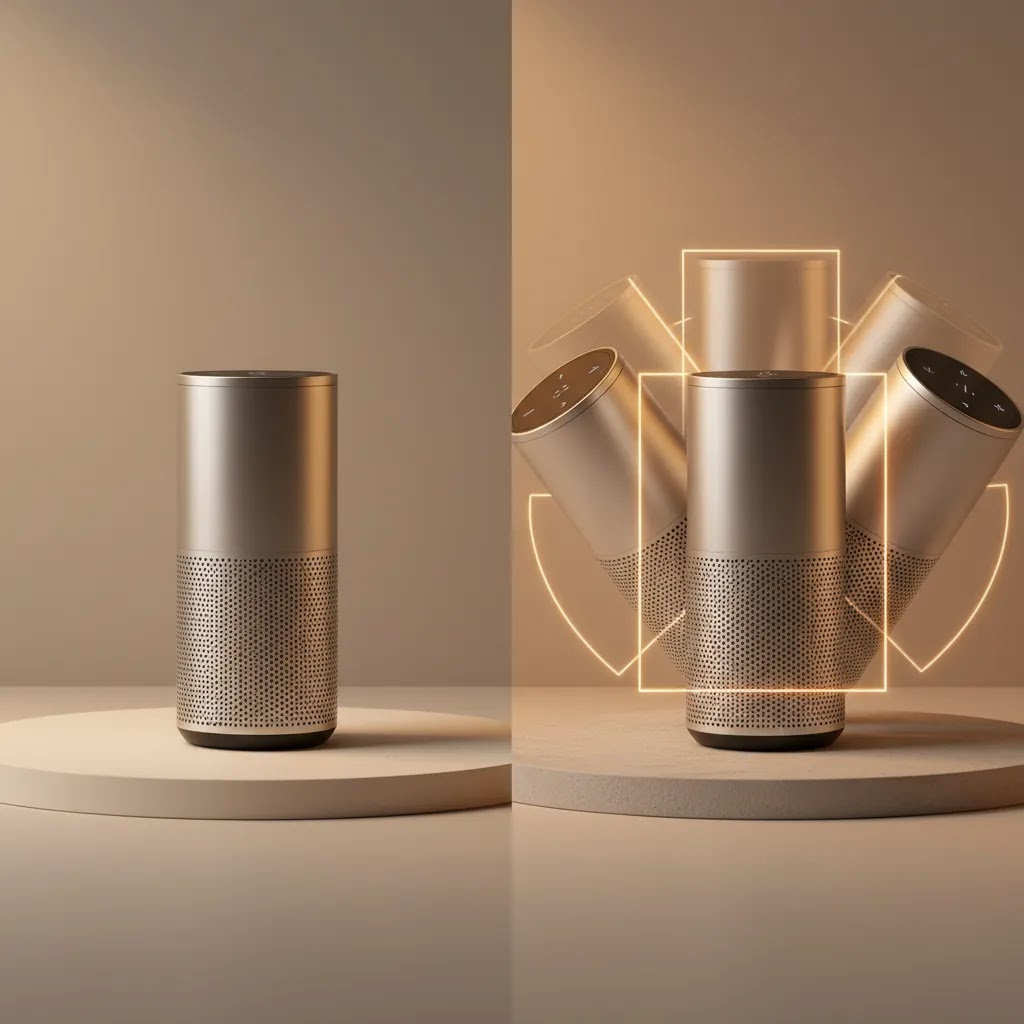
Common animated formats ecommerce teams actually use
You do not need one format for every product. Most stores benefit from choosing one or two repeatable options and applying them where they matter most.
360-degree spins
These work well for products with strong shape or design detail such as footwear, electronics, bottles, decor, and accessories. They help shoppers inspect the item without clicking through multiple stills.
Short GIF-style loops
These can show transformations, texture shifts, dispensing motion, lighting effects, or product use moments. They are particularly effective for cosmetics, kitchen tools, organizers, and novelty items.
Lifestyle motion snippets
These are closer to micro-video than classic animation, but they often function like animated product images inside galleries or landing pages. They show the item in use without requiring full production. A lot of brands pair these with strong product photography studio fundamentals so the jump from static to motion feels consistent.
AI-assisted animated visuals
Some merchants now use ai generated product images or AI-supported editors to create motion-friendly source assets, improve backgrounds, place products in hands, or build ad creative variations. This can save time for testing concepts, but results still need human review for realism, brand fit, and accuracy.
Product animation ideas (with examples by product type)
What many store owners overlook is that the best animated product images do not start with “what effect should we use.” They start with “what question is stopping someone from buying.” Once you map motion to buying friction, it gets much easier to decide what to animate, and what to leave as a clean static frame.
Here are repeatable “idea patterns” you can use across a Shopify catalog, with examples by product type.
Reveal: show what changes when the product is used
This is a simple loop where the product outcome is revealed in a clear step change. Think of it as a visual answer to “what does this actually do.”
Beauty and skincare often use reveal loops to show finish differences like matte vs dewy, coverage levels, or how a texture spreads. Home goods can use it for “before and after” organization shots. Accessories can use it for a “closed to open” reveal like a wallet or case.
Before and after: show improvement without overpromising
Before and after animation works best when it is honest and specific. It can support understanding, but it should not turn into exaggerated claims. For supplements and topical products, keep the motion focused on the product format and routine context, not on unrealistic transformations.
For cleaning products, organization products, and certain beauty categories, a controlled before and after may help explain the intended use. From a practical standpoint, make sure the “after” is achievable and that your claims stay aligned with your channel rules and product positioning.
Exploded view: show what is included (and how it fits together)
Exploded views are useful when buyers worry about what comes in the box, how parts attach, or whether a product is “more than it looks.” Electronics, gadgets, and home tools often benefit here.
You can do a lightweight version without full 3D production by animating layered photos or cutouts, but be careful with realism. If the item has tight tolerances or technical details, a true 3D product animation can be worth it, especially for hero assets used across ads and landing pages.
Assembly in 3 steps: reduce setup anxiety
If your product requires any setup, shoppers often hesitate because they assume it will be annoying. A three-step loop can be enough to remove that doubt.
Home goods, organizers, fitness accessories, and electronics accessories can use this pattern well. Keep it tight and focused: show the minimum steps needed to communicate “this is straightforward,” then point the shopper toward deeper instructions elsewhere if needed.
Texture or shine sweep: answer “what does it feel like”
For products where finish matters, a controlled light sweep or texture pass can communicate quality better than another angle. This is common in beauty packaging, jewelry, leather goods, and certain apparel accessories.
The key is subtlety. If the motion looks like a filter, it can reduce trust. If it looks like lighting you would see in a studio, it typically supports a more premium perception.
Size reference: show scale in-hand or next to an everyday object
Scale is one of the biggest sources of ecommerce disappointment. A short “in-hand” motion snippet, or a simple overlay that transitions between scale references, can reduce returns driven by expectation gaps.
Beauty, supplements, electronics, and accessories can all use this. If you sell apparel accessories, scale can also mean “how big does this look when worn,” which is where a short lifestyle motion clip can do a lot of work quickly.
Rotation plus one feature callout: keep it simple
For many Shopify stores, the highest ROI animation is still a clean rotation that shows shape, plus one clear feature moment. For example, rotate a bag and pause briefly on zipper quality, strap adjusters, or interior pockets. Or rotate a kitchen tool and pause on the grip texture.
This structure keeps the shopper focused on the detail that matters, instead of adding movement that becomes noise.
Practical guardrails that keep motion assets effective
Animated product images work best when they feel intentional, not busy. Keep loops short so they communicate quickly, especially on mobile. Try to show one idea per asset, rather than stacking effects and angles into a single file. And avoid motion that obscures variant selection or hides key details like color accuracy, texture, or the actual product silhouette.
Consider this: if a shopper is trying to decide between two variants, autoplay animation that keeps changing the view can slow the decision down instead of speeding it up. In many cases, the right answer is one strong animated hero, plus clean static frames for variants.
Useful tools and workflow options for product visuals
If you are building animated product images, the surrounding image workflow matters just as much as the motion effect itself. From the current tool data available, ProductAI’s visual tools are most relevant as supporting assets rather than standalone animation platforms.
- AI Background Generator can help create alternate scene styles for ecommerce imagery before you turn those visuals into animated sequences.
- Free White Background Generator is useful when you need clean base product images for marketplaces, PDP galleries, or before creating motion assets from consistent source files.
- Increase Image Resolution may help if your source product image quality is too low for zoom, motion cropping, or high-impact hero placement.
- Remove Text From Images can clean existing visuals before editing product images into animated assets.
- Background Swap Editor supports alternate contexts and lifestyle looks for product lifestyle images.
- Place in Hands helps merchants simulate scale and usage context, which is helpful for lifestyle product images and ad mockups.
- Magic Photo Editor and Creator Studio appear suited to broader visual editing workflows.
Pricing details were not provided in the available tool data, so it is best to verify current rates directly with the provider. Also, these tools support visual production and editing, but they should not be treated as a substitute for a full motion design workflow when you need advanced animated product images at scale.
If you are testing performance creative as well as on-site visuals, an ai ad generator may also be worth exploring as part of the wider acquisition workflow.
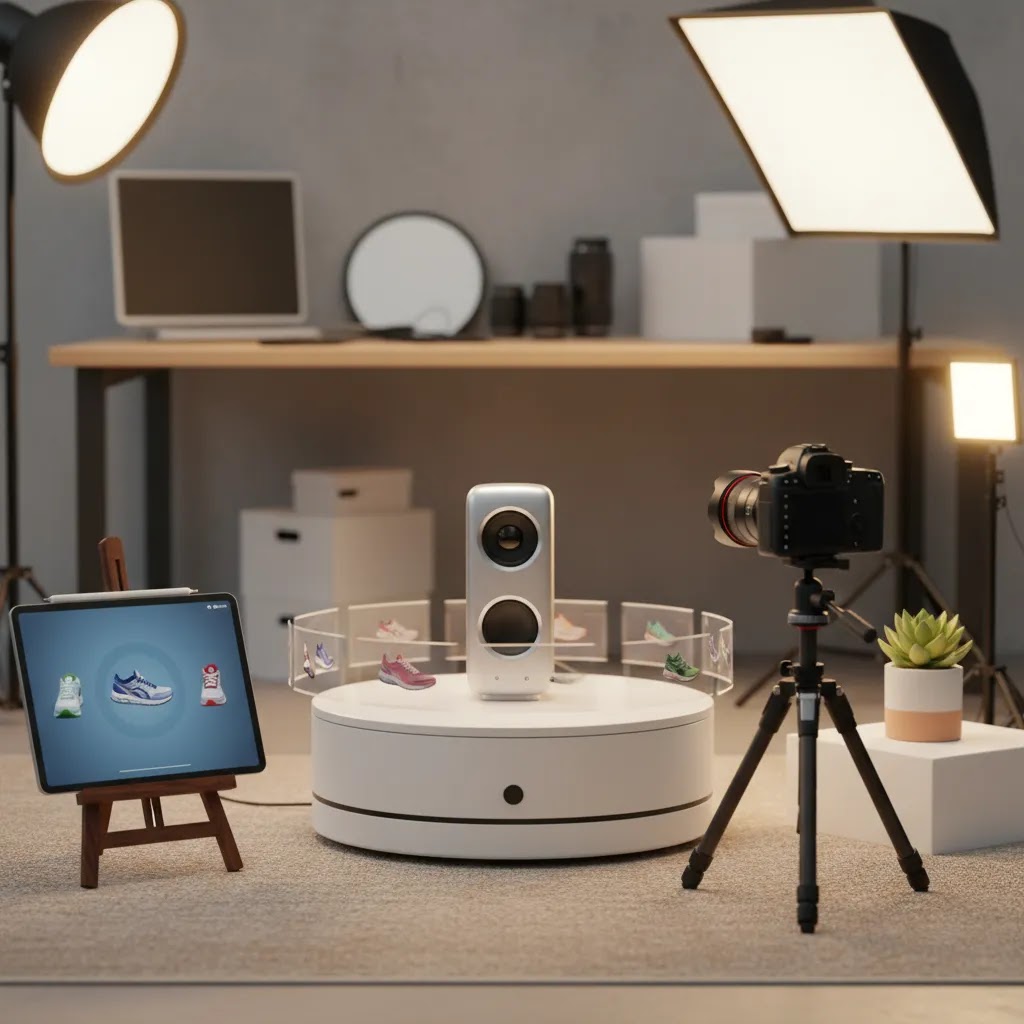
Download, licensing, and usage rights (especially for “free downloads”)
A lot of store owners search for animated product images free download options because they want to test motion without a production budget. That can be a reasonable place to start, but only if you treat licensing and usage rights as part of the workflow, not an afterthought.
Here is the thing: “free” almost never means “do whatever you want forever.” The risk is not just legal. It is also brand consistency. If your product visuals look like the same stock motion loops everyone else is using, it can make a store feel generic.
How to evaluate free or pre-made assets safely
Before you use any downloaded animated product asset commercially, confirm the license terms. You are looking for clarity on commercial use, whether attribution is required, and whether there are restrictions on where the asset can appear.
Also consider exclusivity. Many free libraries are non-exclusive by definition, so competitors may use the same animation. That is not automatically bad for a quick test, but it can be a problem if the asset becomes part of your brand identity.
Where downloaded animated assets typically can and cannot be used
In many cases, a commercial license will allow use on your Shopify product detail pages, landing pages, and email marketing. Ads are often more complicated. Meta ads and Google Ads have their own creative requirements, and policies and specifications change, so you should verify current platform rules before assuming an asset is acceptable.
For Google Shopping in particular, product images are held to strict standards. While you can use motion content in parts of your marketing funnel, your primary product images for feed-based placements are usually expected to be static and policy-compliant. Treat motion as a supporting asset, not a shortcut around feed requirements.
A simple checklist to reduce risk
If you do decide to use downloaded animation assets, keep proof of your license terms at the time you downloaded the file. Avoid using assets that include trademarked elements, recognizable logos, or packaging that is not yours. If the motion includes lifestyle footage with people, confirm that model releases and any property releases exist, especially if the asset looks like it was sourced from a library rather than created for your brand.
One more practical point: even with a valid license, you still need to make sure the asset truthfully represents your product. Do not use “similar looking” product motion in place of your actual item. That can create expectation gaps, which tends to show up later as lower conversion quality or higher return rates.
Pros and Cons
Strengths
- Can communicate movement, transformation, and functionality more clearly than static product images alone.
- May improve shopper engagement on product pages, hero sections, and paid landing pages.
- Useful for mobile users who need quick visual context without reading long copy blocks.
- Can make professional product images feel more premium and better aligned with brand positioning.
- Helpful for products where scale, use case, or texture are difficult to explain through still photography images.
- Can support stronger continuity between ads, product pages, and social commerce content.
Considerations
- Poorly optimized files may slow page speed, which can offset conversion gains.
- Decorative motion that does not answer a buying question may distract from add-to-cart actions.
- Creating consistent animation across large catalogs can become time-intensive.
- AI product images and AI-assisted motion concepts still need review for accuracy and realism.
- Not every product category benefits equally, especially if motion does not add useful context.
From a practical standpoint: Shopify implementation and performance (file types, size, and placement)
Making animated product images look good is only half the job. On Shopify, implementation details decide whether animation supports conversion, or quietly causes problems like slower load time, distracted shoppers, and a cluttered product media experience.
Where animated product images usually matter most on Shopify
For most Shopify store owners, the highest-impact placement is the first media slot on the product detail page, the asset that loads as the hero. That is where motion can quickly answer a key question and reduce hesitation.
The product media gallery is the next most important placement, especially if your theme makes it easy to swipe on mobile. A common pattern is one animated asset early in the gallery, followed by static product images that support variant selection, details, and trust elements.
Below-the-fold sections can also work well for motion, especially for “how it works” moments that support buyers who scroll. Collection cards are more delicate. Small animated thumbnails can draw attention, but too many autoplay elements on a collection page can feel noisy and may hurt performance. In many cases, it is better to keep collection visuals static and reserve motion for PDPs or ad landing pages.
Where animation can backfire
Autoplay motion can create friction if it competes with the add-to-cart area, variant selectors, or key details like color and finish. This is especially true when a loop changes the angle so quickly that the shopper cannot clearly compare variants. Think of it this way: your motion should support the decision, not become part of the decision.
Another common issue is stacking too many animated elements on one page. A single, purposeful motion asset may help. Five different autoplay loops can make a product page feel like an ad, which may reduce trust for some buyers.
File formats: GIF vs video (MP4/WebM) vs spin sequences
GIFs are popular because they are simple and widely supported, but they can become heavy fast and often look less crisp than modern video formats. If you need smooth motion at reasonable file sizes, short videos like MP4 are often more efficient in practice. Some themes also support modern formats like WebM for better compression in certain browsers, but you still want to test compatibility across devices.
360-degree spins can be handled in different ways. Some stores use a short video rotation. Others use a sequence of still frames that simulate rotation. Sequences can look great, but they can also add weight if you use too many frames or large images.
The right choice depends on how the theme displays media, how important image clarity is for your category, and what your mobile shoppers experience on slower connections.
Performance basics that protect Core Web Vitals
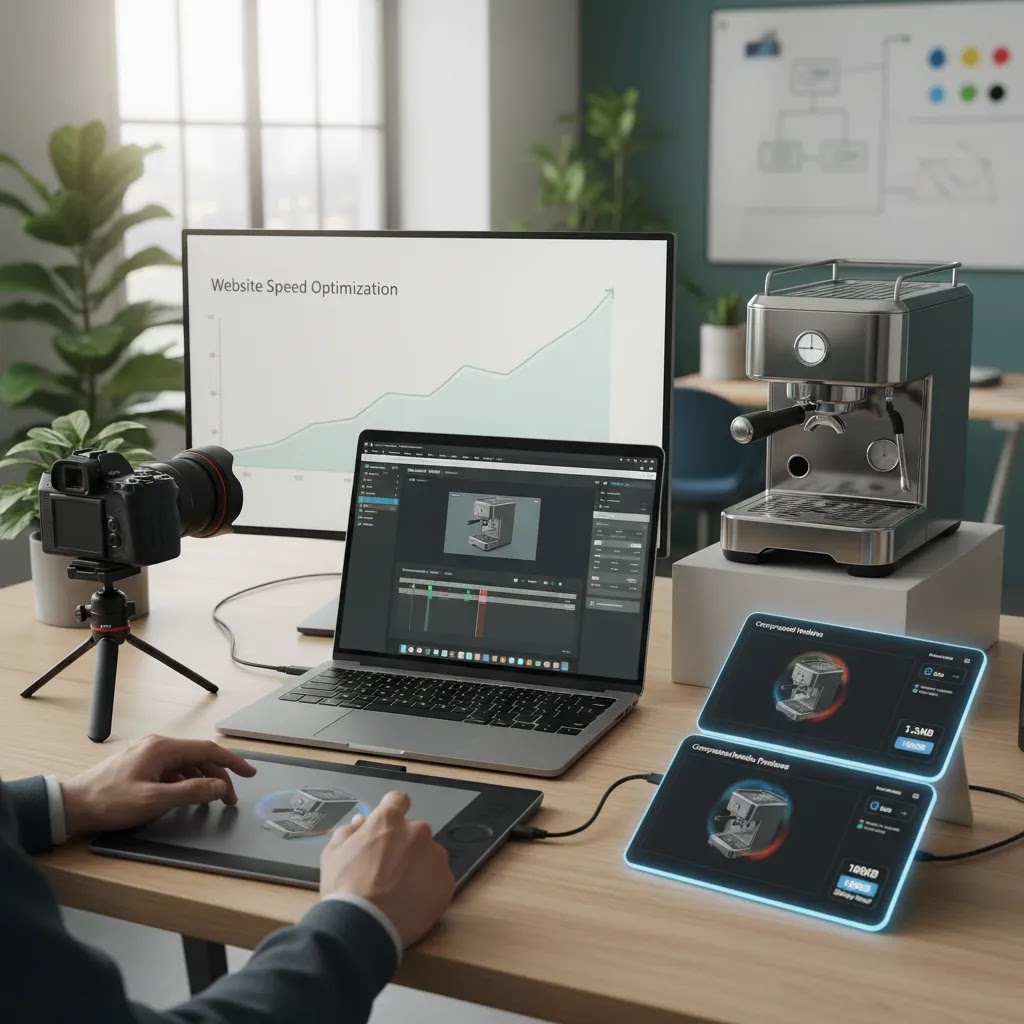
Shopify storefront performance is a real constraint, especially on media-heavy product pages. Compress exports, keep dimensions appropriate for the placement, and test the page on mobile. If you are using video, keep it short and consider whether it should autoplay with sound muted, or require a click. The goal is to maintain a fast first impression while still giving shoppers the motion content when it helps.
Now, when it comes to testing, do not just check on a modern desktop connection. Use your own phone on cellular and see how quickly the hero media loads and whether the add-to-cart area remains stable.
How to measure whether motion helps (not just whether it looks good)
If you want to connect motion to outcomes, set up measurement that captures engagement with your hero media and ties it to add-to-cart behavior. At minimum, watch for changes in add-to-cart rate and conversion rate on products where you add animation. It is also useful to segment by device, since mobile users often experience the biggest UX difference, and by traffic source, since shoppers arriving from ads may behave differently than organic visitors.
In many cases, animated product images help most when they reduce specific pre-purchase questions. So also pay attention to qualitative signals: customer support tickets, return reasons, and on-page behavior that suggests confusion. This is the conversion-focused mindset Giles Thomas applies as a Shopify Partner and Google Expert. Creative is not just decoration, it is part of how your store communicates product value.
Who should use animated product images
Animated product images are usually best for stores selling visually demonstrable products. That includes beauty, apparel accessories, home goods, fitness products, gadgets, gift items, and products with moving parts or visible transformation. They are also a strong fit for brands investing in paid acquisition because the same creative logic can carry from ad click to landing page.
If you run a Shopify store and want to improve product understanding without producing full-length product videos for every SKU, this approach is worth testing. If your catalog is very large or highly technical, start with bestsellers or high-margin products rather than trying to animate everything at once.
How to choose the right animated product image approach
Most store owners should evaluate animated product images using five practical criteria.
1. Start with buying friction, not aesthetics
Look at products with frequent pre-sale questions, lower-than-expected conversion, or high bounce from product pages. If shoppers need to understand fit, texture, setup, or motion, animation may help. If the product is already obvious in a static image, you may get more value from improving copy, reviews, or offer presentation.
2. Match the format to the product
A spinning view works for shape-led products. A loop works for transformation. A lifestyle motion snippet works for use context. This sounds simple, but many merchants overproduce the wrong asset type and then wonder why it does not move the needle.
3. Protect page speed
This is especially important on Shopify storefronts where media-heavy pages can become bloated fast. Compress files, test mobile performance, and make sure motion content does not delay the primary product image or interfere with variant selection. Better media should support the conversion path, not slow it down.
4. Keep visual consistency across the funnel
If you use animated creatives in ads, make sure your PDP visuals feel like part of the same brand system. The color treatment, product angle, background style, and tone should align. That is one reason many merchants standardize editing product images before any motion layer is added.
5. Test where the commercial impact is most likely
Start with hero media for top sellers, high-AOV products, or SKUs where returns suggest expectation gaps. Measure interaction rate, time on page, add-to-cart behavior, and assisted conversion trends. You may not see a dramatic lift everywhere, but you can often identify where animated product images are genuinely useful and where static product images remain the better choice.
AcquireConvert’s approach under Giles Thomas is practical rather than hype-driven. As a Shopify Partner and Google Expert, he focuses on the assets and page elements that help merchants communicate product value more clearly. If you are comparing motion content options, explore the related AcquireConvert guides above and use them to build a workflow that fits your store size, product type, and merchandising priorities.
Frequently Asked Questions
Do animated product images always increase conversions?
No. They may help when they reduce uncertainty or explain the product more clearly, but results depend on product type, page speed, traffic quality, and how well the motion asset fits the buying journey. For some stores, improved static product photography images may have a bigger impact.
What products benefit most from animated product images?
Products with movement, transformation, texture, or setup needs usually benefit most. Think cosmetics, tools, apparel accessories, home products, electronics, and giftable items. If the shopper needs to visualize how something works or looks in use, animation may add meaningful context.
Are animated product images better than product videos?
Not necessarily. They are often lighter, shorter, and more focused than full product videos. That makes them useful for galleries, hero modules, and quick demos. Product videos still do a better job when you need storytelling, deeper education, or multiple feature explanations in sequence.
Can I use AI for product images before animating them?
Yes, many merchants use AI for product images to create cleaner backgrounds, improve resolution, or generate lifestyle variations before adding motion. You still need to review accuracy closely, especially for color, proportions, and material realism. AI-assisted content should support the product truthfully.
What is the difference between animated product images and lifestyle product images?
Lifestyle product images show the item in a real-world setting or use context. Animated product images add movement to either studio or lifestyle visuals. Many strong ecommerce pages use both: static or AI-assisted lifestyle imagery for context, plus animation for demonstration or emphasis.
Should I put animated visuals on every product page?
Usually no. Start where visual explanation matters most, such as bestsellers, high-margin items, or products with more pre-purchase hesitation. Rolling them out selectively helps you control production effort and learn where motion content actually improves shopper understanding.
Can animated product images hurt page performance?
Yes, if files are too large or poorly implemented. Heavy media can slow mobile load times and interrupt the path to purchase. Compress assets, test theme performance, and make sure animated content loads in a way that supports the main product image and add-to-cart flow.
Are AI generated product images good enough for premium brands?
They can be useful for concepting, campaign variants, and some controlled ecommerce use cases, but premium brands should review them carefully. The standard should be the same as any other visual asset: realism, brand consistency, product accuracy, and fit with the buying experience.
What should I measure after adding animated product images?
Focus on product page engagement, image interaction, add-to-cart rate, bounce behavior, and any changes in return reasons tied to product misunderstanding. Avoid assuming a win based on aesthetics alone. The goal is clearer product communication, not just a more dynamic page.
What is the best file format for animated product images on Shopify, GIF or video (MP4/WebM)?
In many cases, short video files like MP4 deliver better quality at smaller sizes than GIFs, especially for smooth motion. GIFs are simple and widely supported, but they can become heavy fast and may look less sharp. WebM can be efficient in some browsers, but it is worth testing across devices to make sure your theme and customer browsers handle it well. The best choice is usually the one that keeps your page fast on mobile while still showing the detail shoppers need.
How do I make animated product images without a designer (what tools or generators can I use)?
You can often create basic motion using simple workflows, even without a dedicated designer. Start with strong source product images, then use editing tools to create consistent backgrounds, clean cutouts, and lifestyle context. From there, you can build simple loops like rotations, reveals, or step sequences using beginner-friendly animation editors or template-based tools. If you use AI-assisted tools for prep, review the output carefully for product accuracy, especially around color, material realism, and proportions before you publish anything to your live Shopify store.
Where should I place animated product images on a product page for the best impact?
The first media slot on the product page is usually the highest leverage placement because it shapes the first impression and can answer key questions quickly. The product media gallery is the next most important area, particularly on mobile where shoppers swipe through visuals. Below-the-fold placements can work well for “how it works” demonstrations. Try to avoid overusing autoplay motion in areas that compete with variant selection and add-to-cart actions.
Can I use animated product images in Google Shopping or Meta ads?
Meta ads commonly support motion creative, but you still need to follow current ad specifications and policies, which can change. Google Shopping is typically stricter about product image requirements for feeds, and many stores use static images there while using motion assets on landing pages or other parts of the funnel. If you plan to use animation in any ad channel, verify the latest platform rules and test performance, since heavier assets can affect load times after the click.
Key Takeaways
- Animated product images work best when they answer a specific buying question.
- Use motion selectively on products where movement, scale, or transformation matters.
- Protect page speed and mobile UX before expanding animated assets across your store.
- AI tools can help prepare source visuals, but human review is still essential.
- Measure conversion-related behavior, not just visual engagement, after launch.
Conclusion
Animated product images can be a smart addition to your ecommerce merchandising strategy when they help shoppers understand the product faster and with more confidence. They are not automatically the best choice for every SKU, and they should never replace strong product photography, clear copy, and solid page performance. But for products that need visual explanation, they may close the gap between interest and purchase. If you want a more practical framework for using motion across your store, AcquireConvert is a useful specialist resource. Explore the related guides on video advertising, video backgrounds, and AI-led creative workflows to see how experienced Shopify-focused operators approach visual conversion strategy.
This article is editorial content for educational purposes and is not a paid endorsement unless explicitly stated otherwise. Pricing for any third-party tools is subject to change and should be verified directly with the provider. Any conversion impact discussed here is directional only and not guaranteed. AI-generated or AI-assisted product visuals should always be reviewed for product accuracy, brand fit, and compliance with your sales channels.

Hi, I'm Giles Thomas.
Founder of AcquireConvert, the place where ecommerce entrepreneurs & marketers go to learn growth. I'm also the founder of Shopify agency Whole Design Studios.