How to Animate Product Photos: Turn Stills Into Video

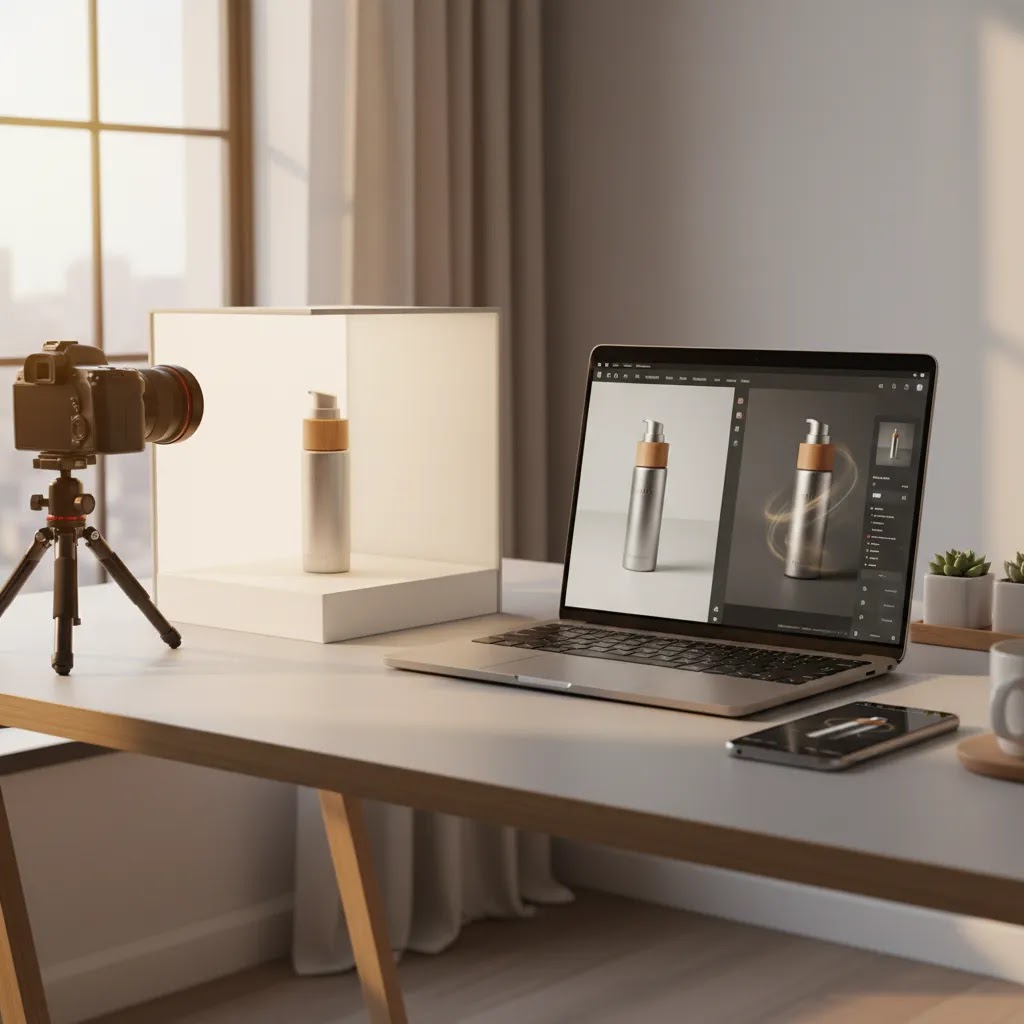
If you run an ecommerce store, static product photography still does most of the heavy lifting. But there are plenty of moments where a short animated asset can explain texture, highlight key details, or stop the scroll better than another still image. That is where photo animation fits. Instead of planning a full video shoot, you can turn existing product images into motion-led content for product pages, paid ads, and social placements. For many Shopify merchants, this is a practical middle ground between still photography and full production. If you are building out a wider creative strategy, it also helps to understand how animation fits into video advertising so your assets support conversion, not just aesthetics.
Contents
- What photo animation actually means for ecommerce
- 5 practical ways to animate product photos
- Useful tools for creating animated product visuals
- How to animate a product photo step by step (beginner workflow)
- Pros and Cons
- Best use cases for photo animation in ecommerce (and what to avoid)
- Who should use photo animation
- How to choose the right workflow
- Free photo animation apps and “online free” tools: what you actually get
- AcquireConvert recommendation
- Frequently Asked Questions
- Key Takeaways
What photo animation actually means for ecommerce
Photo animation is the process of turning a static image into motion content. For ecommerce, that usually means adding movement to product stills so they feel more dynamic in ads, landing pages, and social content. You are not filming from scratch. You are building motion from existing assets.
That motion can be subtle or more stylized. A bag may rotate slightly. A skincare bottle may zoom in while text callouts appear. A fashion accessory may move through a layered parallax effect. In some AI workflows, you can even generate short clips from a prompt or transform a still into an animated sequence.
For store owners, the real question is not whether animation looks impressive. It is whether it helps shoppers understand the product faster. That is why the best use cases are usually practical: showing texture, size, packaging, before-and-after views, ingredient highlights, or a clearer lifestyle context.
If your source images need cleanup first, animation quality usually improves when you prepare the files well. Articles on video bg remover workflows and better video backgrounds can help you avoid awkward edges, distracting scenes, or low-quality composites.
5 practical ways to animate product photos
There is no single best method. The right option depends on the type of product you sell, the channels you need assets for, and how much control you want over the final result.
1. Simple motion from a single still
This is the fastest workflow. You take one image and add zoom, pan, light movement, or layered depth. It works well for hero products, beauty items, packaged goods, and home accessories. If you need motion for Meta ads or product page sections, this is often enough.
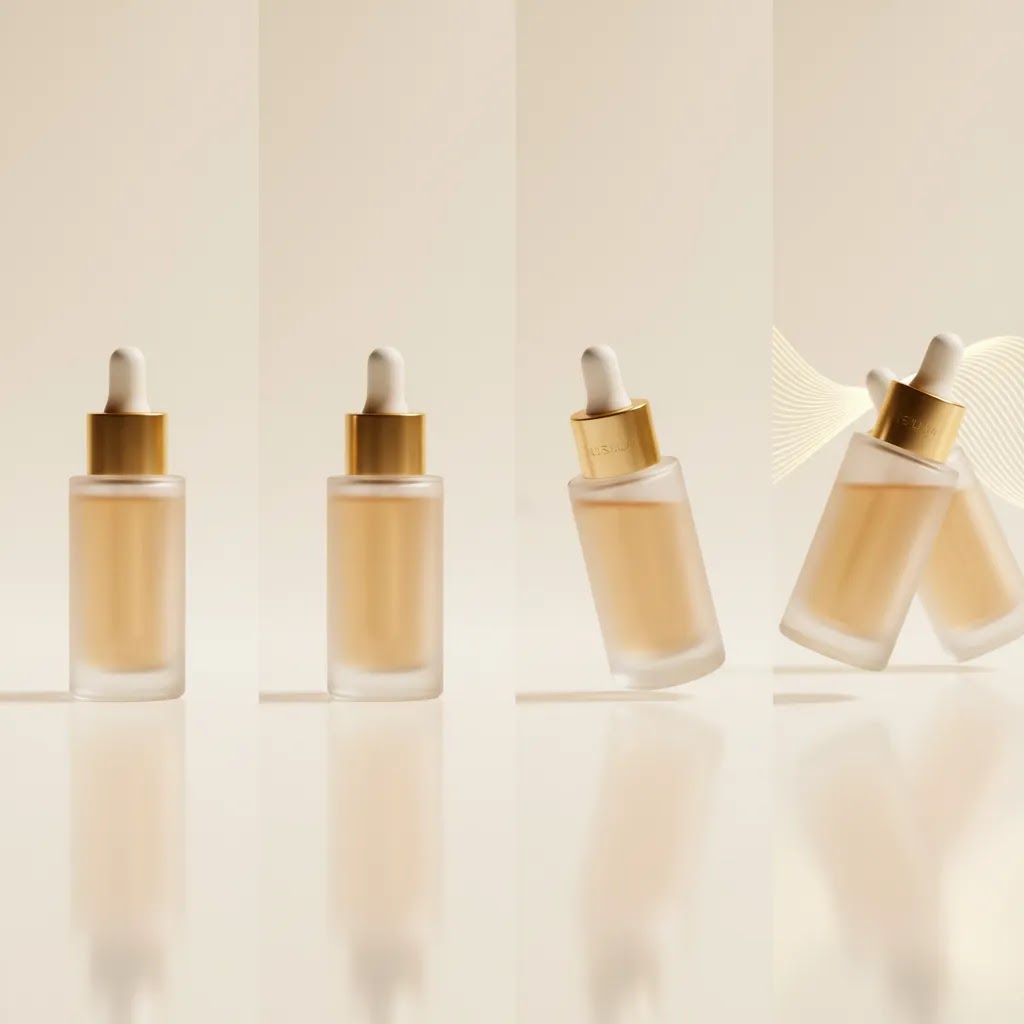
2. Multi-image sequence animation
Here, you combine several stills into a short product story. For example, image one shows the front of the product, image two shows the side angle, image three highlights the packaging, and image four adds a feature callout. This approach works well for PDP galleries and retargeting ads.
3. AI image-to-video generation
Some tools now turn still product photos into short generated clips. These can be useful for quick creative testing, especially if you want to experiment with visual concepts before committing to a larger production budget. The trade-off is consistency. AI-generated motion can look impressive, but it may also distort packaging details, logos, or fine product features.
4. Text-led animation for feature communication
Sometimes the best animation is not about the product moving. It is about adding motion to key text, arrows, overlays, or ingredient labels. This is especially helpful for technical, wellness, or beauty products where the buying decision depends on understanding benefits fast.
5. Hybrid still-plus-video ad creative
You can also mix animated stills with short product clips, customer proof, or UGC-style sequences. This tends to work best for paid social where you need more variation. If that is your direction, pairing your workflow with an ai ad generator strategy may help you produce more creative variations for testing.
Useful tools for creating animated product visuals
Based on the current product data available, the strongest fit for this topic is not a dedicated standalone photo animation suite but a set of AI image preparation and editing tools that can improve your source assets before animation. In practice, better inputs often lead to better animated outputs.
Magic Photo Editor
Magic Photo Editor is useful when you need to clean, adapt, or restyle product imagery before moving it into an animation workflow. That could include refining backgrounds, adjusting composition, or preparing hero images for motion design.
Background Swap Editor
Background Swap Editor can help create alternate scenes or lifestyle contexts from a base product shot. For merchants producing short motion ads, having multiple background variants may make it easier to create animated edits for different campaigns or audiences.
AI Background Generator
AI Background Generator is relevant when your still product images need more context before animation. A simple movement effect on a plain, unrefined image often looks generic. A stronger background may help the final asset feel more intentional.
Free White Background Generator
Free White Background Generator is best for clean catalog-style assets. If you want to animate product details for marketplaces, comparison pages, or minimalist PDP sections, starting from a white background can make motion cleaner and easier to control.
Increase Image Resolution
Increase Image Resolution matters more than many merchants expect. Slight zoom animations can expose image quality issues quickly, especially on large screens. Upscaling source files before animation may help preserve clarity.
If you are still building your asset library, it is worth reviewing broader resources on catalog photography and how to set up a better product photography studio workflow. Strong stills almost always produce stronger motion assets.
How to animate a product photo step by step (beginner workflow)
If you want a simple way to get started, think in terms of: choose one strong image, add one clear motion idea, export for the channel you need. Most store owners get tripped up by trying to do too much in the first version, or exporting the wrong format for where the asset will live.
From a practical standpoint, here is a beginner workflow that works for many Shopify stores.
- Pick the right source photo. Use a sharp image with clean edges and a clear product silhouette. Front-facing shots, 3 quarter angles, and close-ups with texture tend to animate well. If the image is already busy or slightly out of focus, motion usually makes it look worse.
- Decide where you will use it. Before you animate anything, choose the placement: PDP media, collection page module, paid social, or email. This choice affects aspect ratio, motion intensity, and file size expectations.
- Choose one motion goal. For example: a slow zoom to show texture, a gentle pan to reveal packaging, a subtle parallax depth effect, or a simple rotation. One goal is usually enough for a 3 to 6 second clip.
- Animate with product accuracy in mind. Keep motion subtle, especially for packaging and labeled products. The reality is that aggressive motion, heavy warping, or overly stylized camera moves can make a real product feel fake. That is not what you want on a Shopify product page.
- Add overlays only if they improve clarity. If you add text callouts, keep them short and readable on mobile. In many cases, one callout is stronger than three. Make sure callouts do not cover the product name, size, or any details shoppers use to confirm they are buying the right item.
- Export in a social-ready format and size. For most channels, MP4 is the safest choice. GIFs can work for certain placements, but file sizes can balloon fast and image quality can drop. For aspect ratios, 1:1 is a solid default for broad compatibility, 4:5 tends to be strong for feed placements on paid social, and 9:16 is the standard for Stories and Reels style inventory.
- Test it where it will actually run. Preview on a phone. If it is for a Shopify PDP, check that it does not feel like it is competing with your primary image, price, and add to cart area. If it is for ads, verify it reads clearly without sound and still makes sense when viewed quickly.
Consider this before you publish, run through a quick quality checklist:
- Check for warping around edges, especially handles, corners, or thin product parts.
- Check label distortion, logo drift, and packaging proportions.
- Watch for flicker, pulsing shadows, or jittery edges that make the product look low quality.
- Make sure any text overlays are legible on mobile and do not obscure key product details.
The way this works in practice is that you build one clean “base” animation for a top SKU, then adapt it into a few aspect ratios for different placements. That keeps the creative consistent, and it saves you from creating a new concept every time you need a new size.
Pros and Cons
Strengths
- Photo animation can help you create motion content without organizing a full video shoot.
- It is often well suited to product launches, paid social tests, and short-form creative refreshes.
- Animated stills can highlight texture, packaging, or feature callouts more clearly than a single static image.
- For smaller stores, it may be a practical way to repurpose existing product photography across multiple channels.
- AI-assisted preparation tools can speed up background cleanup, scene variation, and image enhancement before animation.
Considerations
- Animated visuals can look polished while still failing to communicate product value if the underlying concept is weak.
- AI-generated movement may distort product shape, branding, labels, or packaging details.
- For technical products or premium brands, low-quality motion can reduce trust rather than improve engagement.
- Animation does not replace the need for strong original photography, accurate color, and clear merchandising.
Best use cases for photo animation in ecommerce (and what to avoid)
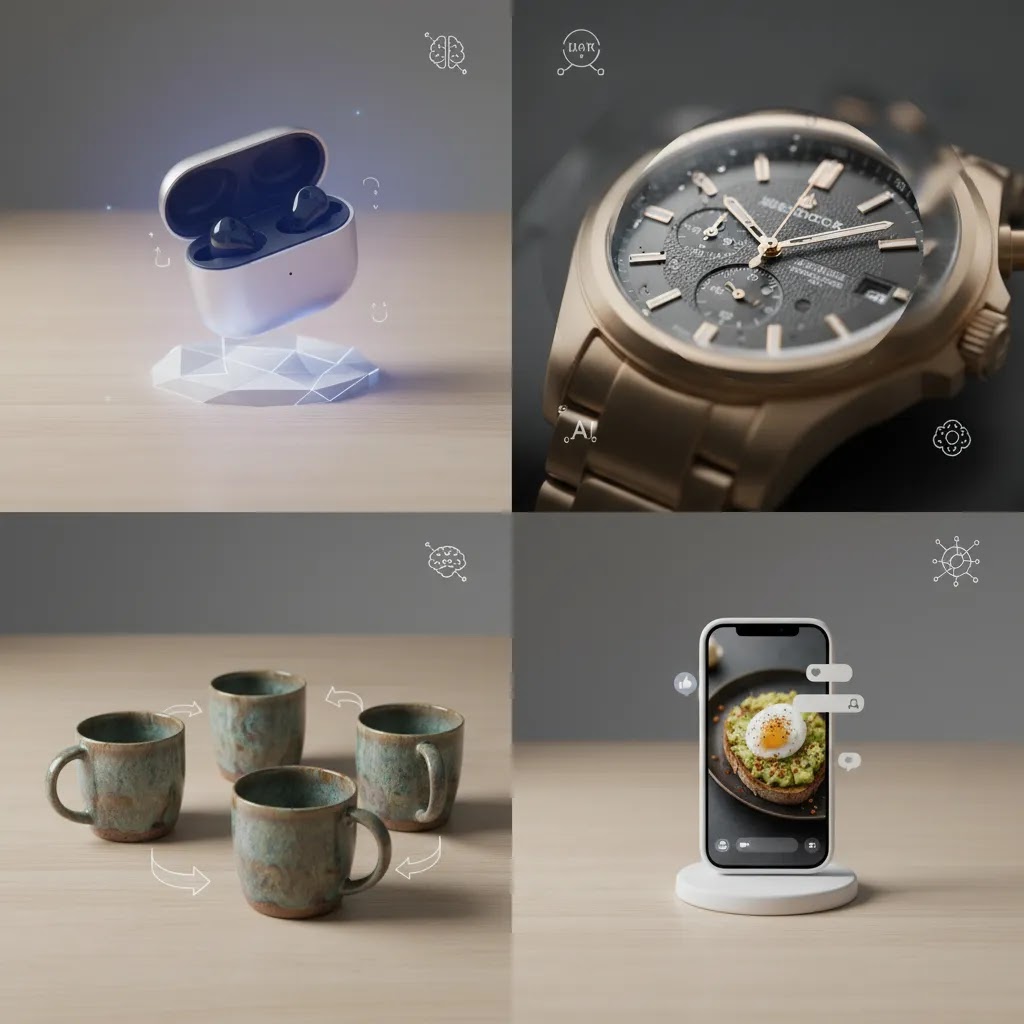
Photo animation earns its keep when it makes a product easier to understand at a glance, or when it gives you more creative options for acquisition testing. The mistake is treating motion as decoration. Shoppers are not visiting your store for animation, they are trying to decide if the product is right for them.
Use cases that tend to work well
For most Shopify store owners, these are the scenarios where animated photos can be a practical win:
- Scroll-stopping hero ads. A subtle zoom on the product, a clean parallax effect, or a packaging reveal can create movement without looking like a gimmick. This is often useful for prospecting creative where you need to earn attention fast.
- Feature callouts that support comprehension. If you sell skincare, supplements, or technical products, a simple animated still with one or two callouts can communicate what matters faster than a long block of copy.
- Texture and material close-ups. A gentle pan across fabric, grain, sparkle, or surface finish can help shoppers “feel” the product better than a static image, especially on mobile.
- Packaging and unboxing style reveals. If gifting, presentation, or what is in the box matters, animated stills can show what arrives without needing a full shoot.
What to avoid (common ecommerce mistakes)
What many store owners overlook is that animation can backfire when it reduces clarity or creates doubt. Watch out for these issues:
- Distracting motion on PDPs. Product pages typically convert best when the visual hierarchy is calm and clear. If the animation pulls attention away from the product title, price, or purchase decision, it can hurt more than it helps.
- Misleading effects that change perceived size or color. Heavy lighting shifts, exaggerated depth, or AI-generated movement can unintentionally change what the product “is.” That increases the risk of disappointed customers, returns, or customer support friction.
- Over-animated text. Spinning, bouncing, and fast transitions can make your message harder to read, especially on smaller screens. If text is important, keep it stable and readable.
Channel-fit guidance: PDP vs collections vs paid social
Now, when it comes to where to use animated stills, a simple rule helps: the closer someone is to buying, the more the animation should behave like merchandising, not entertainment.
On PDPs, subtle motion can work when it reinforces product understanding, for example texture, packaging details, or a simple before and after. On collection pages, motion is usually best used sparingly because multiple moving tiles can feel chaotic and can slow perceived browsing. In paid social, you have more room to be bold because the job is to stop the scroll and earn the click, but accuracy still matters and ad policies can change, so always check the latest platform rules before launching new creative approaches.
Think of it this way: if the shopper needs proof, demonstration, or a sense of “how it works in real life,” real video is usually the better option than animating a still. Photo animation is strongest when the product is visually clear and the motion is there to emphasize, not to invent.
Who should use photo animation
Photo animation makes the most sense for ecommerce brands that already have a decent library of product images and want more output from those assets. If you are a Shopify merchant running paid social, updating PDPs regularly, or launching seasonal campaigns, animated stills can give you more creative range without the cost and logistics of frequent video shoots.
It is especially useful for beauty, fashion accessories, home goods, packaged products, and giftable items where motion can emphasize presentation and detail. It may be less suitable for products that require live demos, assembly explanation, or precise performance proof. In those cases, real video footage may still be the better choice.
How to choose the right workflow
If you are comparing photo animation options, these are the criteria that matter most for an ecommerce business.
1. Start with the end placement
A PDP gallery animation is different from a TikTok ad creative. Product page motion usually needs to be clean, subtle, and fast-loading. Paid social can be bolder. Before choosing a tool or workflow, decide where the asset will appear and what action you want the shopper to take.
2. Protect product accuracy
This matters a lot for ecommerce trust. If an AI animation tool changes packaging proportions, cap shape, fabric texture, or label placement, the creative may look interesting but become less useful for selling. Review outputs closely, especially if you sell premium, regulated, or visually specific products.
3. Prioritize speed only where it helps
Fast content creation is helpful, but only if the result is still usable. Many merchants benefit from a mixed workflow: use AI or lightweight editors for concepting and simple motion, then reserve manual polishing for top-performing products and campaigns.
4. Build from strong source photography
Animation rarely fixes weak product images. If lighting, resolution, composition, or background quality are off, motion may amplify the problem. Merchants often see better results by improving the still asset first, then animating it second.
5. Evaluate whether motion supports conversion
The best animated product asset is not always the most visually complex one. Ask whether it helps shoppers answer a buying question faster. Does it show scale? Clarify a feature? Add confidence? If the answer is no, keep it simpler.
For merchants building a broader content system, the most effective approach is often to combine clean catalog shots, a few lifestyle edits, selective animations, and stronger ad testing. You can explore that wider content mix through the Product Video & Animation and Catalog Photography sections on AcquireConvert.

Free photo animation apps and “online free” tools: what you actually get
A lot of store owners search for a free photo animation app because they want a fast way to test the concept before committing time or money. That makes sense. The reality is that “free” and “online” tools can be useful, but you need to understand the trade-offs before you put the output on a Shopify product page or into a paid campaign.
Here is what commonly shows up with free plans and lightweight online tools:
- Watermarks or branding. Even subtle marks can reduce trust, especially for premium products, gift items, and beauty where presentation matters.
- Resolution caps. Low resolution may still look fine in a small preview, then fall apart when you use it as ad creative, or when a shopper taps to zoom.
- Limited export formats. Some tools push you toward GIF only, or do not export clean MP4 options. That matters for performance and for how widely you can reuse the asset.
- Fewer controls. When you cannot adjust motion intensity, stabilize edges, or fine-tune transitions, product accuracy can suffer.
From a practical standpoint, a good decision framework is to use free tools for concept testing and speed, then upgrade your workflow for anything that touches core revenue drivers. That typically means: test motion styles on mid-tier SKUs, then produce higher-control versions for your top sellers, your best prospecting ads, and your highest-intent PDP placements.
Think of it this way: early iterations are about finding what style communicates value, not about polishing. Once you know what works, you want fewer surprises. That is when controlled exports, consistent aspect ratios, and predictable output quality start to matter.
One more thing to watch is brand asset protection. If you are animating packaging, labels, or logos, review outputs carefully before publishing. Make sure logos are not warped, compliance or ingredient text is not altered, and product claims are not unintentionally introduced by overlays or AI-generated elements. If you plan to use the asset in ads, do a final review with current ad platform policies in mind since requirements and enforcement can change.
AcquireConvert recommendation
If you are evaluating photo animation for your store, treat it as a merchandising tool first and a creative trend second. That is the practical way most experienced operators approach it. Start with your best-selling SKUs, test short animated assets in one channel, and compare them against strong static controls rather than replacing everything at once.
AcquireConvert focuses on these decisions through an ecommerce lens, which is especially useful if you sell on Shopify and need content that supports conversion, not just clicks. Giles Thomas brings the perspective of a Shopify Partner and Google Expert, so the guidance stays tied to real store performance, channel fit, and asset quality. If you want to go deeper, review the surrounding guides on product video workflows, creative testing, and image preparation before investing heavily in any one tool or process.
Frequently Asked Questions
What is photo animation in ecommerce?
Photo animation in ecommerce means adding motion to still product images so they can work as short videos, ad creatives, or enhanced product page assets. That can include zooms, pans, layered depth, text overlays, or AI-generated motion. The goal is usually to make product benefits clearer or create more engaging visual content from existing photography.
Is photo animation better than filming a real product video?
Not always. Photo animation is often faster and more cost-effective for simple creative needs, but real video is usually better when shoppers need to see hands-on use, assembly, movement, or proof of function. Many brands get the best results by using both, with animated stills for variation and filmed content for deeper product understanding.
Can I use AI photo animation for Shopify product pages?
Yes, but keep performance and accuracy in mind. Shopify merchants should use lightweight, conversion-focused assets that load efficiently and represent the product faithfully. If the animation is large, distracting, or visually inconsistent with the product you ship, it may hurt trust rather than help merchandising.
What types of products work best with animated photos?
Beauty, skincare, accessories, packaged goods, gifts, home products, and visually distinctive items often work well. These products benefit from motion that highlights texture, packaging, ingredients, or premium presentation. Products that need detailed demonstrations, such as tools or complex electronics, may need traditional video more than animated stills.
Do I need special software to animate product photos?
You need some type of editing or animation workflow, but it does not always have to be advanced software. Many merchants start with lightweight editors, AI tools, or template-based creative platforms. The main requirement is that the tool lets you maintain visual accuracy while producing assets in the formats your marketing channels need.
Are free AI animation video generator tools good enough for store owners?
They can be useful for testing ideas, mockups, or low-risk creative variations. Still, free tools often come with trade-offs such as weaker control, output limitations, branding, or less consistent results. For product-focused ecommerce content, it is worth checking outputs closely before using them on a storefront or in paid acquisition campaigns.
How long should an animated product clip be?
For most ecommerce uses, short clips tend to work best. Think in the range of a few seconds rather than full-length videos, especially for paid social, collection page modules, or hero sections. The asset should communicate one clear idea quickly, such as showing texture, highlighting a feature, or reframing the product in a stronger context.
Does animation improve conversion rates?
It may help in some situations, but there is no universal uplift. Results depend on the product, traffic source, page layout, creative quality, and how well the animation supports buyer understanding. The safest approach is to test animated assets against strong static alternatives and judge performance based on your own store data.
What should I fix before animating a product image?
Start with image resolution, clean edges, accurate color, and a suitable background. Weak lighting, messy cutouts, and low-resolution files become more obvious once motion is added. Preparing the still image first usually leads to better output and saves time later in the editing process.
What is the free app that makes pictures move?
There are many apps and online editors that can animate a still photo with simple effects like zoom, pan, and template-based motion. The key is not the name of the app, it is whether you can export a clean file without watermarks, at a usable resolution, in a format that fits where you will use it.
Is there a free AI photo animator?
Yes, some tools offer free tiers that let you generate short AI image-to-video style animations. In many cases, free access comes with limits like fewer exports, lower resolution, or watermarks. For ecommerce, you will typically want to review AI outputs closely for label distortion, logo changes, and any product inaccuracies before publishing on Shopify or using in ads.
Can ChatGPT animate a photo?
ChatGPT cannot directly animate an image by itself. What it can do is help you plan the creative, write prompts for image-to-video tools, and outline export specs for different channels. You still need an animation or video tool to generate the motion file.
How do I animate my photo?
Start with a high-quality product photo, choose a simple motion style like a slow zoom or pan, and export to a channel-friendly format like MP4. Before you publish, preview on mobile and check for warping, flicker, and label distortion. If the animation will be used on a Shopify product page, keep motion subtle and focused on clarity rather than effects.
Key Takeaways
- Photo animation is most useful when it helps shoppers understand a product faster, not just when it looks visually impressive.
- Strong source photography matters more than the animation effect itself.
- AI-assisted tools can help prepare product images, but you still need to check outputs for accuracy and brand fit.
- Start with one product category or campaign, then test animated assets against static controls.
- Use different animation styles for different placements such as PDPs, paid social, and retargeting ads.
Conclusion
For many ecommerce brands, photo animation is a sensible way to create more motion content without rebuilding the entire creative workflow around video production. It works best when you use it selectively, keep the product visually accurate, and tie each asset to a clear merchandising or acquisition goal. If you are selling on Shopify, that usually means focusing on stronger PDP storytelling, more flexible ad creatives, and better reuse of existing photography. AcquireConvert is built for that kind of practical decision-making. Explore the site’s product video, animation, and photography resources to compare workflows, sharpen your creative process, and make more confident choices with guidance shaped by Giles Thomas’s Shopify and ecommerce expertise.
This article is editorial content and not a paid endorsement unless explicitly stated otherwise. Pricing, product availability, and tool features are subject to change, so verify current details directly with the provider. Any performance outcomes discussed are illustrative only and are not guaranteed.

Hi, I'm Giles Thomas.
Founder of AcquireConvert, the place where ecommerce entrepreneurs & marketers go to learn growth. I'm also the founder of Shopify agency Whole Design Studios.