Product Videos That Increase Sales (2026 Guide)

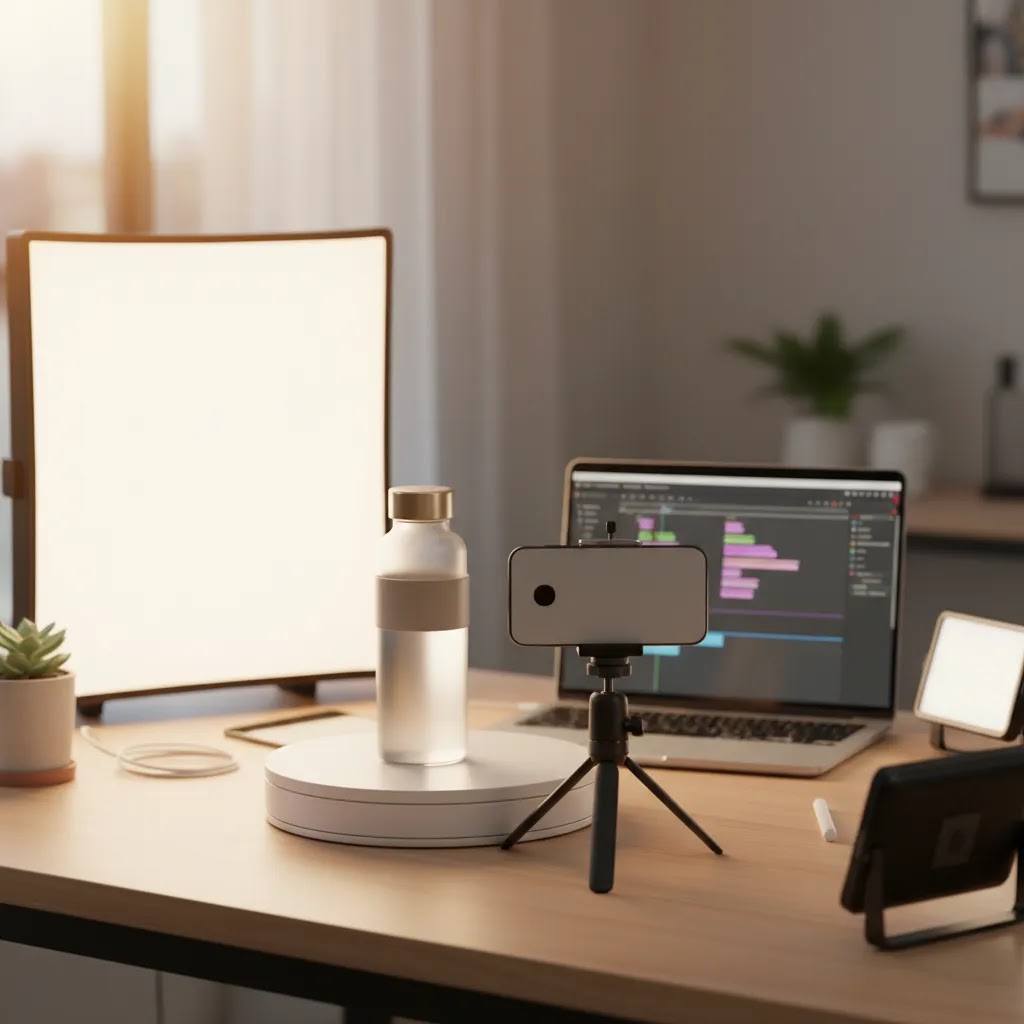
Product videos can help shoppers answer the questions that still images and bullet points often miss. For ecommerce brands, that usually means showing scale, texture, fit, motion, setup, and use cases before a customer hits the buy button. If you sell on Shopify or another online store platform, that extra context may improve confidence and reduce hesitation, especially on mobile. The challenge is knowing which video types actually help sales and which ones just add production time. In this guide, I’ll break down the product video formats worth testing, how to create them without overcomplicating your workflow, and where AI can help without replacing good merchandising judgment. If you want broader context on how these assets fit into video advertising, start there after this article.
Contents
- Why product videos matter for ecommerce
- Which product videos tend to work best
- Product video examples you can model (by category and by goal)
- How to make product videos
- Product video specs that work across Shopify, ads, and marketplaces
- Where AI fits into product video workflows
- Using online product video makers and templates (when it makes sense, and when it does not)
- Pros and Cons
- Who should invest in product videos
- AcquireConvert recommendation
- How to choose the right product video approach
- Frequently Asked Questions
- Key Takeaways
Why product videos matter for ecommerce
Most online purchases fail or succeed on trust. A shopper cannot pick up the product, test the zipper, see the fabric move, or understand size from every angle. Product videos help bridge that gap by showing what a product looks like in use and how it behaves in real conditions.
For store owners, the practical value is straightforward. A good product video can support higher intent traffic from paid ads, strengthen product page clarity, and give social content a stronger link back to the SKU you want to sell. This is especially useful for categories like apparel, beauty, electronics, home goods, and anything with a before-and-after effect.
That does not mean every product needs a high-production brand film. In many cases, simple, well-structured product videos outperform polished but vague creative. A 15 to 30 second demo, a short feature walkthrough, or an AI-assisted lifestyle clip may do more for conversion than a cinematic edit that never explains the product.
If you are building a fuller asset library, the broader Product Video & Animation category is a useful next stop. It helps you connect product page video, paid creative, and social content into one production workflow rather than treating each asset as a separate project.
Which product videos tend to work best
Not all product videos serve the same purpose. The best format depends on where the customer sees it and what question they need answered.
- Product demo videos: Best for showing exactly how the item works. These are strong on product pages and retargeting ads.
- Lifestyle videos: Best for helping shoppers picture the product in context. These work well for social ads and collection page support.
- Feature highlight videos: Best for products with 2 to 4 clear buying triggers such as portability, waterproofing, storage, or compatibility.
- UGC-style videos: Best for making the product feel socially validated and less polished. These often fit beauty, wellness, and impulse-friendly consumer products.
- Comparison or problem-solution videos: Best when buyers need help understanding why your product is different from alternatives.
- SaaS product videos: If your product is software, these should focus on interface clarity, setup, and real workflow examples rather than abstract brand messaging.
A useful rule is to match each video to a stage in the buying journey. Awareness content should stop the scroll. Product page content should remove buying objections. Retargeting content should remind shoppers why they considered the item in the first place.
Production quality still matters, but clarity matters more. Clean framing, readable captions, simple editing, and consistent backgrounds often outperform visual noise. If your footage needs cleanup, a video bg remover can help isolate the product for marketplace listings, ads, or explainer clips. If you need stronger visual consistency across creatives, testing different video backgrounds is one of the fastest ways to improve presentation without a full reshoot.
Product video examples you can model (by category and by goal)
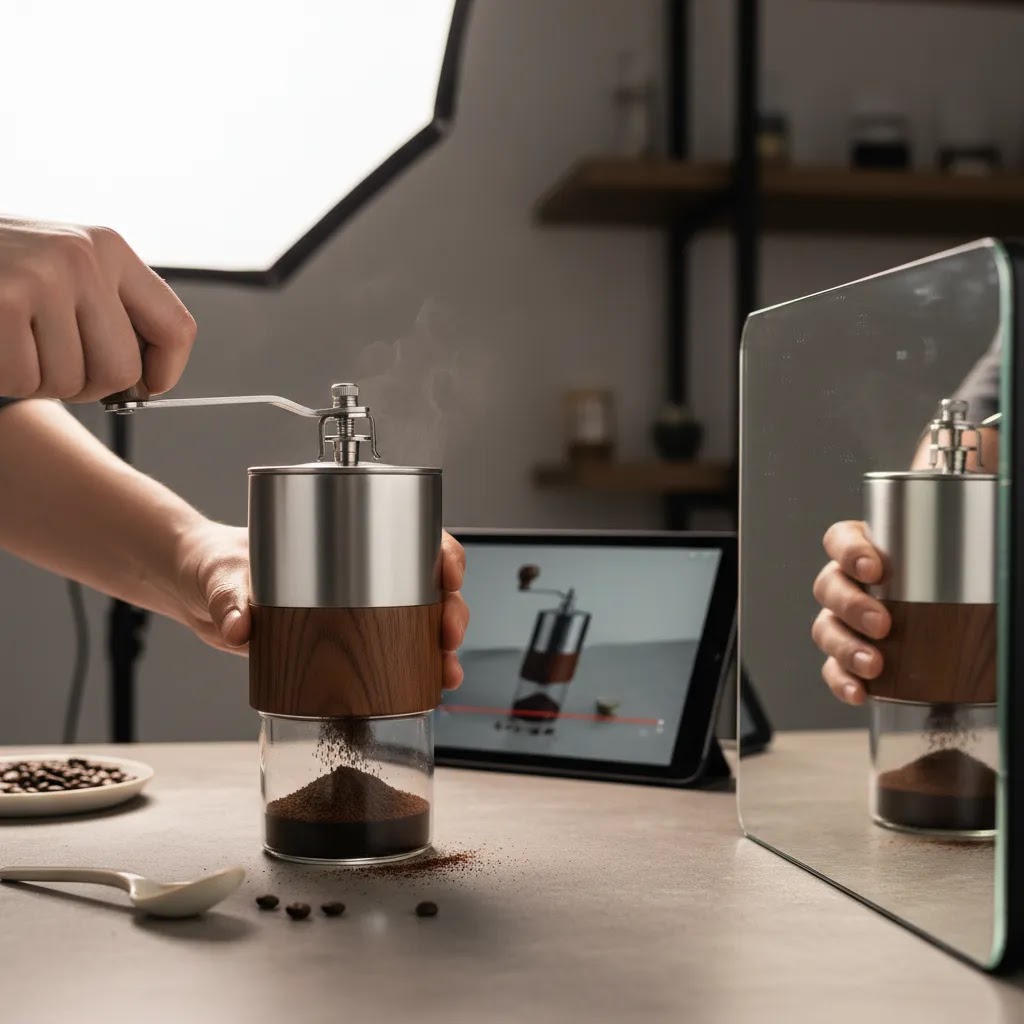
Formats are helpful, but most Shopify store owners get unstuck when they see concrete examples they can copy. Consider this, you are not trying to invent a new style of video. You are trying to show the product clearly, answer objections, and make the next step feel obvious.
Examples by product category
Apparel and accessories: Film fit and movement, not just a static front shot. A slow turn, a walk-by, and a close-up of fabric texture usually do more than a styled montage. If sizing is a common issue, include a quick clip that shows the model’s height and the size they are wearing, plus a waistband, sleeve, or inseam close-up depending on the product.
Beauty and skincare: Show application, what the product looks like on skin, and what is inside the packaging. In practice, a simple routine clip works well, open the lid, show texture on a fingertip, apply, then show the finish in natural light. If results vary by skin type, keep claims conservative and focus on the experience and usage instead of dramatic “overnight transformation” visuals.
Electronics and gadgets: Do setup and UI closeups. Shoppers want proof that the product is real, works, and is not complicated. A strong pattern is unbox, connect, turn on, show the interface, then one clear “job to be done” demo. If you sell compatibility-dependent items, include a fast compatibility callout on-screen so shoppers do not have to guess.
Home goods and kitchen: Lead with scale and use. Most product returns in these categories come down to “I did not realize it was that big” or “I did not realize it was that material.” Show the item next to common objects, then show it being used in the environment it belongs in, countertop, shelf, couch, sink, and include a close-up of finishes and edges.
Examples by goal (what the video is trying to accomplish)
Objection-handling clips: These are designed to remove friction. Common patterns include size and fit clarification, “how it installs,” “how it washes,” durability proof, and what is included in the box. Keep these tight and literal. If the question is setup, show setup. If the question is fabric, show fabric stretch and stitching closeups.
Differentiation clips: These explain why your SKU is not the same as everything else in the category. A useful structure is problem, why typical options fail, your product solving it, then one proof point. If you do comparisons, keep them fair and consistent, same lighting, same usage, same camera angle, so the viewer trusts what they are seeing.
Proof clips: This is where UGC-style reactions can help, as long as they stay believable. A simple “first impression” or “I tried this for the first time” can be more persuasive than a polished studio edit, especially for impulse buys. The key is to include real product handling, not just talking to camera with no visuals.
What to avoid (because it quietly kills trust)
What many store owners overlook is that weak product videos usually fail for basic reasons. The intro is too slow, the product is not shown immediately, scale is unclear, and there are no close-ups of the details that matter. Another common issue is over-stylized scenes, including AI-generated lifestyle shots that look “cool” but do not look real. If the customer suspects the visuals are misleading, the video may do the opposite of what you want.
How to make product videos
If you are wondering how to create product videos without building a studio from scratch, keep the workflow simple. You do not need every asset on day one. You need a repeatable process that gets useful video onto key products.
- Pick one page or campaign goal. Start with a product page conversion asset, a Meta ad, or a retargeting video. Do not try to serve every channel with one edit.
- Write a short shot list. Include hero shot, close-up detail, in-use clip, size reference, and one objection-handling scene such as setup, fit, or texture.
- Record vertically and horizontally if possible. This saves time later when repurposing creative for product pages, paid social, and short-form placements.
- Keep the first 3 seconds focused. Show the product immediately. For ads, open with the result, problem solved, or most visible benefit.
- Add captions and on-screen text. Many shoppers watch muted, especially on mobile. Clear text helps message retention.
- End with one action. On a product page, that may be reinforcing a feature. In an ad, it may be a direct prompt to shop now or learn more.
If your physical setup is weak, improving still imagery first can make video production easier. A stronger product photography studio setup often gives you better lighting, cleaner backgrounds, and more consistent visual standards across both photos and videos.
Product video specs that work across Shopify, ads, and marketplaces
Here’s the thing, most “product video problems” show up after you export. The footage is fine, but the file is too heavy for a fast product page, the text gets cropped in vertical placements, or you end up re-editing the same creative three times because each channel wants a different aspect ratio.
From a practical standpoint, the goal is to create a small set of master exports you can reuse across Shopify product pages, paid social, and other placements without rebuilding the edit every time.
Use a master export approach (so you can repurpose without re-editing)
If you only want to maintain one “source” version, create it in vertical and frame it with safe margins so you can crop to square and horizontal later. In many cases that looks like:
- 9:16 as your master, built for mobile-first viewing
- 1:1 as your square variant for feeds and some placements
- 16:9 as your horizontal variant for certain ad placements and embedded page sections
When you edit, keep key text and product details away from the edges. That reduces the risk of platform UI overlays covering your captions or cropping your proof points.
Export settings that typically matter for ecommerce
You do not need perfect cinema specs, you need reliable playback and clear detail. Common settings that work well for ecommerce are:
- Resolution targets like 1080p for most uses, and 4K only if you have a specific reason and can manage file size
- Frame rate that matches your source footage, often 24 or 30 fps, to avoid weird motion artifacts
- Format and codec that are widely supported, MP4 with H.264 is usually the safest baseline for compatibility
File size matters more than people expect. Heavy files can slow down product pages, especially on mobile connections. If your Shopify theme loads video in the media gallery, keep compression reasonable so the video stays sharp but does not become a performance issue.
Captions: burned-in vs. SRT
Captions are non-negotiable for most product videos because so many people watch muted. There are two common approaches:
- Burned-in captions: best when you want the exact look to stay consistent everywhere and you do not want to rely on platform caption support
- SRT captions: useful for platforms that support them, but they may not appear in every context and styling can vary
If you are prioritizing consistency across Shopify product pages and ad placements, burned-in captions are often the safer default, as long as they stay readable on small screens.
A simple naming and versioning system (especially for teams)
If you have more than one person touching creative, naming conventions save real time. A simple system is to start filenames with the SKU, then the angle, then the aspect ratio and version. For example, SKU123-demo-9x16-v1. If you are testing hooks, keep hook variants clearly labeled so performance feedback can be tied to the creative. Also keep product claims consistent across versions, so the “feature promise” in a 9:16 ad does not quietly drift from what your product page video says.
Where AI fits into product video workflows
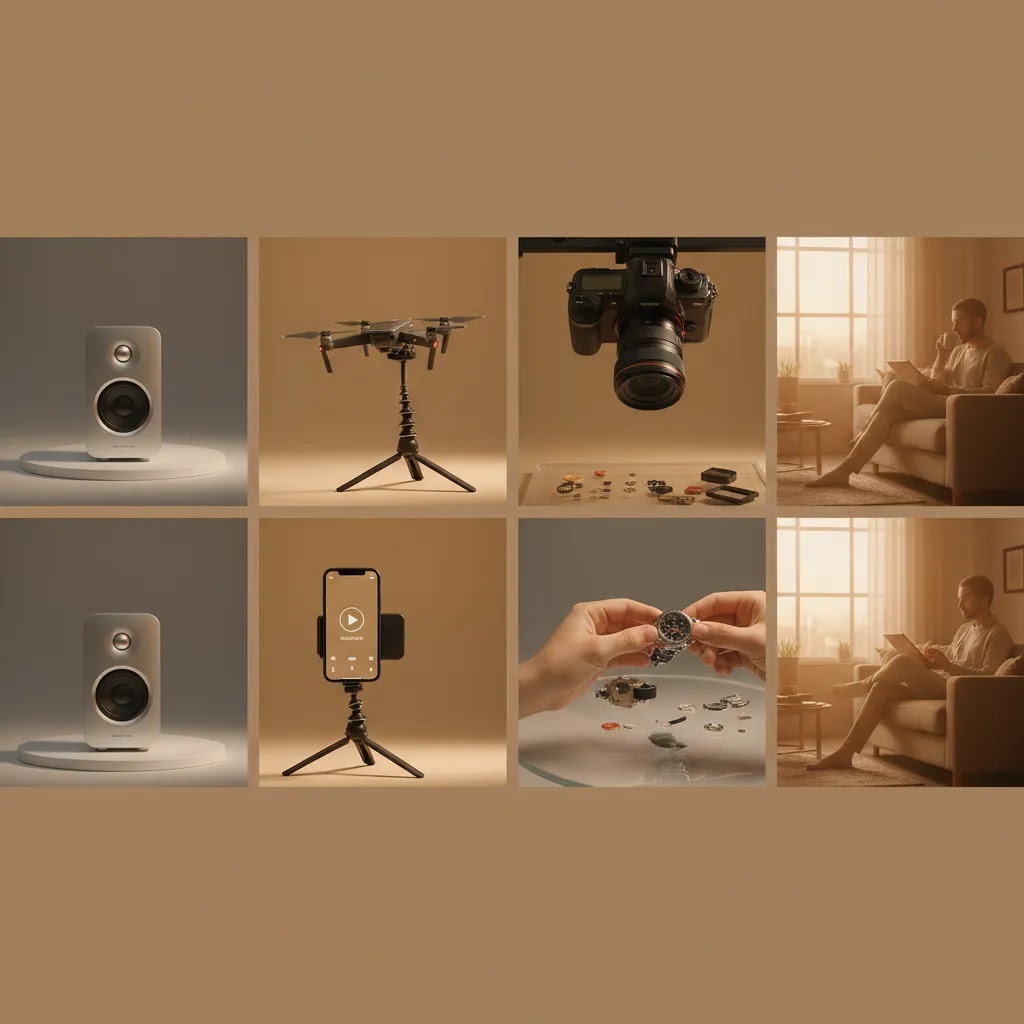
AI can speed up product video production, but it works best as a support layer rather than a substitute for merchandising strategy. The strongest use cases are background cleanup, creative variation, light editing, and generating more visual assets from existing product imagery.
Based on the current AcquireConvert product data, the most relevant tools in this workflow include Creator Studio, Magic Photo Editor, and supporting image tools such as AI Background Generator. These are not direct video editors in the traditional sense, but they can help you create cleaner product assets that feed into motion creative, animated scenes, and ad variations.
For ecommerce teams testing ai product videos or ai generated product videos, the real win is usually speed. You can create more creative angles from the same source assets, test different visual styles, and reduce time spent on repetitive editing tasks. That is useful if you need frequent ad refreshes or want to build multiple product page clips around one SKU.
Still, there are trade-offs. AI-assisted visuals may look polished but generic if the prompts, product context, or brand standards are weak. If you are exploring ad creative specifically, reviewing an ai ad generator approach can help you decide where automation saves time and where human review is still essential. If your focus is creator-style selling content, the AI UGC Content category is also worth exploring.
Using online product video makers and templates (when it makes sense, and when it does not)
Online product video makers and template-based editors can be useful, but only if you are clear on the job. Think of it this way, templates are great for consistency and speed. They are not great for proving things that require real-world footage.
When templates are a good fit
Template-based workflows tend to work best when you need volume, consistency, and fast iterations. Common examples include batching multiple SKU variants, turning existing product photos into short clips, creating quick seasonal refreshes for ads, or producing simple feature highlight videos with on-screen text.
This is also where photo-to-video can make sense. If the product is visually straightforward and you already have strong imagery, a short animated sequence can be enough to support ads or add motion to a collection page. You still need to keep it honest, motion does not replace proof, but it can help you test angles faster.
When real footage matters more
If you sell anything where fit, texture, movement, or performance is the deciding factor, real footage usually does the heavy lifting. Apparel fit is hard to fake convincingly. Fabric texture, grip, pour speed, suction strength, and “how it actually installs” are all trust moments. Template edits can support these videos, but they cannot replace the proof.
A lightweight template workflow you can repeat
The way this works in practice is pretty simple. Start with one consistent template that matches your brand, then swap in SKU-specific shots, update on-screen text to match the product’s real selling points, and export channel variants for 9:16, 1:1, and 16:9. If you keep your hook styles and text placement consistent, you can iterate quickly without your ads and product pages feeling like a random mix of creative.
Guardrails for brand and compliance
Templates make it easier to scale, which also makes it easier to publish something misleading by accident. Avoid exaggerated “before and after” claims unless you can support them and they fit current ad platform policies, which can change over time. Keep the product representation accurate, color, finishes, included accessories, and size should match what ships. No matter how automated your process is, human review before publishing is still the best way to protect trust and reduce unnecessary returns.
Pros and Cons
Strengths
- Product videos can show movement, scale, texture, and usage in ways still images cannot.
- They often help answer common pre-purchase questions, which may improve buyer confidence on product pages.
- One core video shoot can be repurposed across Shopify product pages, paid social ads, email, and landing pages.
- Short video formats are well suited to mobile shoppers who want quick visual proof before buying.
- AI-assisted workflows can help create more variations and reduce repetitive editing time.
- UGC-style and problem-solution formats can make products feel more relatable than polished studio-only creative.
Considerations
- Bad product videos can hurt clarity if they focus on mood instead of actual product information.
- Production can become expensive or slow if you try to create every format at once.
- AI-generated assets may need careful review to avoid unrealistic visuals or off-brand presentation.
- Some low-priced or simple products may not justify a complex video workflow on every SKU.
Who should invest in product videos
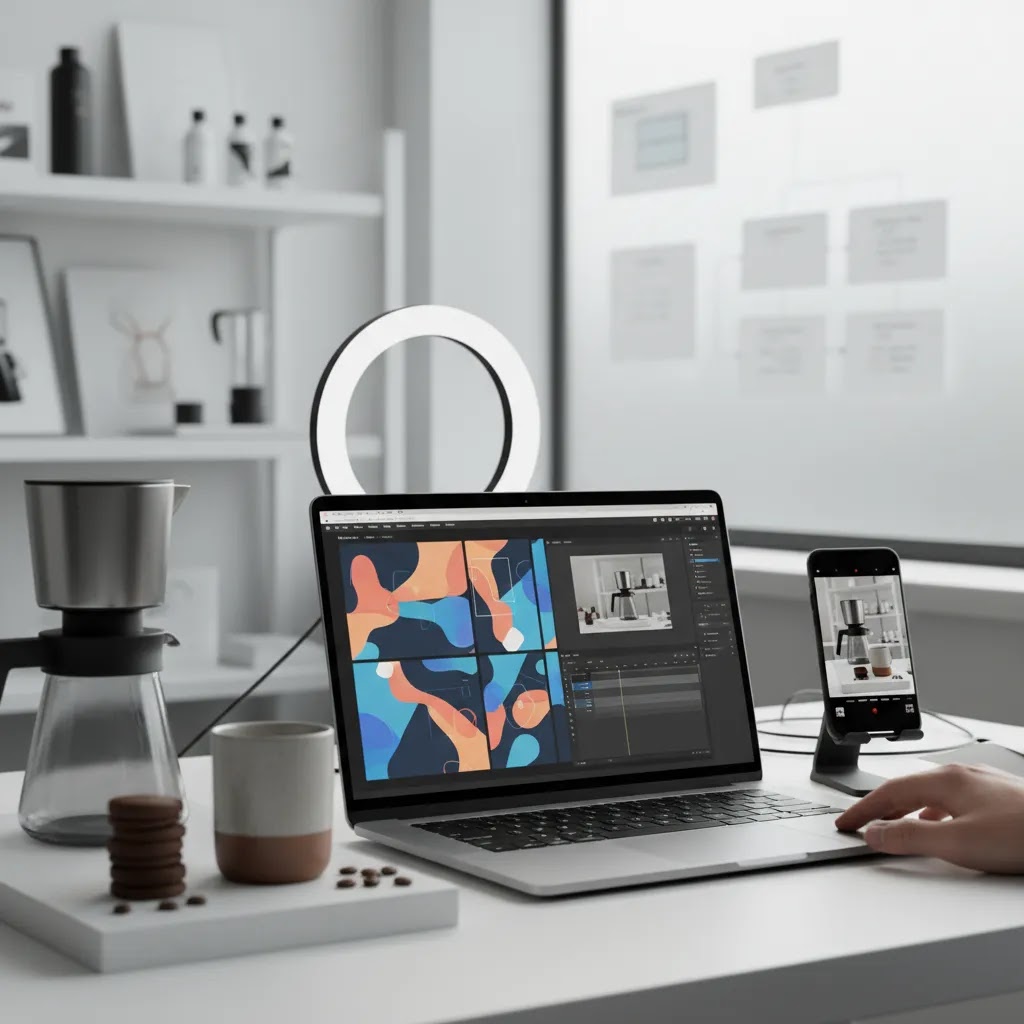
Product videos make the most sense for ecommerce brands where shoppers need to see the item in action before buying. That includes fashion, cosmetics, accessories, kitchen tools, fitness products, electronics, home goods, and products with setup, transformation, or demonstration value.
For Shopify merchants in particular, videos are usually a strong investment when your traffic is healthy but conversion rate lags because customers still have unanswered questions. They are also useful when your paid ads need stronger creative variation or when returns suggest buyers are misreading size, texture, color, or use case from static images alone.
If you only have time to start small, focus on hero SKUs, best sellers, and products used in acquisition campaigns first.
AcquireConvert recommendation
If you are evaluating how to make product videos work for your store, the smartest approach is to treat video as part of your broader ecommerce conversion system, not as a standalone creative task. That is where AcquireConvert is useful. Giles Thomas brings a practitioner perspective as a Shopify Partner and Google Expert, which matters when you are deciding how product page media, paid traffic, and merchandising all connect.
For next steps, explore the wider Product Video & Animation category, review the relationship between product videos and video advertising, and compare AI-assisted production options through related resources like ai ad generator content. If your issue starts earlier in the visual workflow, improving your setup through a better product photography studio process can make every later video asset easier to produce.
How to choose the right product video approach
There is no single best product video formula for every store. What matters is fit. Here are the criteria I would use if you are deciding what to make first.
1. Match the video to the buying objection
If customers need to understand how the item works, make a demo. If they need to imagine it in their life, make a lifestyle video. If trust is the issue, test UGC-style content or simple founder-led clips.
2. Prioritize your highest-leverage SKUs
Start with best sellers, high-margin products, or items used in acquisition campaigns. Those products are more likely to give you enough traffic and data to judge whether the video is helping.
3. Think channel first
Product page videos, ad creatives, and social clips have different jobs. A product page video should explain. An ad should grab attention fast. A retargeting clip should remind the shopper why the product mattered. Edit accordingly.
4. Use AI where it removes bottlenecks
AI is useful for asset generation, background edits, and variation testing. It is less useful if you expect it to replace product knowledge, customer insight, or brand taste. If your team struggles with repetitive visual tasks, AI can help speed production. If your core issue is messaging, solve that first.
5. Build a repeatable workflow
The goal is not one perfect video. It is a system. That may include a fixed shot list, standard captions, reusable opening hooks, template edits, and a review checklist for product accuracy. Many brands improve results not by making more expensive videos, but by making more consistent ones.
Also remember that video performance is tied to creative context. Cleaner source footage, better lighting, stronger scripts, and simpler editing usually matter more than advanced software. If backgrounds are distracting, fix them. If the opening seconds are slow, tighten them. If the product benefit is unclear, rewrite the script before you shoot again.
Frequently Asked Questions
Do product videos really help ecommerce sales?
They can, especially when they answer questions that photos and copy leave unresolved. Product videos may improve confidence by showing use, fit, texture, size, or setup. The effect depends on product type, traffic quality, page design, and how well the video matches shopper intent. They are usually most helpful where visual proof affects purchase decisions.
What type of product video should I make first?
Start with a short demo or feature walkthrough for your best-selling product. That format is often the most versatile because you can use it on product pages, in paid ads, and in retargeting. If your category is style-led or highly visual, a lifestyle clip may be the better first test. Choose based on the main buying objection.
How long should product videos be?
For most ecommerce uses, shorter is better. Product page videos often work well in the 15 to 45 second range, while paid social hooks may need to land within the first 3 seconds. Longer formats can work for complex products, but only if each section adds clarity. If the video repeats what the customer already knows, trim it.
What is the best size and format for product videos?
A safe baseline for ecommerce is MP4 (H.264) because it tends to be widely supported and plays reliably in most contexts. For sizing, many stores keep three aspect ratios on hand, 9:16 for vertical placements, 1:1 for square placements, and 16:9 for horizontal placements. Resolution targets like 1080p are usually enough, and compression matters because very large files can slow down product pages. The best choice depends on your theme, your media placement, and where the video will also be used in ads.
Where should I use product videos (product page, homepage, ads, or email)?
Start where the video has a clear job. Product pages are often the best first place because the video can answer buying objections right before purchase. Ads are useful when you need the video to win attention fast and earn the click. Email can work well for launches, abandoned cart flows, and post-purchase education, as long as the video supports a single action. Homepages can benefit too, but only if the video helps shoppers find a path to products rather than acting as vague brand ambiance.
Can I make a product video from photos?
Yes. Photo-to-video is a common way to add motion quickly, especially for simple products or for creating multiple variants for ads. The tradeoff is that photos usually cannot prove fit, performance, or real-world behavior the way live footage can. If you go this route, keep the visuals accurate, keep on-screen claims consistent with your product page, and review everything before publishing.
What makes a product video “high-converting” (what should it include)?
In most cases it comes down to clarity and objection handling. Show the product immediately, demonstrate the main use case, include closeups that prove texture or details, and add captions for muted viewing. A strong product video also stays focused on one core message, answers the most common hesitation points, and ends with a clear next step that matches the channel, such as “see details” for ads or reinforcing the key feature on a product page.
Can I create product videos with AI?
Yes, but AI usually works best as part of the workflow rather than the whole workflow. It can help with visual variations, background editing, image enhancement, and generating supporting creative assets. You still need accurate product representation, a clear message, and human review. AI can speed output, but it should not introduce confusion or unrealistic visuals.
Are ai generated product videos good enough for ads?
Sometimes, especially for concept testing and creative iteration. If you need multiple angles quickly, AI-assisted content can be useful for early ad testing. Once you identify a winning message, many brands still refine with real footage, stronger brand styling, or UGC-style editing. The best choice depends on how realistic and trustworthy the final asset looks.
What makes a good product video on Shopify?
A good Shopify product video is clear, fast, mobile-friendly, and tied to the product page’s job. It should answer real buyer questions, load reasonably well, and support the media gallery rather than distract from it. Strong Shopify execution usually means showing the product immediately, adding captions, and keeping the video tightly focused on decision-making details.
Should I use UGC-style videos or studio videos?
Usually both, but for different jobs. Studio videos are better for clarity, consistency, and premium presentation. UGC-style videos can feel more believable and socially familiar in ads, especially for beauty, wellness, and consumer products. If resources are limited, start with the format that best addresses your biggest conversion challenge rather than chasing variety too early.
How do I measure whether product videos are working?
Watch product page engagement, add-to-cart rate, conversion rate, return reasons, and ad creative performance where relevant. Try to compare before and after using similar traffic conditions, or run structured tests on high-volume SKUs. The goal is not just more views. It is whether the video helps better-qualified shoppers make a more confident purchase decision.
Do simple products need videos too?
Not always. If the item is low-cost, visually obvious, and rarely questioned by customers, the return on video production may be lower. Still, a simple clip can help if it demonstrates texture, scale, or everyday use in a way that improves understanding. Start where uncertainty is highest, not where production feels easiest.
Key Takeaways
- Product videos work best when they answer specific buying objections, not when they just look polished.
- Start with best-selling or high-traffic SKUs so you can evaluate impact with real store data.
- Match the format to the channel: demos for product pages, hooks for ads, reminders for retargeting.
- AI can help speed asset creation and editing, but human review is still essential for trust and accuracy.
- A repeatable workflow usually matters more than expensive production.
Conclusion
Product videos are worth the effort when they make buying easier. For most ecommerce stores, that means showing the product clearly, handling objections fast, and creating assets you can reuse across product pages, ads, and retention campaigns. You do not need a massive production budget to get there. You need a clear goal, a smart workflow, and a format that fits how your customers shop. If you want more practical guidance, explore AcquireConvert’s resources on Product Video & Animation, related video backgrounds tactics, and AI-assisted creative workflows. Giles Thomas’s Shopify Partner and Google Expert perspective keeps the focus where it should be: better ecommerce decisions, grounded in real store execution.
This article is editorial content created for educational purposes and is not a paid endorsement unless explicitly stated otherwise. Pricing, product availability, and tool features are subject to change, so verify current details directly with the provider. Any performance outcomes discussed are illustrative only and not guaranteed.

Hi, I'm Giles Thomas.
Founder of AcquireConvert, the place where ecommerce entrepreneurs & marketers go to learn growth. I'm also the founder of Shopify agency Whole Design Studios.